AI TOOL PROFILE
SpecLens | AI-Powered Product Specification Comparison Tool

- Productivity
- Product Management
- Procurement teams
- Engineers
- Small to mid-sized businesses with complex vendor sourcing
- Enterprise procurement departments
Pricing
SpecLens uses a freemium model. The Explorer plan is free ($0/month, 1 comparison/month), the Builder plan is $20/month (200 credits), and the Architect plan is $50/month (750 credits).
At a glance
- Best for
- Procurement teams, Engineers, Small to mid-sized businesses with complex vendor sourcing, Enterprise procurement departments
- Key use cases
- Multi-Vendor Comparison, RFP Compliance Analysis, Single Vendor Analysis, Facilities Equipment Evaluation
- Integrations
- Excel export, PDF export, PowerPoint export
- Official website
- Visit SpecLens official website
How AI is used
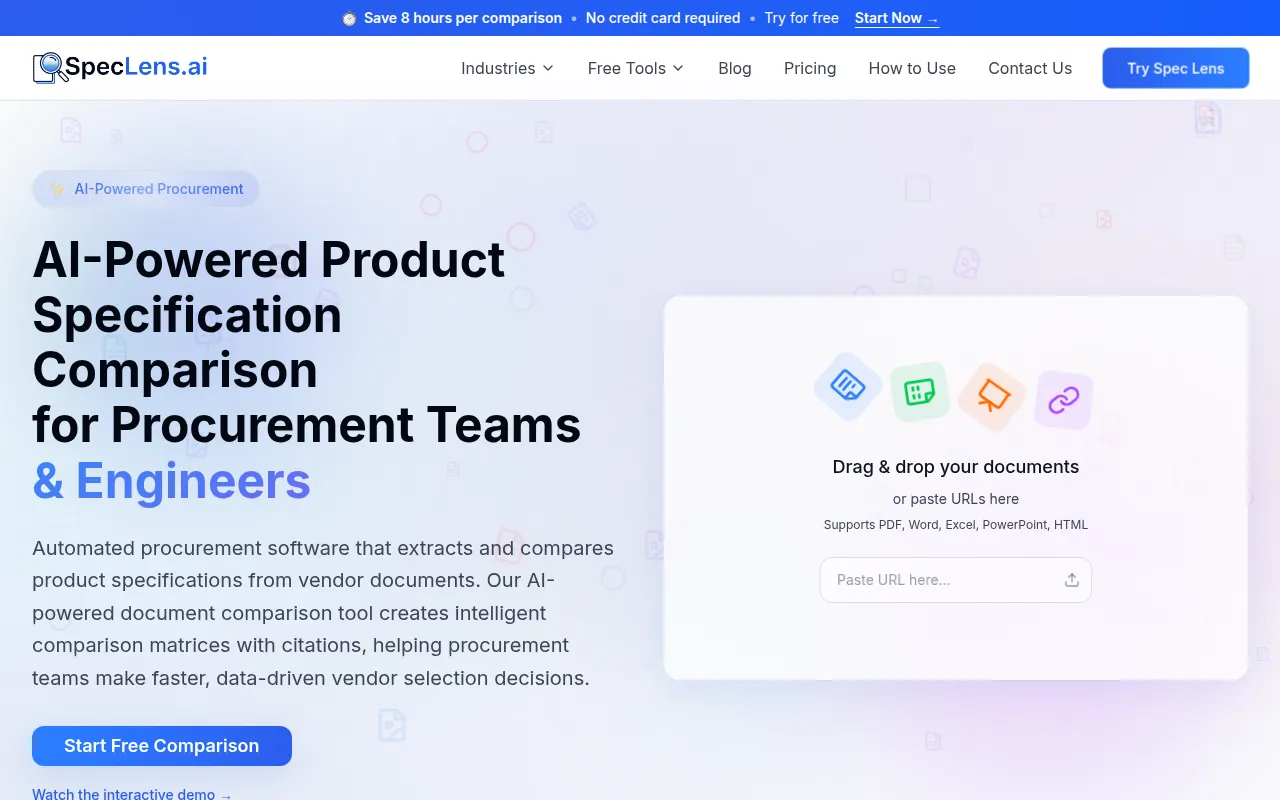
SpecLens is a procurement intelligence tool designed to reduce manual spreadsheet entry when comparing vendor specifications. It extracts data from PDFs, Word documents, Excel files, PowerPoint presentations, and web URLs to generate side-by-side comparison tables.
The tool is intended for procurement professionals and engineers in industries such as IT, healthcare, manufacturing, and construction. It supports the normalization of different units and formats so that disparate vendor sheets can be compared on a consistent basis.
Beyond extraction, the software provides an AI-generated executive summary, gap analysis to identify missing specifications, and a chat interface for querying the comparison results. Extracted values include source citations and confidence scores to help users verify data.
Buyers should consider their monthly document volume when choosing a plan, as paid tiers use a credit system where one credit equals one page.
Key Features
Multi-Format Extraction
Supports data extraction from PDF, Word, Excel, PowerPoint, and web URLs.
Comparison Matrix
Creates side-by-side tables that highlight differences, matches, and specification gaps across multiple vendors.
Source Citations
Links extracted values to the original document with page references and confidence scores for verification.
Unit Normalization
Standardizes units, formats, and naming conventions from various vendors to support direct comparison.
Ask AI Chat
A natural language interface that allows users to ask questions about the compared documents and receive cited answers.
RFP Compliance Check
Maps vendor responses against a baseline RFP document to help identify non-compliant proposals and gaps.
Use Cases
Multi-Vendor Comparison
Comparing technical specifications from several competing suppliers to determine the best hardware or software fit.
RFP Compliance Analysis
Checking vendor proposals against specific RFP requirements to shortlist compliant bidders.
Single Vendor Analysis
Extracting structured specifications from a single complex product datasheet for internal review.
Facilities Equipment Evaluation
Comparing technical ratings for HVAC, security systems, or building automation platforms across different manufacturers.
Integrations
- Excel export
- PDF export
- PowerPoint export
FAQ
What file formats does SpecLens support for extraction?
- SpecLens supports PDF, Microsoft Word (.doc/.docx), Excel (.xls/.xlsx), PowerPoint (.ppt/.pptx), and web URLs (HTML).
How does the SpecLens credit system work?
- Paid plans provide a set number of credits per month, where one credit is equal to one page processed by the AI.
Is the extracted data verified?
- The tool provides confidence scores and direct source citations with page numbers, allowing users to verify the extracted data against the original document.
Which plan is best for a professional needing more than one comparison?
- The Builder plan at $20/month provides 200 credits and unlimited comparisons based on credit usage.
Source category: Productivity
Source subcategory: Product Management
More tools in Productivity
Other published listings in the Productivity category.


More tools in the Product Management software type
Related listings that share the same software type for comparison and shortlisting.