AI TOOL PROFILE
SonarQube for IDE: Static Code Analysis Tool

- Software Development
- Static Code Analysis
- Software companies
- Developers using VS Code or JetBrains
- Teams using AI-assisted coding tools
- Organizations using SonarQube Server or Cloud
Pricing
The IDE extension is free. Optional paid plans are available for connected SonarQube Server or Cloud components.
At a glance
- Best for
- Software companies, Developers using VS Code or JetBrains, Teams using AI-assisted coding tools, Organizations using SonarQube Server or Cloud
- Key use cases
- AI Code Verification, Early Vulnerability Detection, Standardizing Team Code Quality, Reducing PR Churn
- Integrations
- VS Code, IntelliJ, Visual Studio, Eclipse, JetBrains family
- Official website
- Visit sonarlint official website
How AI is used
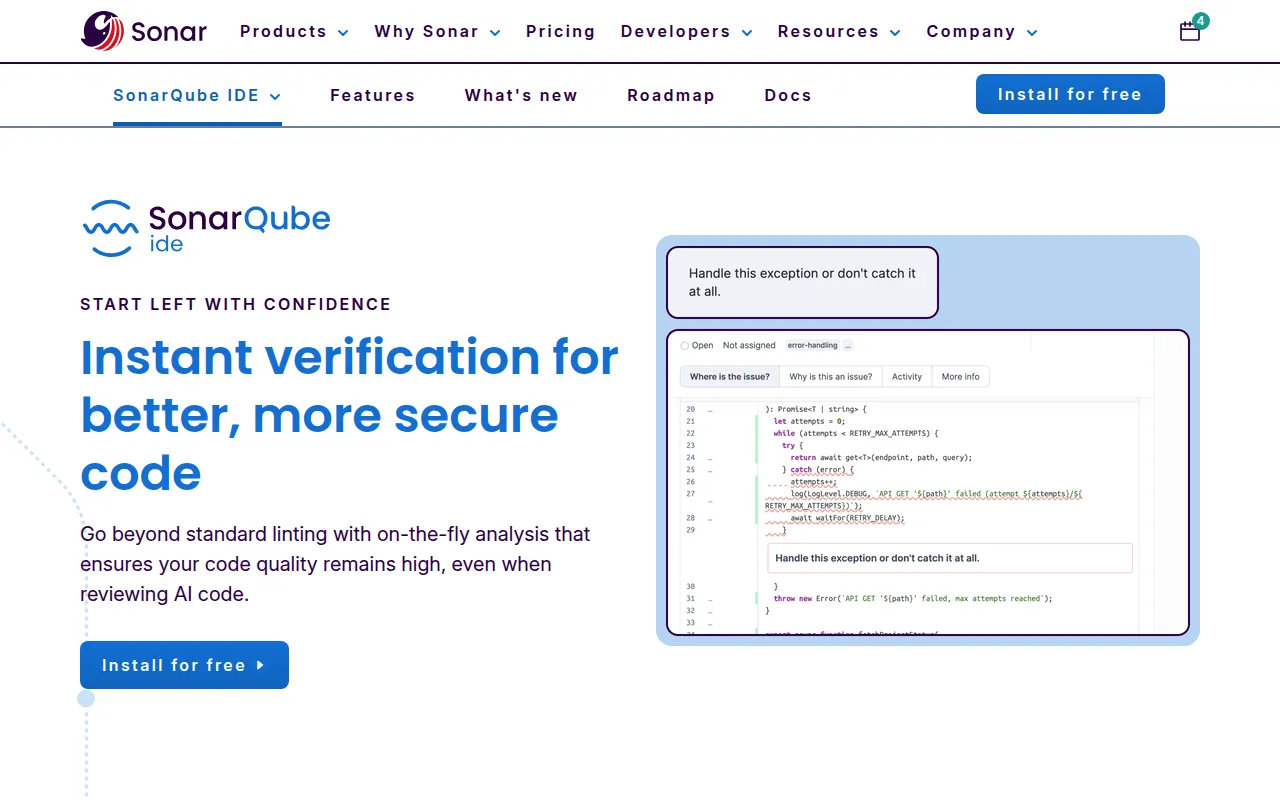
SonarQube for IDE (formerly SonarLint) is a free IDE extension designed to provide real-time feedback on code quality and security. It highlights issues such as bugs, vulnerabilities, and code smells as developers write.
The tool supports developers working in various environments, including standard IDEs and AI-native editors. It supports over 20 programming languages and is intended to help catch defects early in the development cycle before code is committed to a repository.
For teams requiring centralized governance, the tool can connect to SonarQube Server or SonarQube Cloud. This connection synchronizes local analysis with team-wide rules and quality profiles, which may reduce discrepancies between local development and CI/CD gates.
Buyers should confirm if their specific IDE is supported and whether they require the governance features provided by server-side components for team alignment.
Key Features
Real-time Static Analysis
Provides on-the-fly detection of bugs, code smells, and vulnerabilities as code is written.
Secrets Detection
Identifies potential sensitive data like API keys and passwords before they are committed.
Quick Fixes
Suggests solutions adapted to the specific code to help repair flagged issues.
Connected Mode
Synchronizes local analysis with rules and quality profiles from SonarQube Server or Cloud.
New Code Focus
Filters issue lists to highlight problems introduced in the current development cycle.
Language Support
Supports over 20 languages, including Java, Python, JavaScript, C#, and Go.
Use Cases
AI Code Verification
Checking the security and quality of code generated by AI assistants.
Early Vulnerability Detection
Identifying security hotspots and injection patterns during the writing phase.
Standardizing Team Code Quality
Using Connected Mode to help developers follow the same quality profiles.
Reducing PR Churn
Fixing issues locally to support passing CI quality gates.
Integrations
- VS Code
- IntelliJ
- Visual Studio
- Eclipse
- JetBrains family
- Cursor
- Windsurf
- Trae
- GitHub Codespaces
- GitPod
- SonarQube Server
- SonarQube Cloud
FAQ
What is SonarQube for IDE?
- It is a free IDE extension that provides real-time static analysis to help developers find and fix bugs, vulnerabilities, and code smells as they write.
Which IDEs are supported?
- It supports Visual Studio, VS Code, Eclipse, the JetBrains family, and AI-native editors like Cursor, Windsurf, and Trae.
Is SonarQube for IDE free?
- Yes, the plugin is free to install from the IDE marketplace, though connecting it to SonarQube Server or Cloud for team synchronization may involve paid options.
Does it support AI-generated code?
- Yes, the tool is designed to provide real-time verification and analysis for both developer-written and AI-assisted code.
Source category: Software Development
Source subcategory: Static Code Analysis
More tools in Software Development
Other published listings in the Software Development category.


More tools in the Static Code Analysis software type
Related listings that share the same software type for comparison and shortlisting.