AI TOOL PROFILE
Screenster: Visual Regression Testing Software

- Software Development
- Test Automation
- Software Companies
- Development Teams
- QA Teams
- Non-technical testers
Pricing
Paid plans were previously listed at $25, $45, and $75 per month, but the product was made free to run locally without restrictions after August 2023.
At a glance
- Best for
- Software Companies, Development Teams, QA Teams, Non-technical testers
- Key use cases
- Visual Regression Testing, Codeless UI Automation, Cross-Resolution Verification, Data-Driven Testing
- Integrations
- JIRA integration
- Official website
- Visit screenster official website
How AI is used
Screenster is a UI automation platform designed for visual regression testing. It allows users to create tests by recording interactions with a web page, which may reduce the need to manually write scripts for many test cases. The tool identifies when UI elements have moved, changed, or been deleted by comparing current runs against a baseline.
It is intended for development and QA teams who need to ensure that updates to CSS or HTML do not break the visual layout for end users. The platform supports on-premise deployment for offline use or browser-based access via the cloud.
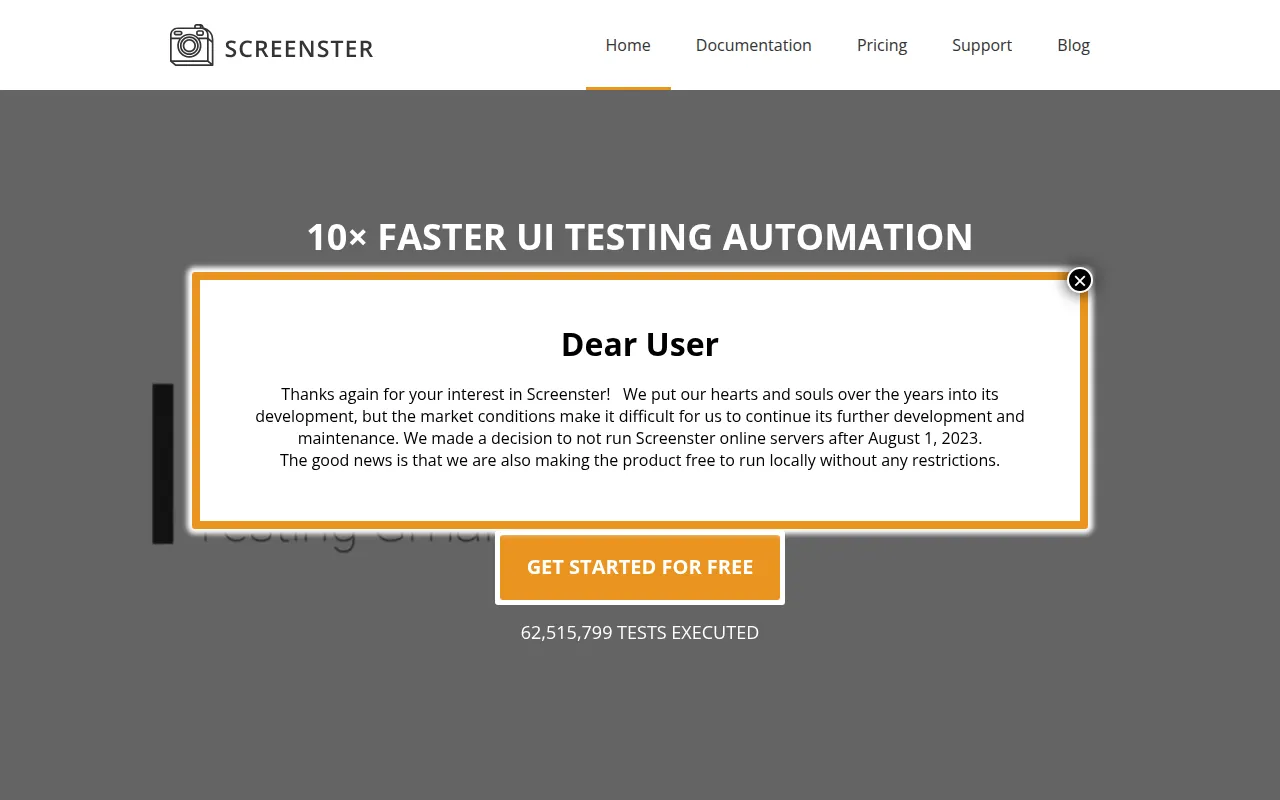
Buyers should confirm current availability and support, as the vendor discontinued official online server operations in August 2023 and transitioned the product to be free for local installations.
Key Features
Codeless Test Creation
Records user interactions with web pages to create tests without requiring manual coding.
Automatic Visual Change Detection
Uses algorithms to compare current test runs to a baseline to identify new, deleted, or changed content.
Self-Healing Selectors
Automatically locates moved or changed page elements to help maintain tests as the UI evolves.
AI-Driven Timing
Uses AI to determine the time to wait before proceeding to the next step during test execution.
Flexible Deployment
Supports cloud execution and local on-premise installation for offline use.
Hybrid Testing Support
Allows for a combination of recorded tests and hand-coded Selenium tests written in JavaScript or Java.
Use Cases
Visual Regression Testing
Detecting unintended UI changes across web pages by comparing screenshots of different versions.
Codeless UI Automation
Creating functional UI tests by recording a sequence of user actions on a website.
Cross-Resolution Verification
Comparing web content across multiple screen resolutions to support visual consistency.
Data-Driven Testing
Executing the same test against different URLs or sets of parameters using datasets.
Integrations
- JIRA integration
FAQ
Can Screenster be used without an internet connection?
- Yes, Screenster supports local installation, which allows it to run offline without an internet connection.
Do I need to know how to code to use Screenster?
- No, the tool is designed for codeless test creation by recording user interactions, although it supports custom Selenium code for advanced users.
What happened to Screenster's cloud servers?
- The vendor stopped running online servers after August 1, 2023, and made the product free to run locally.
Source category: Software Development
Source subcategory: Test Automation
More tools in Software Development
Other published listings in the Software Development category.


More tools in the Test Automation software type
Related listings that share the same software type for comparison and shortlisting.


