AI TOOL PROFILE
AutomationHQ: No-Code Test Automation Software

- Software Development
- Test Automation
- Software development teams
- QA managers
- Startups
- Manual testers transitioning to automation
- Technology executives
Pricing
AutomationHQ offers a freemium model with a free basic plan. A Startup Program is also available, providing a 1-year free license and free consulting.
At a glance
- Best for
- Software development teams, QA managers, Startups, Manual testers transitioning to automation, Technology executives
- Key use cases
- Agile In-Sprint Automation, Enterprise Platform Testing, Regulatory Compliance Testing, Managed QA for Startups
- Integrations
- Jira, Slack, GitHub, Jenkins, GitLab
- Official website
- Visit automationhq official website
How AI is used
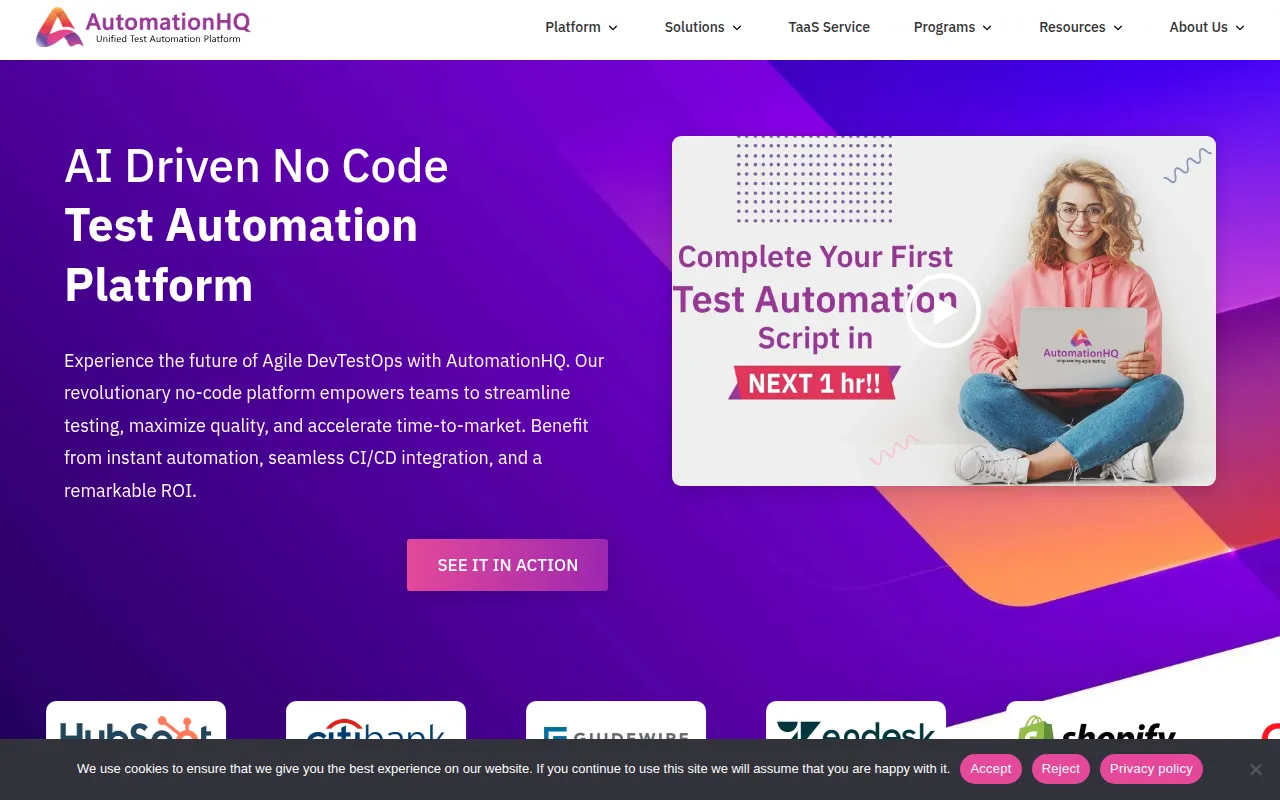
AutomationHQ is a no-code test automation platform that supports web, mobile, and API testing. It is designed for various roles, including manual testers, QA managers, product owners, and technology executives, allowing them to create and execute tests without writing complex scripts.
The tool helps teams handle regression, performance, and security testing through an AI-driven interface. It includes features such as self-healing tests and automated test case generation, which may help maintain test suites as applications evolve. It also supports Agile workflows via in-sprint automation and CI/CD pipeline integration.
For organizations without an internal QA team, the platform offers a managed service known as Test Automation as a Service (TaaS) to handle script development and execution. Buyers should confirm if the no-code approach meets their specific technical requirements and how the platform fits into their existing DevOps toolchain.
Key Features
No-Code Test Creation
A drag-and-drop interface and recording capability that helps users create test scripts without writing code.
AI-Driven Self-Healing
AI tools designed to adjust test scripts to adapt to changes in the application UI.
AI Test Case Generation
Generates test cases based on application data and converts them into automated scripts.
API Virtualization
Simulates API behaviors to support testing of services in isolated environments.
Performance and Security Testing
Functionality to evaluate system stability under load and identify security vulnerabilities across web and mobile platforms.
CI/CD Integration
Supports continuous testing by integrating into delivery pipelines for automated execution.
Use Cases
Agile In-Sprint Automation
Creating and executing automated tests alongside development within the same sprint to provide feedback.
Enterprise Platform Testing
Using pre-built test steps designed for platforms such as SAP, Salesforce, Workday, and NetSuite.
Regulatory Compliance Testing
Validating adherence to industry standards such as HIPAA for healthcare or PCI DSS for financial transactions.
Managed QA for Startups
Using Test Automation as a Service (TaaS) to maintain quality assurance without an in-house QA team.
Integrations
- Jira
- Slack
- GitHub
- Jenkins
- GitLab
- Azure DevOps
FAQ
Who can use AutomationHQ if they don't know how to code?
- The platform features a no-code interface and recording capabilities, allowing manual testers and non-technical stakeholders to create and manage automated tests.
Does AutomationHQ support specific enterprise platforms?
- Yes, it provides tailored test steps and customizable automation for platforms such as SAP, Salesforce, Workday, and NetSuite.
Is there a free version of AutomationHQ?
- AutomationHQ offers a free basic plan with no-code functionality and a trial period that does not require a credit card.
Source category: Software Development
Source subcategory: Test Automation
More tools in Software Development
Other published listings in the Software Development category.


More tools in the Test Automation software type
Related listings that share the same software type for comparison and shortlisting.


