AI TOOL PROFILE
Sapling: AI Writing Assistant and API Toolkit

- Productivity
- AI Writing Assistant
- Developers
- Customer service managers
- Sales operations leads
- Enterprise support teams
Pricing
Sapling offers a free plan, a Pro plan at $25/month (or $12/month with annual billing), and enterprise pricing starting at $15/seat/month for teams of 10 or more.
At a glance
- Best for
- Developers, Customer service managers, Sales operations leads, Enterprise support teams
- Key use cases
- Customer Support Workflows, Application Development, Quality Monitoring, Knowledge Distribution
- Integrations
- ServiceNow, Salesforce, Zendesk, Amazon Connect, Twilio Flex
- Official website
- Visit Sapling official website
How AI is used
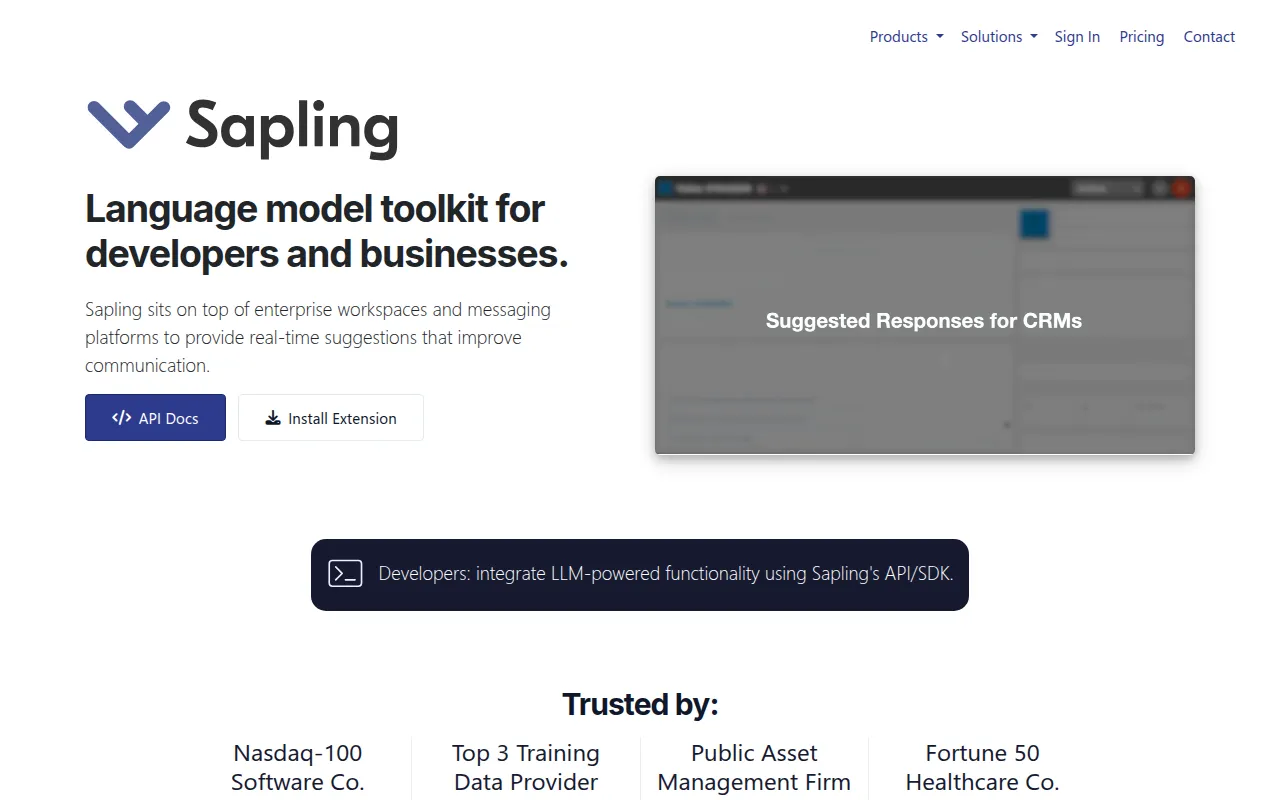
Sapling is a developer-focused platform that provides a language model API and SDK. It is designed to let businesses embed real time writing assistance, such as grammar and spell checking, directly into their own software or existing enterprise workspaces.
The tool is for developers building applications and for operations managers in customer service, sales, and support who want to support team messaging consistency. It supports functions ranging from autocomplete to AI-generated content detection.
Buyers should confirm whether they need a cloud-based solution or if their security requirements necessitate the self-hosted deployment options Sapling provides. Because it offers both an assistant and a developer toolkit, users should determine which implementation path fits their technical resources.
Key Features
Real time Grammar and Spell Checking
Uses machine learning to identify and suggest corrections for language quality issues as users type.
Autocomplete Suggestions
Provides predictive typing suggestions across messaging platforms to help users compose replies.
Snippet Macros
Allows users to create and insert vetted common responses using text expansion shortcuts.
AI Content Detection
Identifies whether text was generated by AI, which may help monitor responses in customer service.
Rephrasing Tools
Supports adjusting the formality, length, or syntax of sentences.
Developer API and SDK
Provides endpoints and wrappers for integrating text preprocessing, classification, and correction into custom web applications.
Use Cases
Customer Support Workflows
Supporting response preparation by using autocomplete and snippet macros to handle common inquiries.
Application Development
Integrating grammar and spell checking into a custom-built chat application via API.
Quality Monitoring
Using AI content detection and quality scoring to monitor the consistency of agent responses.
Knowledge Distribution
Maintaining a shared snippet library to help team members use consistent, approved messaging.
Integrations
- ServiceNow
- Salesforce
- Zendesk
- Amazon Connect
- Twilio Flex
FAQ
Does Sapling have a free trial?
- Yes, individuals can sign up for a free 1-month trial of the Pro plan without providing a credit card.
Who is Sapling designed for?
- It is designed for developers who need to integrate language models into apps, as well as sales and support teams looking to support messaging efficiency.
What security features does Sapling provide?
- Sapling uses TLS and AES-256 encryption and offers self-hosted deployment, PII redaction, and SSO for enterprise users.
Source category: Productivity
Source subcategory: AI Writing Assistant
More tools in Productivity
Other published listings in the Productivity category.


More tools in the AI Writing Assistant software type
Related listings that share the same software type for comparison and shortlisting.


