AI TOOL PROFILE
BoostDraft: Legal Document Editor for MS Word

- Legal
- AI Writing Assistant
- Transactional lawyers
- Law firms
- Corporate legal departments
- Legal professionals using Windows and MS Word
Pricing
BoostDraft uses a subscription fee per user. There is no requirement for a minimum number of users or a mandatory enterprise license.
At a glance
- Best for
- Transactional lawyers, Law firms, Corporate legal departments, Legal professionals using Windows and MS Word
- Key use cases
- Contract Review and Navigation, Cross-Format Document Comparison, Legal Document Proofreading, Secure Offline Drafting
- Integrations
- Microsoft Word
- Official website
- Visit boostdraft official website
How AI is used
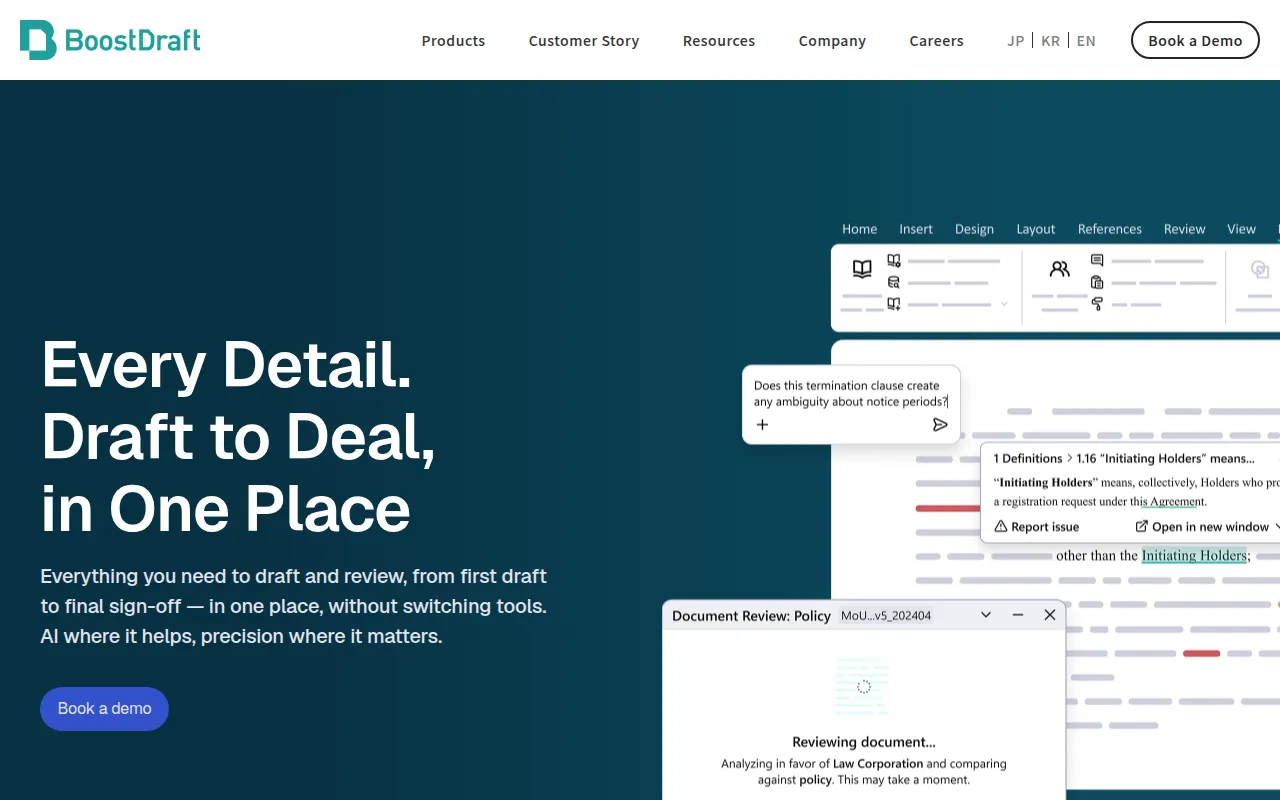
BoostDraft is a specialized editor that functions as a Microsoft Word add-on, designed to assist transactional lawyers with legal drafting. It enhances the existing Word environment, allowing users to maintain their current workflow while adding assisted navigation and review tools.
The software is built for legal professionals in law firms and corporate legal departments who handle complex contracts. It supports common tasks such as locating definitions, cross-referencing sections, and maintaining consistent formatting across documents.
Because it runs locally on Windows devices without requiring an internet connection, it is designed for environments with strict data security and privacy requirements. The vendor does not use generative AI to avoid hallucinations and security risks.
Buyers should confirm that their systems meet the Windows 10 and Office 2016 requirements, as the software is not supported on Mac.
Key Features
Definition and Section Popups
Provides one-click access to defined terms and section references to reduce manual scrolling.
Clause Highlighting
Underlines and highlights key clauses to help users navigate complex legal logic.
Smart Formatting
Supports the alignment of fonts, styles, and numbering to maintain consistency in legal documents.
BoostDraft Compare
Supports document comparison across Word, PDF, Excel, and PowerPoint files.
OCR for Scans
Includes optical character recognition to convert flat scanned documents into machine-readable text for comparison.
Local Offline Operation
Runs on-device without internet connectivity, which helps ensure document data is not transmitted externally.
Use Cases
Contract Review and Navigation
Using definition and section reference pop-ups to review terms without manually searching the document.
Cross-Format Document Comparison
Comparing different versions of a contract across various file types, such as PDF and Word.
Legal Document Proofreading
Using clause highlighting and smart formatting to identify inconsistencies in a draft.
Secure Offline Drafting
Drafting sensitive legal documents in an environment where data is kept on-premise.
Integrations
- Microsoft Word
FAQ
Does BoostDraft use generative AI?
- No, BoostDraft does not integrate generative AI due to security concerns and the risk of AI hallucinations.
Can BoostDraft be used on a Mac?
- No, BoostDraft currently only supports Windows 10 and above.
Is an internet connection required for BoostDraft?
- No, the software runs locally on the device and does not require an internet connection to operate.
How is BoostDraft priced?
- It is available via a subscription fee per user, with no minimum user requirement or enterprise license needed.
Source category: Legal
Source subcategory: AI Writing Assistant
More tools in Legal
Other published listings in the Legal category.



More tools in the AI Writing Assistant software type
Related listings that share the same software type for comparison and shortlisting.


