AI TOOL PROFILE
RightHair: AI Virtual Hairstyle Try-On

- Other
- Virtual Try-On
- Beauty professionals
- Hair stylists
- Individuals planning a style change
- Event attendees
Pricing
RightHair offers free daily credits. Paid options include one-time credit packages, such as 50 credits for $20 or 150 credits for $29.9, and a monthly subscription of $9.9 for 50 credits per month.
At a glance
- Best for
- Beauty professionals, Hair stylists, Individuals planning a style change, Event attendees
- Key use cases
- Pre-Salon Consultations, Special Event Planning, Personal Style Exploration, Professional Headshot Visualization
- Official website
- Visit RightHair official website
How AI is used
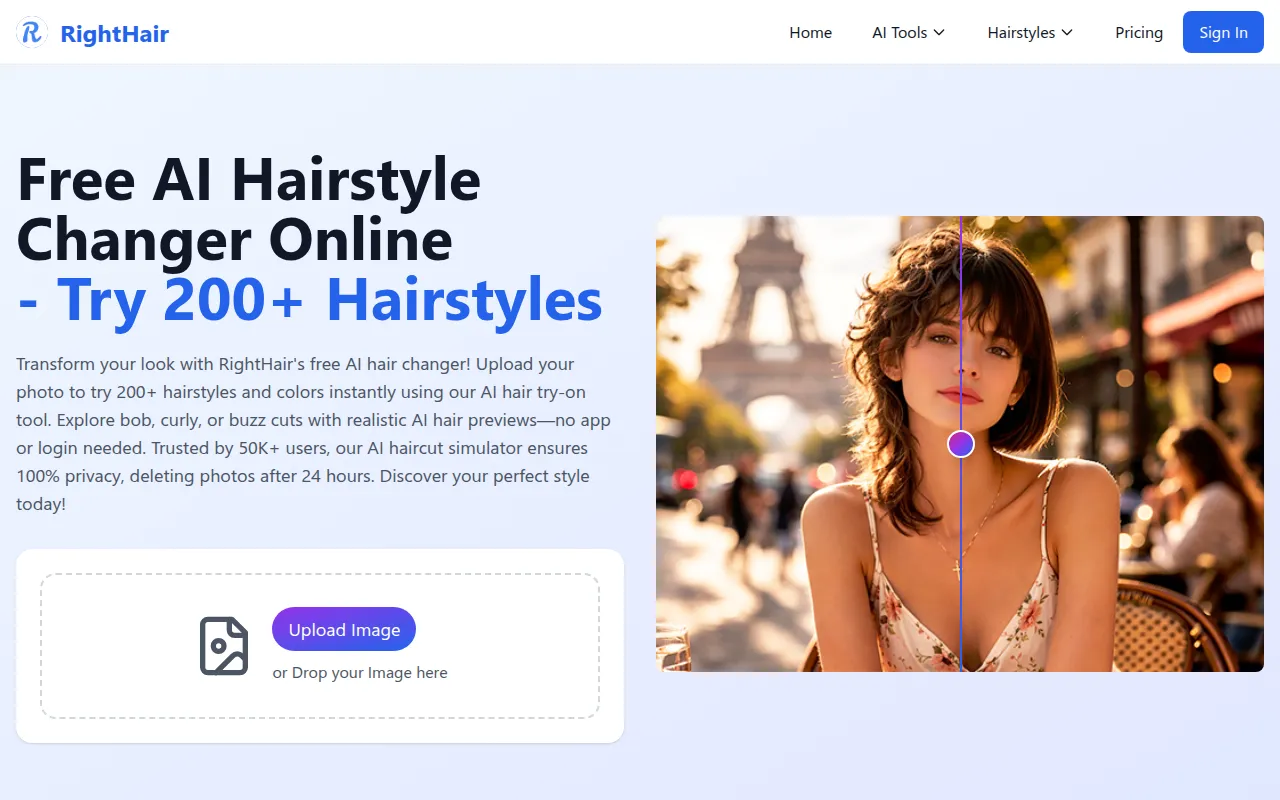
RightHair is a browser-based AI platform for virtual hairstyle and color experimentation. It allows users to upload a photo and apply various cuts, colors, and facial filters without requiring a download or account for basic use.
The tool is designed for beauty professionals using it during consultations, as well as individuals planning looks for special events. It provides a range of options from different hair cuts to various tones.
Beyond hair, the platform includes facial AI tools such as beard, age, and makeup generators. Buyers should note that the service uses a credit system for certain transformations and that photos are deleted after 24 hours.
Users should confirm if the credit-based pricing fits their volume of needs and whether the available library covers the specific styles they intend to preview.
Key Features
Virtual Hairstyle Try-On
Access to over 200 hairstyles, including styles such as bobs, curly hair, and buzz cuts.
Hair Color Changer
Supports previewing 20+ different hair colors and shades.
AI Facial Filters
Includes tools for bald, beard, age, smile, and makeup simulations.
Face Shape Detector
Analyzes facial structure to provide hairstyle recommendations.
Automated Photo Deletion
Uploaded photos are designed to be automatically deleted from servers after 24 hours.
Use Cases
Pre-Salon Consultations
Stylists and clients may use the tool to create visual references for a look before applying color or cutting hair.
Special Event Planning
Brides and event attendees can preview styles and colors to coordinate with their occasion.
Personal Style Exploration
Users can experiment with colors or different lengths to see how they fit their face shape.
Professional Headshot Visualization
The AI headshot generator helps users visualize professional looks for profiles or resumes.
FAQ
How does RightHair pricing work?
- The tool offers free daily credits. For additional use, buyers can choose a monthly subscription for $9.9 (50 credits/month) or one-time credit packages such as $20 for 50 credits.
Is it necessary to download an app to use RightHair?
- No, RightHair is a browser-based platform that requires no download.
What happens to the photos uploaded to the platform?
- RightHair states that photos are processed securely and automatically deleted from their servers after 24 hours.
Can beauty professionals use this with their clients?
- Yes, the tool is designed for stylists to use as a client tool to show potential results before performing a service.
Source category: Other
Source subcategory: Virtual Try-On
More tools in Other
Other published listings in the Other category.


More tools in the Virtual Try-On software type
Related listings that share the same software type for comparison and shortlisting.


