AI TOOL PROFILE
restoreit | Cloud File Restoration

- Operations
- Backup and Recovery
- IT service providers
- Managed Service Providers (MSPs)
- Computer repair shops
- Small business owners with logical data loss
Pricing
Pricing is per device: Scan ($89 one-time), Pro ($249 one-time), Cloud storage ($79/year), and Protection ($29/month).
At a glance
- Best for
- IT service providers, Managed Service Providers (MSPs), Computer repair shops, Small business owners with logical data loss
- Key use cases
- Recovering accidentally deleted files, Data retrieval after formatting, Ransomware recovery support, Addressing file system corruption
- Official website
- Visit restoreit official website
How AI is used
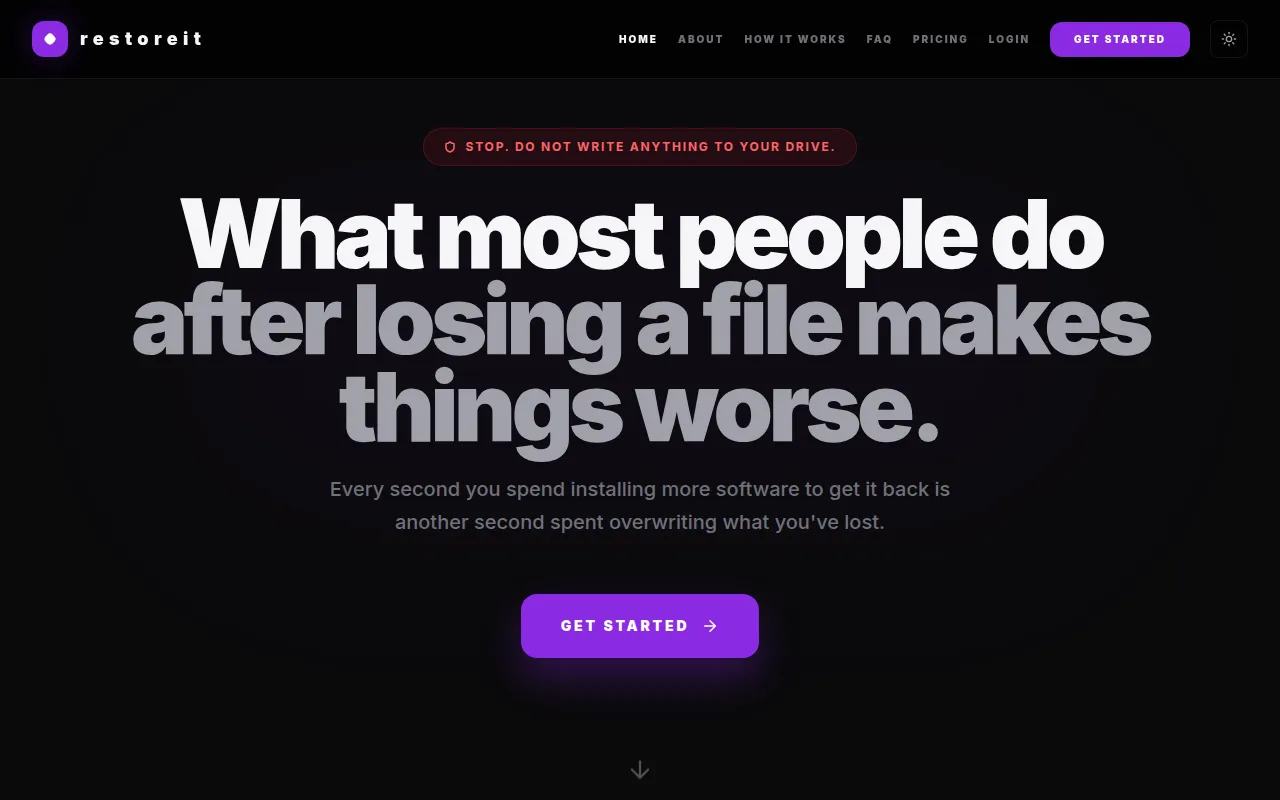
restoreit is a cloud-based recovery tool designed to retrieve deleted or lost files from storage drives. Unlike traditional recovery software that requires local installation, this tool uses a memory-only relay that runs in RAM to stream raw drive sectors to a cloud engine for analysis.
It is designed for cases of logical data loss, such as accidental deletions, file system corruption, or ransomware encryption. The platform supports multiple file systems, including APFS, HFS+, NTFS, exFAT, and ext4.
For professional users, the platform provides a REST API and Model Context Protocol (MCP) to help IT service providers and MSPs incorporate recovery capabilities into their workflows.
Buyers should confirm that their drive is physically functional before use, as the tool is not designed for hardware failures like crashed read/write heads or water damage.
Key Features
Memory-only relay
Uses a lightweight script in RAM to read drive sectors without writing data to the disk.
Cloud engine analysis
Streams raw sectors to a cloud-based engine that uses algorithms to reconstruct files from binary patterns.
Multi-file system support
Supports APFS, HFS+, NTFS, exFAT, and ext4 file systems.
Data encryption
Uses TLS 1.3 for data in transit and AES-256 for data at rest.
Developer API
Provides REST endpoints, webhook callbacks, and a Model Context Protocol for AI agent connectivity.
Use Cases
Recovering accidentally deleted files
Scanning drives to locate and restore files that were deleted by mistake.
Data retrieval after formatting
Using sector-level scanning to reconstruct files from drives that have been formatted.
Ransomware recovery support
Searching for original unencrypted data that may remain on the disk beneath the encrypted layer.
Addressing file system corruption
Retrieving data from drives experiencing logical corruption or partition loss.
FAQ
How does restoreit differ from traditional recovery software?
- Traditional tools often require installation on the affected drive, which may overwrite deleted data. restoreit uses a relay that runs in RAM to avoid writing to the disk.
Can restoreit recover files from a physically damaged drive?
- No, restoreit is designed for logical data loss. Drives with physical hardware failures, such as crashed heads or water damage, require a physical cleanroom lab.
What is the difference between the Scan and Pro plans?
- The Scan plan provides a standard scan with 48-hour cloud access, while the Pro plan adds deep sector-level scanning, damaged file reconstruction, and 7-day cloud retention.
Source category: Operations
Source subcategory: Backup & Recovery
More tools in Operations
Other published listings in the Operations category.


More tools in the Backup and Recovery software type
Related listings that share the same software type for comparison and shortlisting.