AI TOOL PROFILE
PhraseExpress Text Expander and Autotext Software

- Productivity
- Workflow Automation
- Help desks
- Call centers
- Law offices
- Medical transcription teams
- Small and medium-sized businesses
Pricing
Pricing was not clearly available from the provided evidence. Buyers should confirm current pricing on the vendor website.
At a glance
- Best for
- Help desks, Call centers, Law offices, Medical transcription teams, Small and medium-sized businesses
- Key use cases
- Standardizing Customer Support, Legal Document Preparation, Medical Reporting, Multi-lingual Communication
- Integrations
- Microsoft Outlook, Dropbox, Microsoft OneDrive, Google Drive, OwnCloud
- Official website
- Visit phrase express official website
How AI is used
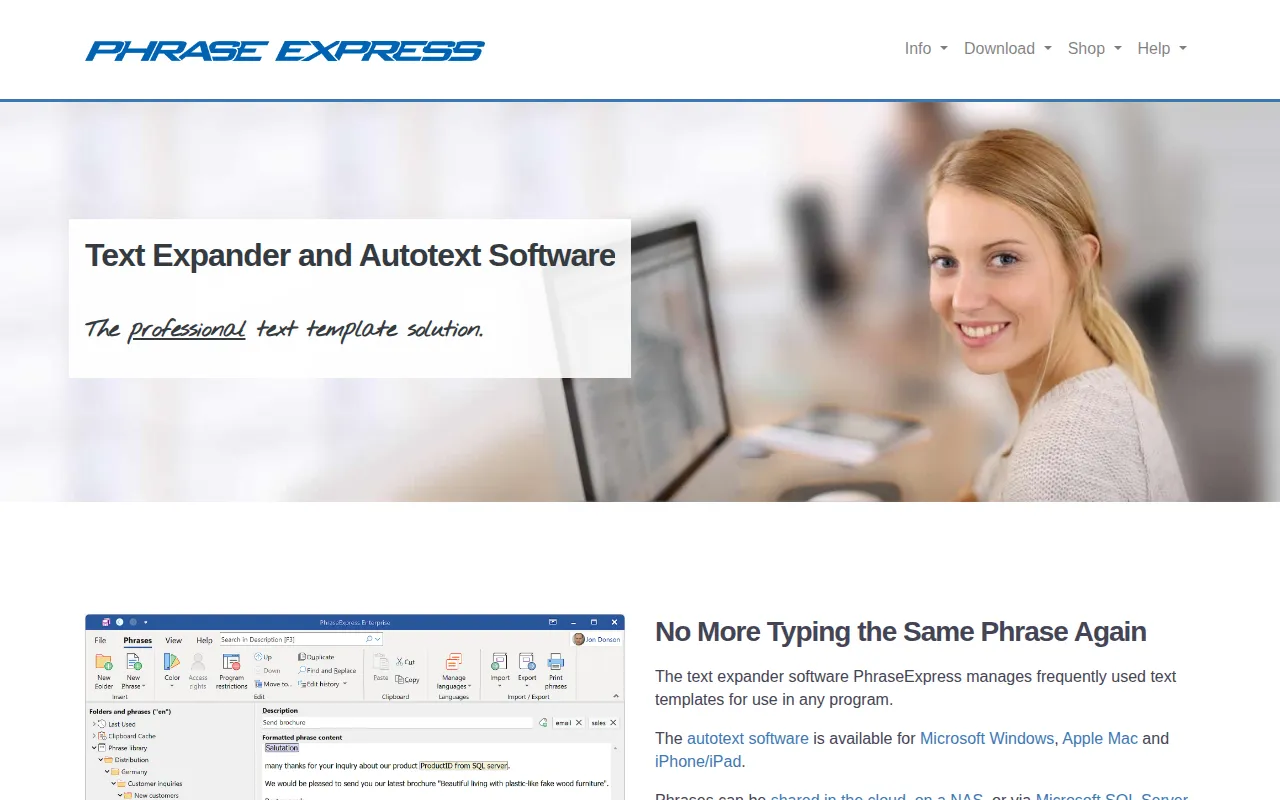
PhraseExpress is a text expander and autotext utility designed to manage frequently used text templates. It allows users to create short abbreviations that expand into full phrases for use in various software programs on Windows, Mac, or iOS.
The tool is intended for business environments where consistent language is helpful, such as call centers or legal practices. It supports team collaboration through cloud synchronization, NAS sharing, or Microsoft SQL Server to help employees access shared phrases.
Buyers should note that some specific features may be limited to the Windows version. The software also provides a portable version for users who may lack permission to install software on their workstations.
Key Features
Text Abbreviation Expansion
Expands short text codes into predefined phrases in any application.
AI-Powered Rewriting
Integrates with cloud or self-hosted AI models to summarize or rewrite phrases in different styles.
Team Phrase Sharing
Supports sharing phrases across a team via cloud services, NAS, or Microsoft SQL Server.
Document Generator
Supports generating documents based on a selection of text templates, such as contracts or reports.
Macro Recorder
Records and plays back repetitive actions to support basic task automation.
Data Security
Offers local installation with AES encryption and password protection for phrase libraries.
Use Cases
Standardizing Customer Support
Using shared text snippets to help help desk and call center agents provide consistent answers.
Legal Document Preparation
Selecting legal terms and templates to assemble contracts via the Document Generator.
Medical Reporting
Inserting common procedure descriptions into medical reports to reduce manual typing.
Multi-lingual Communication
Switching phrase libraries between different languages for use in international call centers.
Integrations
- Microsoft Outlook
- Dropbox
- Microsoft OneDrive
- Google Drive
- OwnCloud
- Synology CloudStation
- Microsoft SQL Server
FAQ
What platforms does PhraseExpress support?
- It is available for Microsoft Windows, Apple Mac, and as an app for iPhone and iPad.
Can PhraseExpress be used by a team?
- Yes, it supports sharing phrases via cloud services, NAS, network-shared folders, or Microsoft SQL Server.
Does PhraseExpress have AI capabilities?
- Yes, it can integrate with AI models such as OpenAI, Claude, and Google Gemini to summarize or rewrite phrases.
Is there a way to use the software without installing it?
- Yes, PhraseExpress is available as portable software, which may allow it to be used on computers where installation permissions are restricted.
Source category: Productivity
Source subcategory: Workflow Automation
More tools in Productivity
Other published listings in the Productivity category.


More tools in the Workflow Automation software type
Related listings that share the same software type for comparison and shortlisting.


