AI TOOL PROFILE
Omnis Studio: Cross-Platform Application Development

- Software Development
- Low-Code Platform
- Solo developers
- Startups
- Software companies
- Enterprise development teams
Pricing
A free Community Edition with lifetime usage is available. A 90-day free trial is offered for professional evaluation of full features.
At a glance
- Best for
- Solo developers, Startups, Software companies, Enterprise development teams
- Key use cases
- Multi-Platform App Deployment, Application Prototyping, Full-Stack Development, Database-Driven Application Tooling
- Integrations
- Oracle, MS SQL Server, PostgreSQL, MySQL, SQLite
- Official website
- Visit omnis studio official website
How AI is used
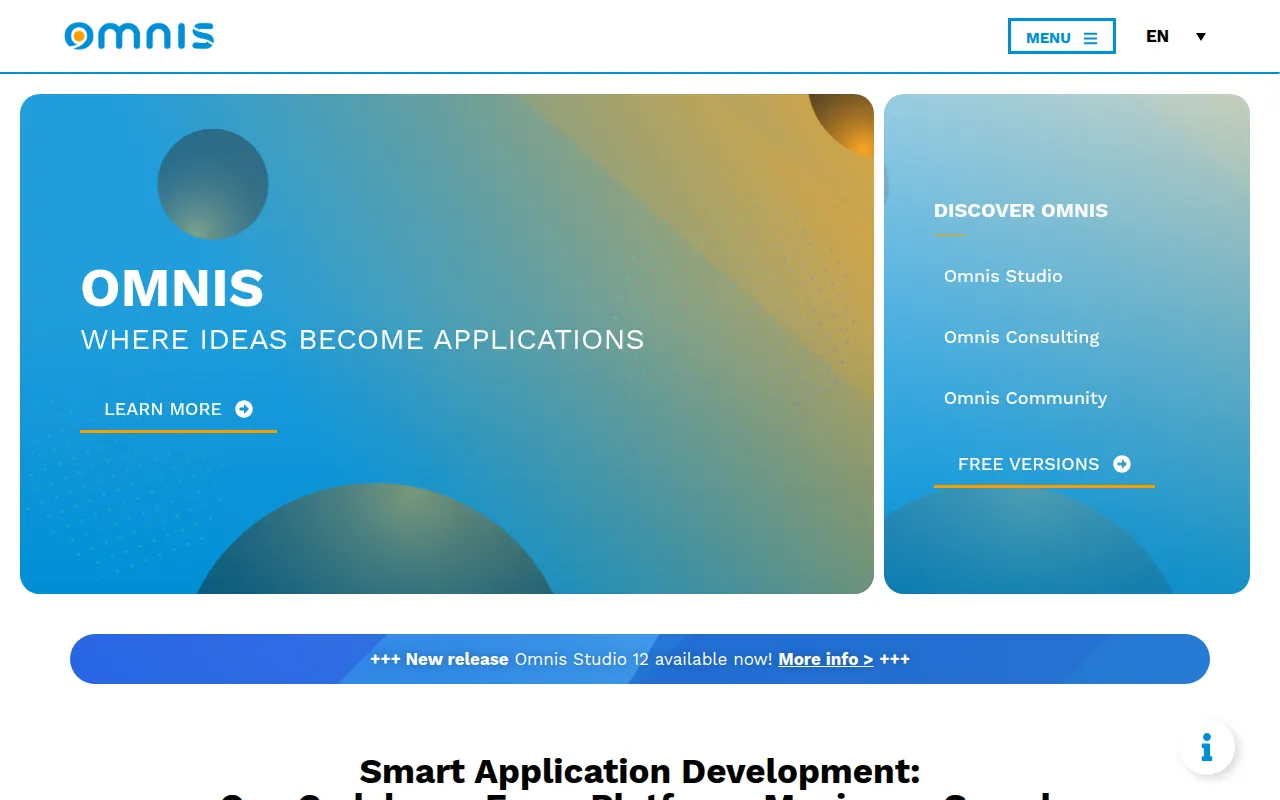
Omnis Studio is a development environment for creating business applications. It combines an integrated IDE with an application server, allowing developers to manage UI design, backend logic, and deployment within one tool.
The platform supports a range of users, including solo developers, startups, and enterprise teams. It utilizes a single codebase for all target platforms, which may reduce the workload required to maintain separate versions for different devices.
Key capabilities include connectivity to several major database systems and tools for rapid prototyping. This supports the workflow of moving from an initial sketch to a functional prototype and then to a full application.
Buyers should confirm their requirements regarding version control and database access, as these features vary between the free community edition and the trial edition.
Key Features
Single Codebase
Supports writing code once for deployment across web browsers, Android, iOS, Windows, and macOS.
Integrated IDE
Includes a development environment with a method editor, debugger, and AI support.
Built-in Application Server
Functions as both a development tool and an application server to manage deployment and server-side logic.
Database Connectivity
Supports connections to Oracle, MS SQL Server, PostgreSQL, MySQL, SQLite, and SAP HANA.
Rapid Prototyping
Includes tools designed to create functional prototypes for client feedback and iterative development.
AI Support
Provides integrated AI capabilities to assist in the development process.
Use Cases
Multi-Platform App Deployment
Developing a single application intended to run on desktops, tablets, and smartphones.
Application Prototyping
Building functional prototypes to verify business requirements before full production.
Full-Stack Development
Developing applications where the IDE and application server are integrated into one platform.
Database-Driven Application Tooling
Building interfaces that connect with data structures from enterprise databases.
Integrations
- Oracle
- MS SQL Server
- PostgreSQL
- MySQL
- SQLite
- SAP HANA
- ODBC
- JDBC
- REST web services
- WSDL web services
FAQ
What platforms can Omnis Studio deploy to?
- It supports deployment to web browsers, Android, iOS, Windows, and macOS from a single codebase.
Is there a free version of Omnis Studio?
- Yes, there is a Free Community Edition with lifetime usage, and a 90-day free trial for full feature evaluation.
What databases does Omnis Studio support?
- It supports Oracle, MS SQL Server, PostgreSQL, MySQL, SQLite, and SAP HANA, as well as ODBC and JDBC compatible databases.
Who is the Community Edition best for?
- It is designed for solo developers, hobbyists, or small teams building web and mobile apps who do not require advanced version control or extensive database options.
Source category: Software Development
Source subcategory: Low-Code Platform
More tools in Software Development
Other published listings in the Software Development category.


More tools in the Low-Code Platform software type
Related listings that share the same software type for comparison and shortlisting.


