AI TOOL PROFILE
CloudOffix | AI-Native Business Platform

- Productivity
- Low-Code Platform
- Small Businesses
- Mid-Market Companies
- Enterprise Companies
- Operations Managers
- IT and SaaS providers
Pricing
Pricing was not clearly available from the provided evidence. A 14-day free trial is available.
At a glance
- Best for
- Small Businesses, Mid-Market Companies, Enterprise Companies, Operations Managers, IT and SaaS providers
- Key use cases
- Consolidating Business Operations, Connecting Disconnected Tools, Automating Workflows with AI, Custom Application Development
- Integrations
- Custom API integrations, Pre-built connectors
- Official website
- Visit cloudoffix official website
How AI is used
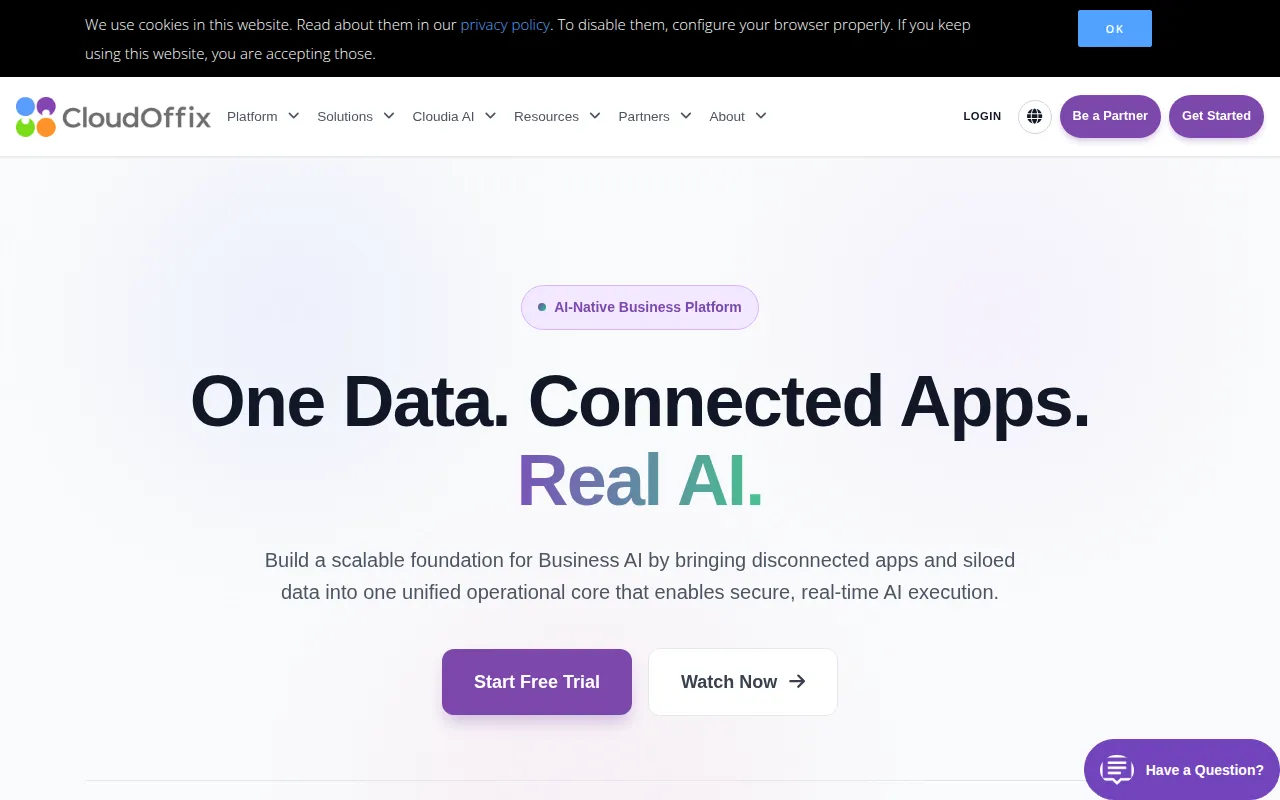
CloudOffix acts as a unified operational core that brings together disconnected applications and siloed data. It provides built-in modules for core business functions and a low-code environment for creating custom apps, which may help businesses avoid the complexity of managing multiple disconnected tools.
The platform is designed for various users across industries such as IT, manufacturing, and professional services. It focuses on aligning employee and customer workflows on a shared data set.
Buyers can use the platform to automate decisions through AI assistants and connect existing software via an API-first architecture. Because it allows for customization via drag-and-drop tools, buyers should confirm if they have the internal capacity to design the specific workflows their business requires.
Security and compliance features include certifications such as ISO 9001 and ISO 27001, alongside GDPR compliance.
Key Features
Low-Code App Builder
Drag-and-drop tools and a visual workflow designer for customizing existing apps or creating new ones.
Data Unification
Consolidates data from various business modules and connected systems into a single shared data core.
AI Assistants and Agents
Includes generative AI assistants, predictive analytics, and autonomous agents that act on business data.
Integration Engine
Uses an API-first architecture with pre-built connectors and bi-directional sync to connect external systems.
Operational Modules
Provides integrated applications for managing Sales, Marketing, Project Delivery, Helpdesk, and HR.
Use Cases
Consolidating Business Operations
Managing sales, marketing, and HR processes within one platform to maintain a single view of customer and employee records.
Connecting Disconnected Tools
Using the API and integration engine to sync data between existing local software and a central operational core.
Automating Workflows with AI
Deploying AI agents to prioritize tasks and route requests based on operational data.
Custom Application Development
Building tailored business applications using low-code tools to fit unique operational models.
Integrations
- Custom API integrations
- Pre-built connectors
FAQ
What does CloudOffix do?
- CloudOffix unifies data, applications, and business processes into a single platform, offering modules for sales, marketing, HR, and support alongside AI automation tools.
Does CloudOffix offer a free trial?
- Yes, the platform offers a 14-day free trial.
Who is CloudOffix designed for?
- It is designed for businesses of various sizes across industries such as IT, manufacturing, and retail.
How does CloudOffix handle security and compliance?
- CloudOffix uses 256-bit SSL encryption and is compliant with GDPR, with ISO 9001 and ISO 27001 certifications.
Source category: Productivity
Source subcategory: Low-Code Platform
More tools in Productivity
Other published listings in the Productivity category.


More tools in the Low-Code Platform software type
Related listings that share the same software type for comparison and shortlisting.


