AI TOOL PROFILE
Convertigo: Open Source Low-Code and No-Code Platform

- Software Development
- Low-Code Platform
- Small and medium-sized businesses
- Enterprise IT departments
- Citizen developers
Pricing
Convertigo offers a free Community Edition, a Starter Edition at 20€/user/month (which includes the No-Code studio), and an Enterprise Edition with custom pricing.
At a glance
- Best for
- Small and medium-sized businesses, Enterprise IT departments, Citizen developers
- Key use cases
- Field Maintenance Apps, Customer Relationship Management, Audit and Compliance Tracking, Logistics and Fleet Management, Banking Portals
- Integrations
- REST, SOAP, SQL, OData, LDAP
- Official website
- Visit convertigo official website
How AI is used
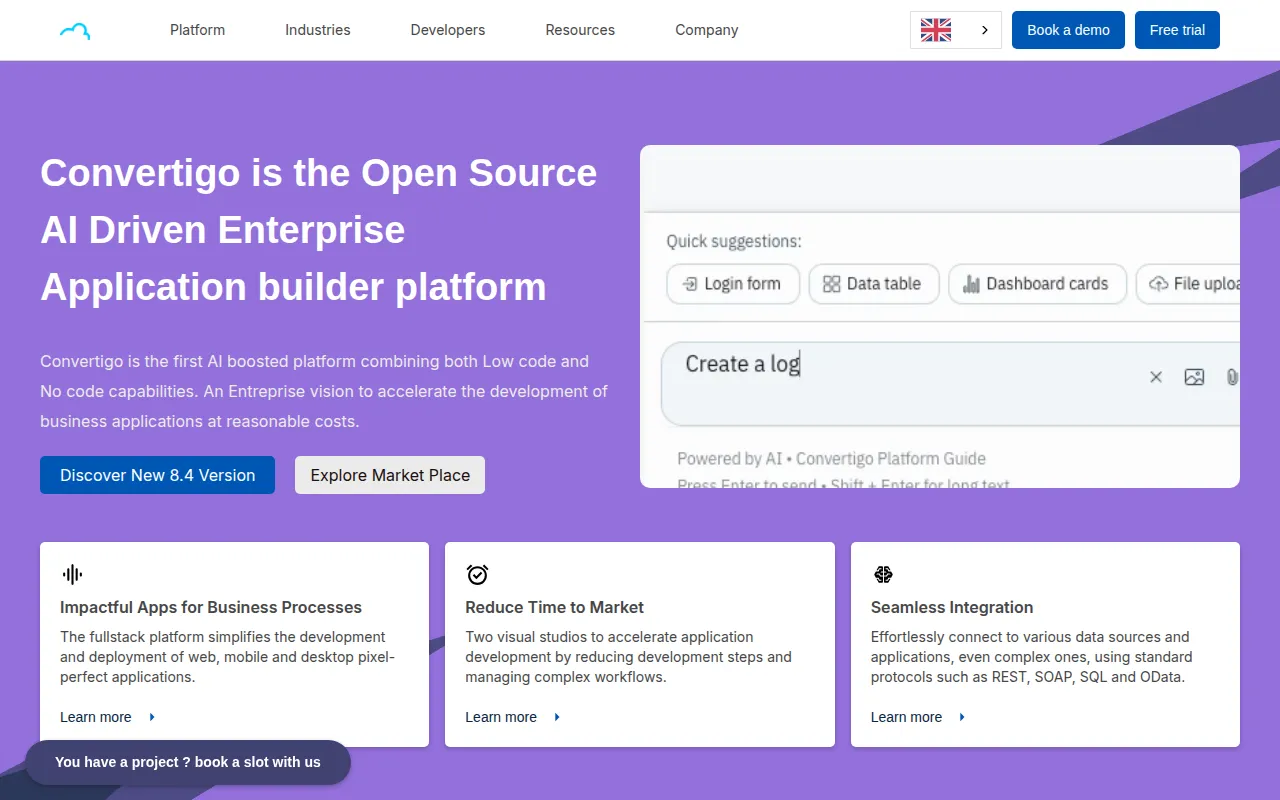
Convertigo is an open-source application builder providing two environments: a Low-Code studio for professional IT teams and a No-Code studio for business users. This approach allows IT departments to manage secure data sources and back-end logic while non-technical staff build user interfaces and forms.
The platform supports the development of web, mobile, and desktop applications. It includes AI capabilities for prototype generation and coding assistance, and supports offline data management through its Full Sync technology, which synchronizes data when a connection is restored.
Buyers should confirm the technical requirements for the Low-Code studio. Additionally, buyers should verify pricing tiers, as the No-Code studio is not available in the free Community Edition.
Key Features
Dual Studio Environment
Provides a Low-Code studio for IT developers to create secure data sources and a No-Code studio for business users to build applications.
AI-Powered Automation
Integrates ChatGPT and Mistral AI to help with application prototyping and coding assistance.
Full Sync Technology
Supports offline functionality, allowing applications to operate without internet and sync data upon reconnection.
Data Connectivity
Includes over 300 connectors and supports standard protocols such as REST, SOAP, SQL, and OData.
Deployment Options
Applications can be hosted on-premises or via a managed cloud environment.
Use Cases
Field Maintenance Apps
Supports the creation of tools for scheduling, tracking, and reporting for maintenance tasks.
Customer Relationship Management
Designed for building custom CRM tools to centralize customer contacts and sales activities.
Audit and Compliance Tracking
Supports applications for data collection and compliance tracking during quality audits.
Logistics and Fleet Management
Used for creating tools for vehicle tracking and monitoring of delivery conditions.
Banking Portals
Supports the development of secure portals for managing financial data.
Integrations
- REST
- SOAP
- SQL
- OData
- LDAP
- OAuth
- OpenID
- SAP Bapi
FAQ
What is the difference between the No-Code and Low-Code studios?
- The Low-Code studio is for IT professionals to create secured data sources and actions, while the No-Code studio allows business users to build applications using those sources.
Is Convertigo's Community Edition free?
- Yes, the Community Edition is free for students and self-hosted proofs of concept, though it does not include the No-Code studio.
Can Convertigo apps work without an internet connection?
- Yes, it uses Full Sync technology to support offline data management, synchronizing data once connectivity is restored.
Source category: Software Development
Source subcategory: Low-Code Platform
More tools in Software Development
Other published listings in the Software Development category.


More tools in the Low-Code Platform software type
Related listings that share the same software type for comparison and shortlisting.


