AI TOOL PROFILE
MuseGen: AI Music Generation Software

- Productivity
- Content Creation
- Content creators
- Marketing professionals
- Game developers
- Podcasters
- Filmmakers
Pricing
MuseGen offers a freemium model with a free plan allowing 3 songs per day. Paid monthly and yearly subscriptions are available, with annual billing providing a 50% discount.
At a glance
- Best for
- Content creators, Marketing professionals, Game developers, Podcasters, Filmmakers
- Key use cases
- Social Media Content, Podcast Production, Game and App Audio, Corporate Branding, Video Production
- Official website
- Visit MuseGen official website
How AI is used
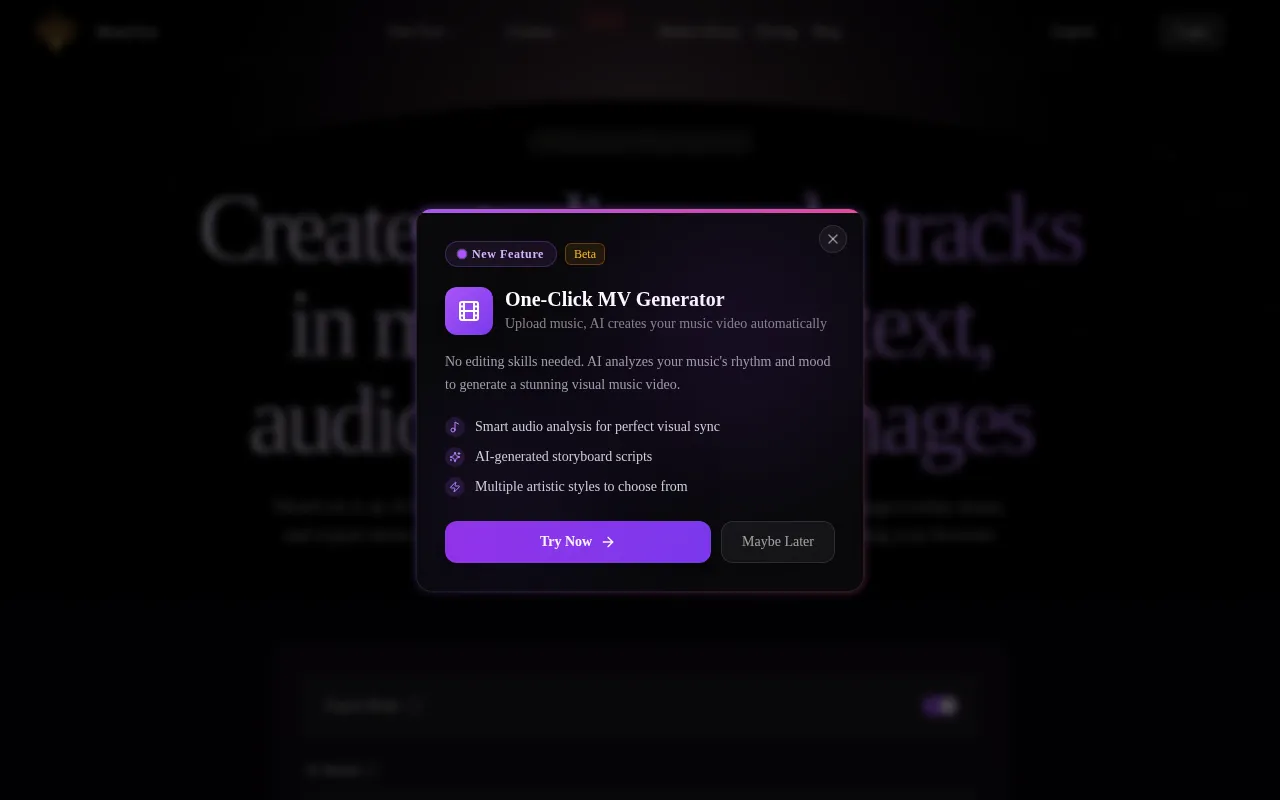
MuseGen is a browser-based tool designed to generate music tracks using AI. Users can create compositions by providing text descriptions, lyrics, or reference images, with support for various genres such as Pop, Lo-fi, Jazz, and Cinematic.
The software is geared toward creative professionals, including podcasters, game developers, and marketing leads who need audio assets for their projects. It includes options for adjusting BPM and arranging song sections such as verses and choruses.
Beyond generation, the tool provides options for refining audio, such as multi-track separation and in-painting for specific instruments. This allows users to export individual stems or MIDI files for further adjustment in a digital audio workstation.
Buyers should confirm the differences between the free and paid tiers, particularly regarding commercial use rights and the number of songs that can be generated per day.
Key Features
Text-to-Music Generation
Creates melodies and beats based on natural language descriptions of mood, style, or lyrics.
Multi-Track Audio Separation
Separates audio into layers such as vocals, drums, bass, melody, and harmony.
WAV and MIDI Export
Supports downloading audio as WAV stems and MIDI files for use in other production software.
In-Painting Editing
Supports section-aligned trimming and regeneration of specific tracks or segments.
Customizable Arrangement
Supports setting the BPM and defining the song structure, including intros, verses, and bridges.
Multi-Genre Support
Generates music across various styles, including EDM, Hip-hop, Classical, and Lo-fi.
Use Cases
Social Media Content
Creating background music for TikTok, YouTube, and Instagram Reels.
Podcast Production
Generating intros, transitions, and background tracks for audio episodes.
Game and App Audio
Producing atmospheric loops and soundtracks for gaming applications.
Corporate Branding
Developing custom songs and jingles for advertising and corporate presentations.
Video Production
Creating scores and background music for ads and short films.
FAQ
Do I need musical experience to use MuseGen?
- No, the tool is designed to compose melodies and beats automatically from text prompts without requiring instruments or production skills.
What is included in the free plan?
- The free plan allows users to generate up to 3 songs per day.
Can I use the music generated by MuseGen for commercial projects?
- Commercial use is listed as a feature of the paid subscription plans; users should verify the specific terms of their chosen plan.
What file formats are supported for export?
- MuseGen supports exporting audio as WAV stems and MIDI files.
Source category: Productivity
Source subcategory: Content Creation
More tools in Productivity
Other published listings in the Productivity category.


More tools in the Content Creation software type
Related listings that share the same software type for comparison and shortlisting.


