AI TOOL PROFILE
PresentationsAI Review: AI Presentation Maker

- Productivity
- Content Creation
- Sales teams
- Executives and founders
- Business consultants
- Customer Success Managers
- Marketing teams
Pricing
Pricing includes a free Starter plan, a Pro plan at $198/year, and a Public Beta option at $40/year for up to 10 members. Enterprise plans require custom pricing.
At a glance
- Best for
- Sales teams, Executives and founders, Business consultants, Customer Success Managers, Marketing teams
- Key use cases
- Investor Pitch Decks, Quarterly Business Reviews (QBRs), Client Proposals, Executive Board Presentations
- Integrations
- PowerPoint export, PDF export, PDF import, Word import
- Official website
- Visit PresentationsAI official website
How AI is used
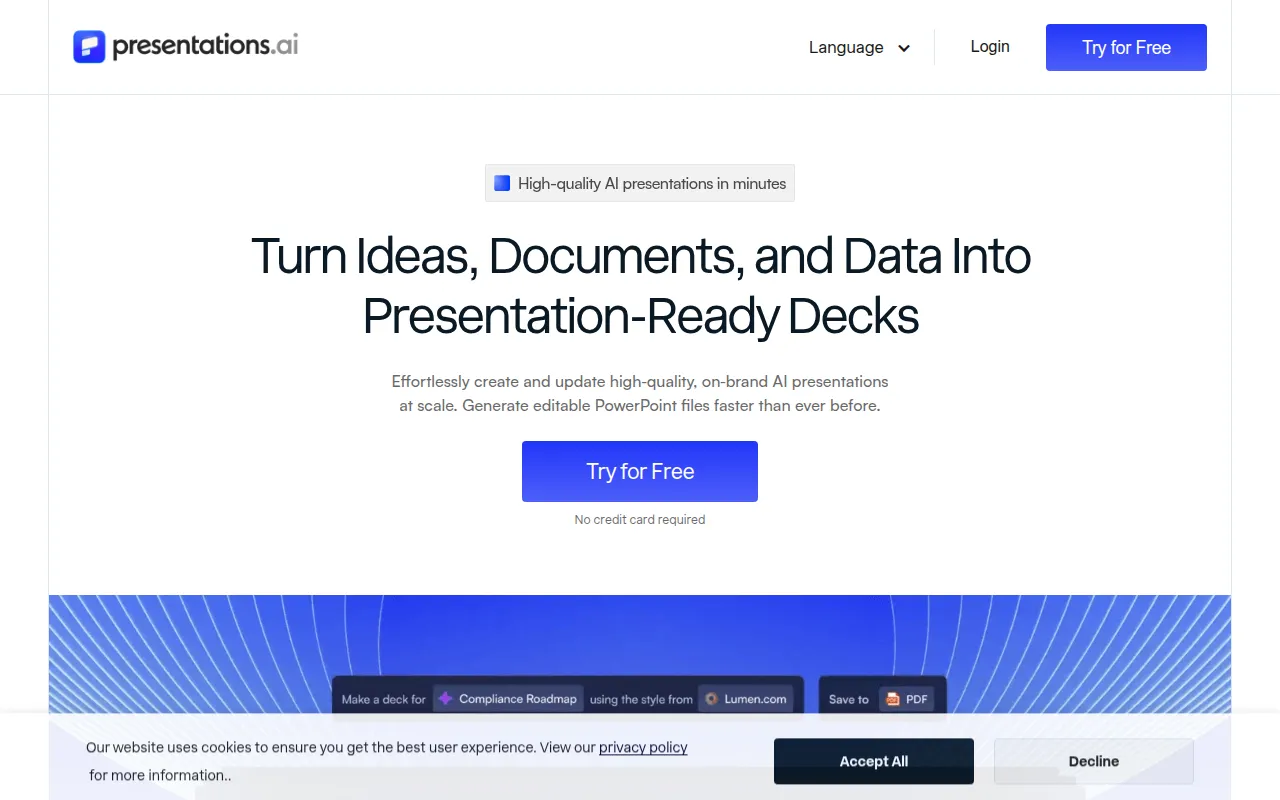
PresentationsAI is an AI-native presentation tool designed to generate slides from prompts, outlines, PDFs, Word documents, or website URLs. It is built to handle the initial research, narrative structure, and layout design for the user.
The tool is designed for a variety of business users, including sales teams, executives, consultants, and customer success managers. It supports common business workflows such as creating pitch decks and quarterly business reviews, providing the ability to export results into native PowerPoint files.
Buyers should consider that the tool specializes in presentations and does not create other marketing assets like social posts or flyers. Teams should confirm which plan they need based on requirements for analytics, custom themes, and AI credit limits.
Key Features
AI Slide Generation
Creates structured presentations from text prompts, detailed outlines, or uploaded documents.
Brand Sync
Extracts colors, fonts, and logos from a company URL to apply branding across slides.
PowerPoint Export
Exports decks as native .pptx files with editable elements, shapes, and text.
Anti-fragile Templates
Templates that adapt their layout as content is added or removed.
Real time Collaboration
Allows multiple team members to co-edit decks and leave comments in a shared workspace.
Presentation Analytics
Provides tracking on who viewed the presentation and the time spent on each slide.
Use Cases
Investor Pitch Decks
Generating a structured narrative and design for funding requests.
Quarterly Business Reviews (QBRs)
Converting performance metrics and product usage data into visual success reviews.
Client Proposals
Building proposals that incorporate a client's branding via URL sync.
Executive Board Presentations
Summarizing strategy documents or PDF briefs into a board deck.
Integrations
- PowerPoint export
- PDF export
- PDF import
- Word import
FAQ
Can I edit the slides after the AI generates them?
- Yes, text, layouts, and images are editable within the platform and after exporting to PowerPoint.
Does PresentationsAI support company branding?
- Yes, the Brand Sync feature pulls colors, fonts, and logos directly from a company URL to apply them across the deck.
What is the difference between the free and paid plans?
- The free tier allows for 3 full presentations, while paid plans provide additional AI credits, pro templates, analytics, and PDF/PowerPoint exports.
Is my business data secure in PresentationsAI?
- The platform is SOC 2 Type II certified and does not use customer data to train its public AI models.
Source category: Productivity
Source subcategory: Content Creation
More tools in Productivity
Other published listings in the Productivity category.


More tools in the Content Creation software type
Related listings that share the same software type for comparison and shortlisting.


