AI TOOL PROFILE
Manageable: AI Command Deck for Engineering Managers

- Software Development
- AI Assistant
- Engineering Managers
- Software Companies
- Technical Leads
- Claude Code users
Pricing
Pricing was not clearly available from the provided evidence. Buyers should confirm current pricing on the vendor website.
At a glance
- Best for
- Engineering Managers, Software Companies, Technical Leads, Claude Code users
- Key use cases
- Async Standup Generation, 1:1 Meeting Preparation, Sprint Planning Support, PR Queue Management, Async Retrospectives
- Integrations
- Jira, Linear, GitHub, Slack, Google Workspace
- Official website
- Visit MANAGEABLE official website
How AI is used
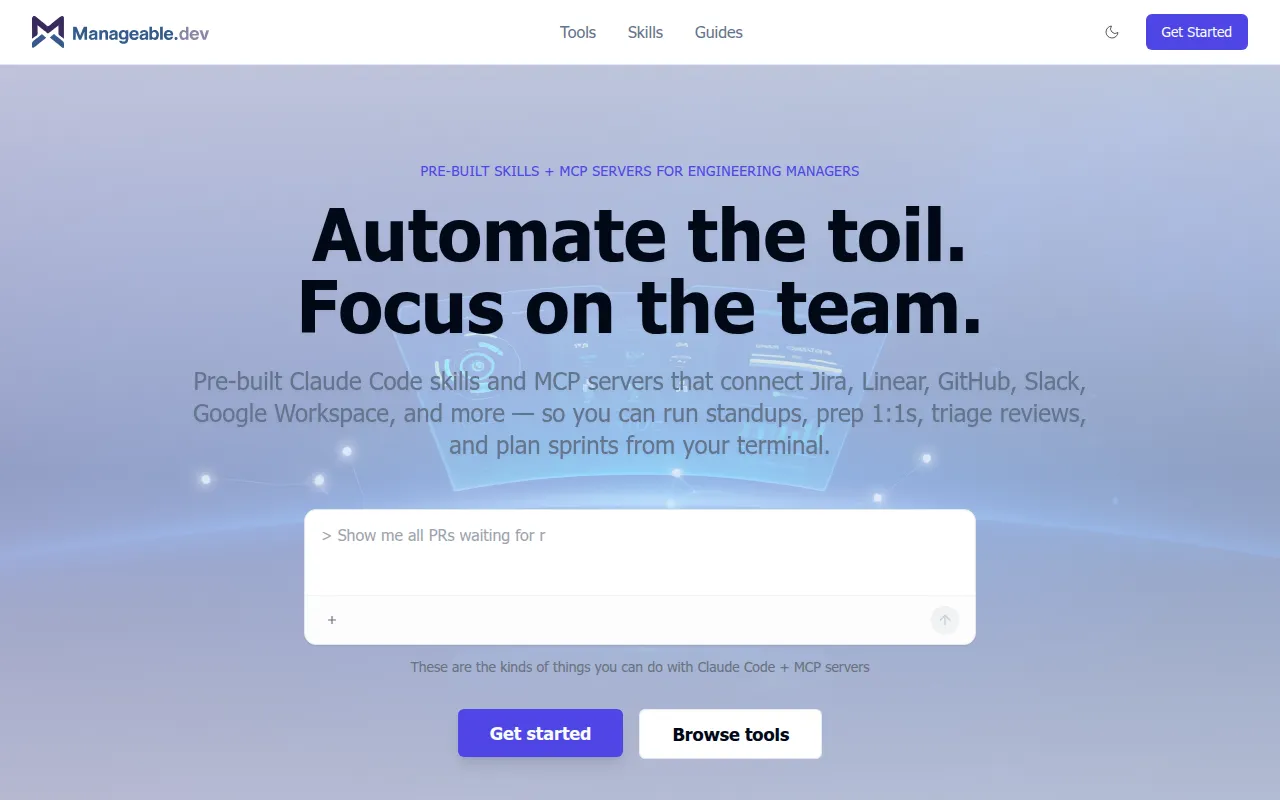
Manageable.dev is an AI command deck for engineering managers. It provides pre-built skills and Model Context Protocol (MCP) servers that connect Claude Code to tools such as Jira, GitHub, and Slack.
The tool is intended for managers who gather data across multiple platforms for reporting and planning. By running commands from the terminal, users can generate summaries and triage tasks.
Key capabilities include support for async standups, 1:1 preparation, and triaging pull request queues. It supports various technical integrations, including CI/CD pipelines and cloud infrastructure management.
Buyers should confirm that their team uses Claude Code, as the skills and MCP servers are designed to function within that environment.
Key Features
Pre-built Claude Code Skills
Markdown-based skill files that can be added to a repository to support specific manager workflows.
MCP Server Integrations
Connects AI to read and write data from tools like Jira, Linear, GitHub, and Slack via the Model Context Protocol.
Code Review Triage
Analyzes open PRs by age, size, and business impact to help prioritize the review queue.
Team Health Reporting
Gathers data on workload distribution, PR throughput, and engagement signals.
Infrastructure Management
Includes servers for platforms like Heroku to manage apps and view logs through natural language commands.
Use Cases
Async Standup Generation
Creating team standup summaries by pulling activity from GitHub, Linear, and Slack.
1:1 Meeting Preparation
Gathering context on a report's recent work, PR activity, and open items before a meeting.
Sprint Planning Support
Analyzing velocity, carryover, and backlog priorities to prepare for planning sessions.
PR Queue Management
Identifying review bottlenecks and suggesting reassignments to help unblock development.
Async Retrospectives
Collecting data on shipped features and team sentiment to facilitate retrospectives.
Integrations
- Jira
- Linear
- GitHub
- Slack
- Google Workspace
- Notion
- GitLab
- CircleCI
- Jenkins
- PostHog
- Grafana
- Buildkite
- Heroku
- PostgreSQL
FAQ
What is Manageable.dev?
- It is an AI command deck that provides pre-built skills and MCP servers to help engineering managers automate information gathering and workflow management from their terminal.
Which tools does Manageable.dev integrate with?
- It integrates with a variety of tools including Jira, Linear, GitHub, Slack, Google Workspace, Notion, and various CI/CD platforms like CircleCI and Jenkins.
Does it require specific software to work?
- Yes, it is designed to work with Claude Code, using MCP servers and skill files to execute commands.
Source category: Software Development
Source subcategory: AI Assistant
More tools in Software Development
Other published listings in the Software Development category.


More tools in the AI Assistant software type
Related listings that share the same software type for comparison and shortlisting.


