AI TOOL PROFILE
LivingWriter Review: Writing Software for Authors and Screenwriters

- Productivity
- AI Writing Assistant
- Novelists
- Screenwriters
- Non-fiction authors
- World-builders
Pricing
Pricing starts at $12.00 per month when billed yearly, or $14.99 per month. A 14-day free trial is available, and a lifetime one-time fee is available after registration.
At a glance
- Best for
- Novelists, Screenwriters, Non-fiction authors, World-builders
- Key use cases
- Novel Plotting and Drafting, Screenplay Writing, Non-Fiction Book Planning, Manuscript Export for Publishing
- Integrations
- Scrivener import, PDF export, DOCX export, Google Drive export, Dropbox export
- Official website
- Visit livingwriter official website
How AI is used
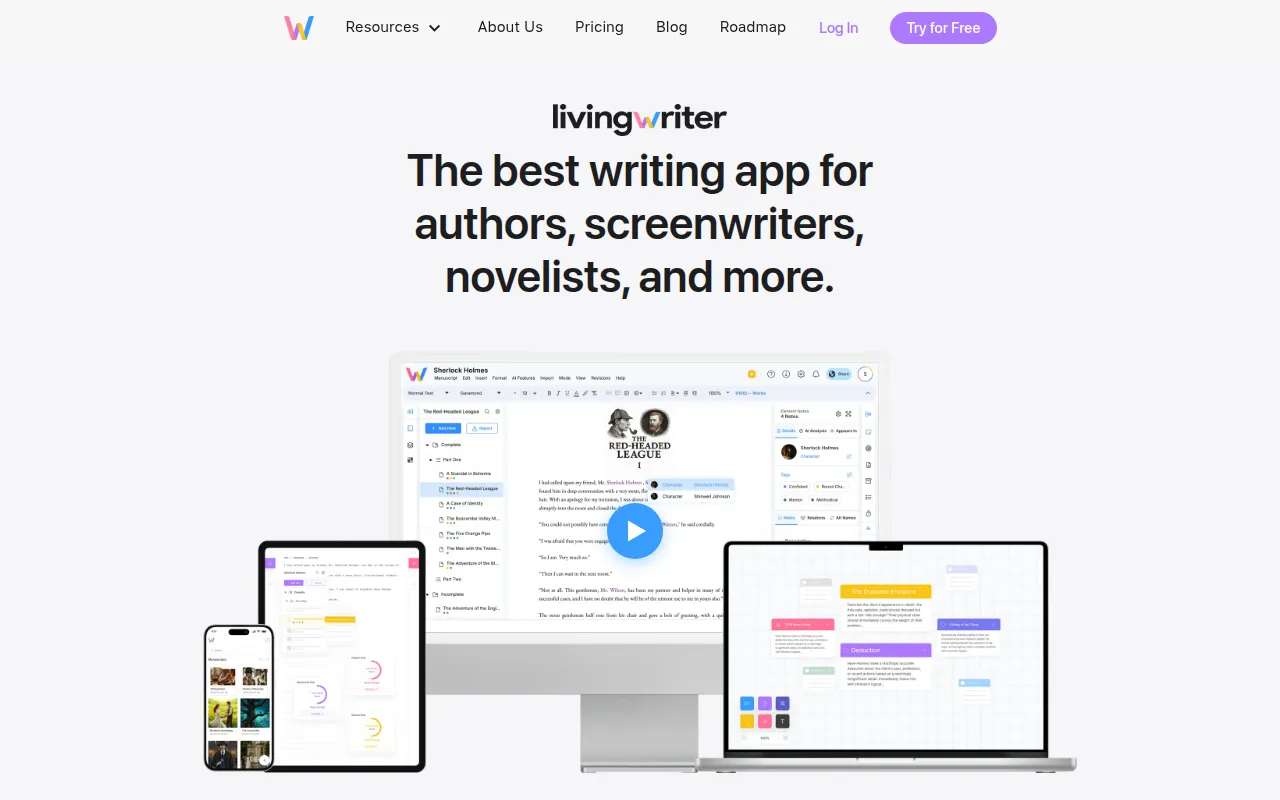
LivingWriter is a writing tool designed for authors, novelists, and screenwriters who require more organization than a standard word processor. It provides dedicated boards for plotting, research, and character management.
The software supports drafting fiction, non-fiction, and screenplays. It includes various story structures and a visual system to reorder chapters and subchapters.
As a cloud-based application, it supports syncing across devices and automated backups. Writers may use AI tools to help generate outlines or summarize content to assist with creative blocks.
Buyers should confirm whether they prefer a subscription model or a one-time fee and verify if the export formats meet their publishing requirements.
Key Features
Plot and Outline Boards
Visual drag-and-drop interfaces for organizing plot points and restructuring chapters.
Elements Board
A central area to manage characters, locations, and objects with auto-suggest functionality during writing.
AI Writing Assistant
Tools for outline generation, rewriting, chatting, and analysis to help structure narratives.
Research Board
Organizes manuscript topics with sections for images, notes, and documents.
Writing Goal Tracking
Supports setting and tracking word count goals for chapters, sessions, and manuscripts.
Cloud Sync and Backup
Automatically saves work to the cloud with backups performed every 10 minutes.
Use Cases
Novel Plotting and Drafting
Using plot boards and character elements to build a fictional world and draft a full-length manuscript.
Screenplay Writing
Utilizing screenplay formatting and scene organization to draft scripts.
Non-Fiction Book Planning
Applying templates for memoirs or self-help books while organizing research via the Research Board.
Manuscript Export for Publishing
Exporting completed works to DOCX, PDF, or Amazon KDP formats.
Integrations
- Scrivener import
- PDF export
- DOCX export
- Google Drive export
- Dropbox export
- Amazon KDP export
FAQ
Who is LivingWriter designed for?
- It is designed for authors, novelists, and screenwriters working on both fiction and non-fiction projects.
Does LivingWriter have a free trial?
- Yes, it offers a 14-day free trial that does not require a credit card to start.
What happens to my work if I cancel my subscription?
- You maintain access to your manuscripts in read-only mode for at least one year, allowing you to view and export your work.
Can I import work from other programs?
- Yes, the software supports imports from other programs, including Scrivener.
Source category: Productivity
Source subcategory: AI Writing Assistant
More tools in Productivity
Other published listings in the Productivity category.


More tools in the AI Writing Assistant software type
Related listings that share the same software type for comparison and shortlisting.


