AI TOOL PROFILE
Letsignit Review: Email Signature Management Software

- Productivity
- Workflow Automation
- Mid-Market Companies
- Enterprise Companies
- IT Administrators
- Marketing Teams
- Corporate Communication Leads
Pricing
Letsignit offers Pro and Enterprise plans based on annual subscriptions. A free trial is available.
At a glance
- Best for
- Mid-Market Companies, Enterprise Companies, IT Administrators, Marketing Teams, Corporate Communication Leads
- Key use cases
- Brand Standardization, Marketing Campaign Distribution, Internal Communication, Digital Contact Sharing
- Integrations
- Microsoft 365, Outlook, Microsoft Exchange, Microsoft Entra ID, Azure AD
- Official website
- Visit letsignit official website
How AI is used
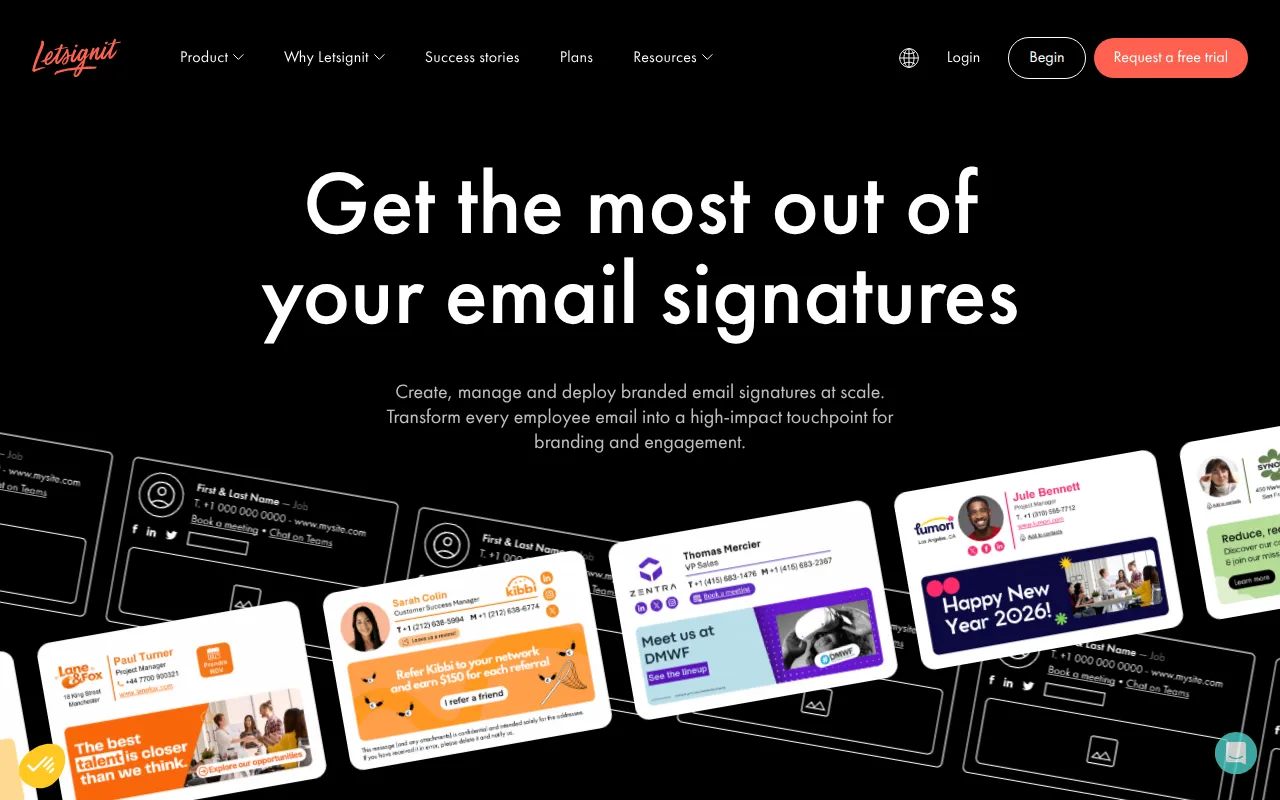
Letsignit is a centralized platform for creating and managing professional email signatures, specifically for users of Microsoft 365, Outlook, and Exchange. It supports automated deployment to help reduce the need for employees to manually set up signatures, which may help prevent inconsistent branding or errors.
The platform is aimed at organizations with 50 to 500,000 employees. It allows administrators to push updated signatures and marketing banners to users, supporting internal and external communication goals.
Beyond design, the platform includes tools for running signature-based marketing campaigns and generating digital business cards. It is hosted on Microsoft Azure and holds ISO 27001 and ISO 27018 certifications.
Buyers should confirm their specific needs, as the Enterprise plan includes governance, roles, and multi-entity deployment features not available in the Pro plan.
Key Features
Drag & Drop Designer
A visual tool to create email signature templates based on brand colors without requiring HTML or design skills.
Campaign Scheduling
Allows administrators to create and schedule marketing banners within signatures for internal or external recipients.
Multi-Directory Sync
Supports synchronization with Microsoft Entra ID, Azure AD, Google Directory, and On-Premise AD to auto-populate user details.
Digital Business Cards (vCard)
Generates QR-code based digital contact cards that can be integrated into email signatures and saved to mobile wallets.
Analytics Dashboard
Provides click tracking for signatures and marketing campaigns with data export options in CSV and XLSX formats.
AI Assistant
Provides optimization suggestions for email signatures.
Use Cases
Brand Standardization
Deploying uniform signatures across employee devices to help maintain a consistent company image.
Marketing Campaign Distribution
Using signature banners as a channel to promote company events, news, or product launches to external clients.
Internal Communication
Relaying corporate announcements or triggering internal surveys through signatures used in employee-to-employee emails.
Digital Contact Sharing
Providing employees with digital business cards via QR codes for professional contact sharing.
Integrations
- Microsoft 365
- Outlook
- Microsoft Exchange
- Microsoft Entra ID
- Azure AD
- Google Directory
- Salesforce
- CSV import
FAQ
Does Letsignit work with all devices?
- Yes, the software is designed to support signature display across computers, tablets, mobile devices, and web browsers.
Do employees need to manually install the signatures?
- No, signatures and campaigns are automatically deployed via native connectors or the Outlook Add-in.
What is the difference between the Pro and Enterprise plans?
- The Pro Plan supports standard signature and campaign deployment. The Enterprise Plan includes advanced governance, roles, permissions, and multi-directory synchronization.
Is Letsignit secure for regulated industries?
- The platform is hosted on Microsoft Azure, is GDPR compliant, and holds ISO 27001 and ISO 27018 certifications.
Source category: Productivity
Source subcategory: Workflow Automation
More tools in Productivity
Other published listings in the Productivity category.


More tools in the Workflow Automation software type
Related listings that share the same software type for comparison and shortlisting.


