AI TOOL PROFILE
Latenode: AI Workflow Automation Platform

- Productivity
- Workflow Automation
- Small and medium-sized businesses
- SaaS product teams
- Operations managers
- Developers
- Marketing and Sales teams
Pricing
Latenode uses a freemium model. A Free plan is available (300 executions/month). Paid tiers include Mini ($5/month), Start ($19/month), and Team ($59/month). Enterprise plans start from $299/month.
At a glance
- Best for
- Small and medium-sized businesses, SaaS product teams, Operations managers, Developers, Marketing and Sales teams
- Key use cases
- Lead Generation and Enrichment, Content Automation, DevOps Coordination, Embedded SaaS Integrations
- Integrations
- HubSpot, Slack, Salesforce, Shopify, Gmail
- Official website
- Visit latenode official website
How AI is used
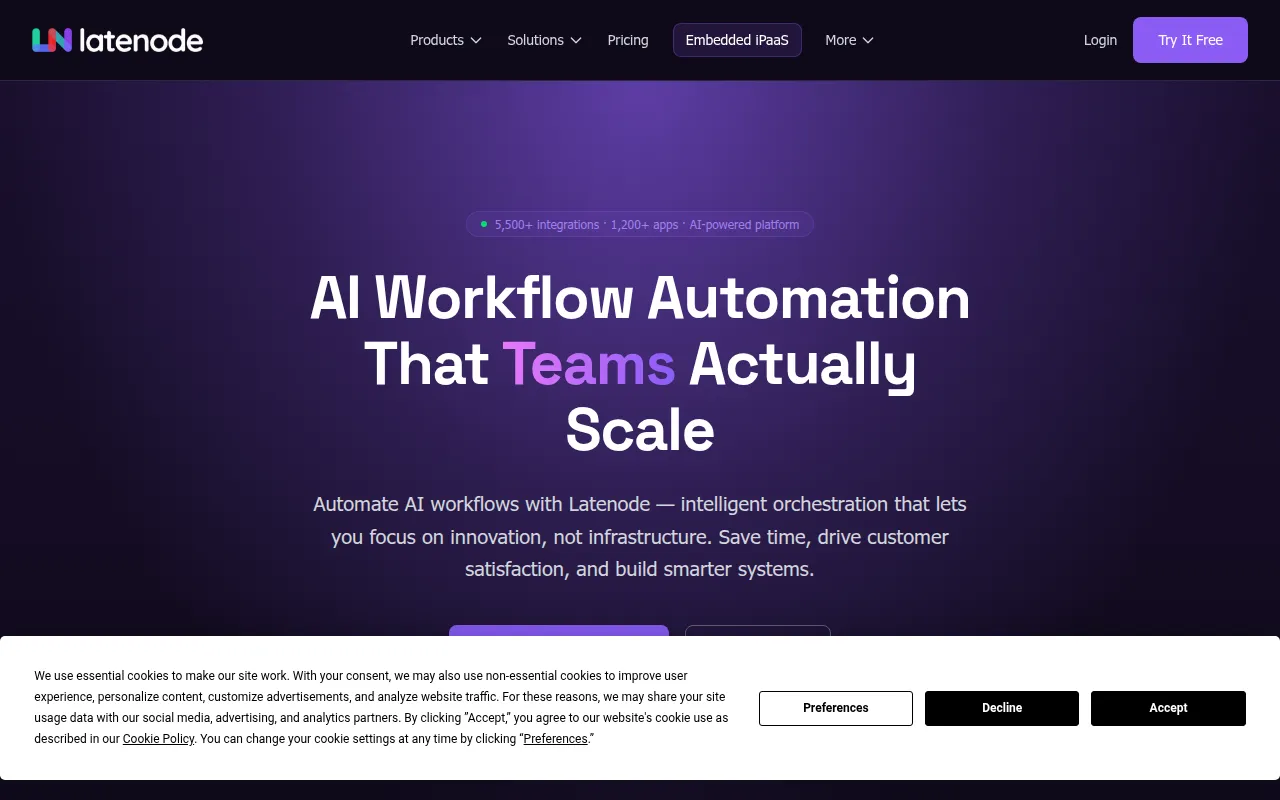
Latenode is an AI-native workflow automation platform where users build and deploy processes using a visual canvas. It is designed for roles ranging from marketing and HR to developers and DevOps engineers, and is SOC 2 and GDPR compliant.
The platform uses a hybrid approach: users can employ drag-and-drop nodes for standard tasks or write JavaScript and use NPM packages inside nodes for advanced logic. It provides access to over 1,200 AI models, which may reduce the need for users to manage separate API keys for various LLMs.
For SaaS companies, Latenode provides an embedded iPaaS solution that allows them to integrate the automation engine directly into their own product as a white-labeled experience. This is intended to help product teams launch native integrations without building every connector individually.
Buyers should note that the platform's full flexibility is accessed via JavaScript and NPM support. The pricing model is based on CPU time rather than per-operation, which may affect cost calculations for high-volume users.
Key Features
Visual Drag-and-Drop Builder
A canvas for designing and deploying automation workflows without writing code.
JavaScript and NPM Support
Allows users to write custom JavaScript and incorporate NPM packages inside any node for advanced logic.
Integrated AI Models
Provides access to over 1,200 AI models, including GPT, Claude, and Gemini, within a single subscription.
AI Agent Builder
Tools for creating AI agents designed to reason and execute multi-step workflows.
Headless Browser
Supports automation of websites and data extraction when a public API is not available.
AI Copilot
An integrated assistant designed to help users write and debug code within workflows.
Use Cases
Lead Generation and Enrichment
Automating the capture, enrichment, and routing of leads across business tools.
Content Automation
Drafting and distributing content using AI model integrations.
DevOps Coordination
Automating PR reviews, CI/CD checks, and infrastructure provisioning.
Embedded SaaS Integrations
Integrating a white-labeled automation engine into a B2B software product for native connectivity.
Integrations
- HubSpot
- Slack
- Salesforce
- Shopify
- Gmail
- Google Sheets
- Jira
- GitHub
- Stripe
- Microsoft Teams
- Notion
- Discord
FAQ
How does Latenode pricing work?
- Latenode charges based on CPU processing time rather than charging for every individual operation or node executed within a workflow.
Do I need my own API keys for the AI models in Latenode?
- Latenode provides access to over 1,200 AI models, including GPT and Claude, under one subscription without requiring separate API keys.
Is Latenode suitable for non-technical users?
- Yes, it features a visual drag-and-drop builder for no-code use, while also providing JavaScript nodes for those who require custom logic.
Source category: Productivity
Source subcategory: Workflow Automation
More tools in Productivity
Other published listings in the Productivity category.


More tools in the Workflow Automation software type
Related listings that share the same software type for comparison and shortlisting.


