AI TOOL PROFILE
Last app: AI Native App Builder
- Software Development
- No-Code App Builder
- Small Businesses
- Startups
- Non-technical founders
Pricing
A free basic account is available, but a Premium upgrade is required to create apps. The CoPilot tier, which includes human-assisted development and QA, starts at $999.99 per month.
At a glance
- Best for
- Small Businesses, Startups, Non-technical founders
- Key use cases
- Concept to Production, Cross-Platform Deployment, Non-Technical Product Launch, Iterative App Development
- Official website
- Visit Last app official website
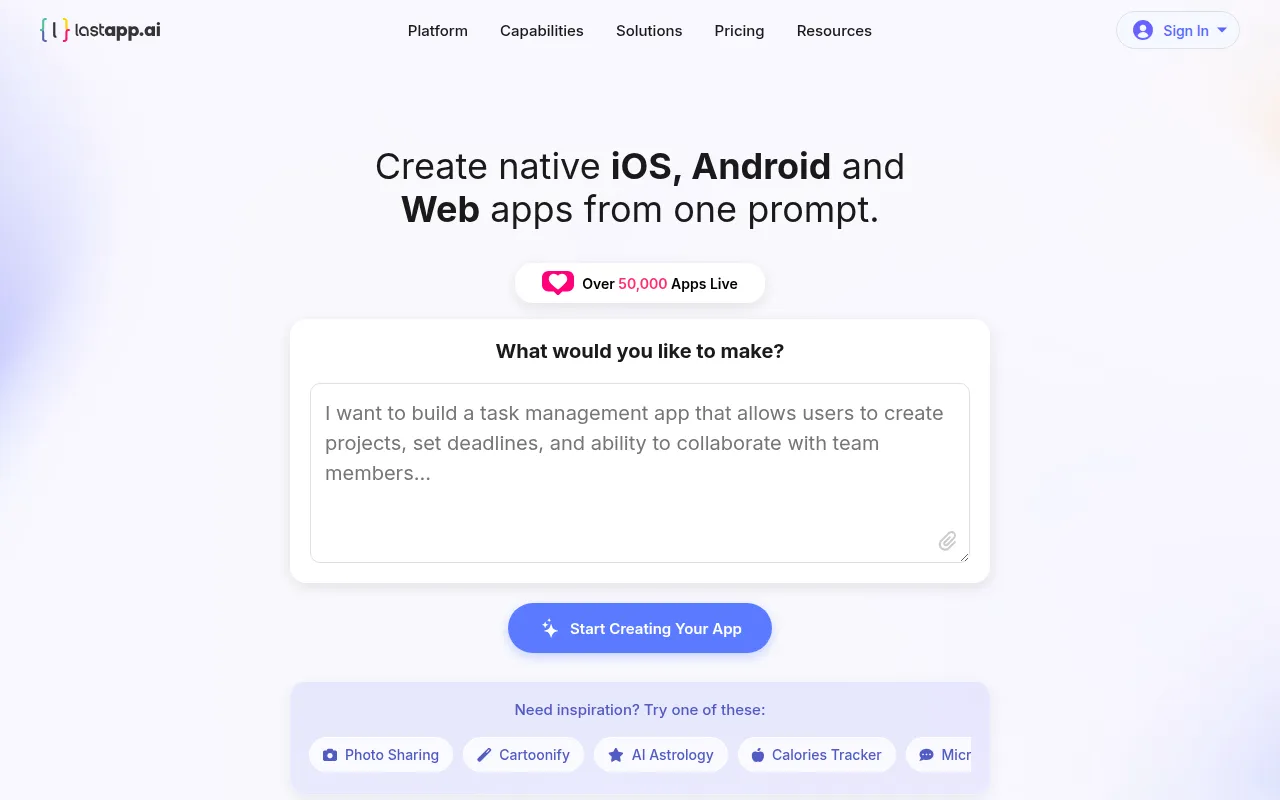
How AI is used
Last app is an AI-powered no-code platform designed to generate native applications for iOS, Android, and the web. The tool generates Swift code for iOS and Kotlin code for Android, rather than using web-wrappers.
The platform is intended for entrepreneurs and business owners who do not have extensive coding experience. It handles the technical stack, including the provisioning of servers, databases, and APIs, so users do not have to manage the underlying cloud infrastructure.
Buyers should note that while a basic account is available, creating apps requires a paid upgrade. A higher-tier CoPilot plan is available for those seeking human developer and design assistance.
Key Features
Native Code Generation
Generates Swift code for iOS, Kotlin code for Android, and React for web applications.
Managed Backend Infrastructure
Provisions and configures servers, databases, APIs, and file storage.
Built-in Simulators and Emulators
Supports testing apps across different device configurations and screen sizes before publishing.
Store Submission Support
Supports build preparation and submission to the Apple App Store and Google Play.
Version Management
Creates a new build for requested changes, which supports reverting to previous versions.
AI-Driven Editing
Supports making iterative changes to the application by describing updates in natural language.
Use Cases
Concept to Production
Turning a written app concept into a functional native app for testing and launch.
Cross-Platform Deployment
Launching a unified product across iOS, Android, and Web that shares a single backend database.
Non-Technical Product Launch
Allowing business owners to build and manage applications without a dedicated engineering team.
Iterative App Development
Updating app themes or modifying user flows via text-based prompts.
FAQ
Do I need to know how to code to use Last app?
- No, the platform is designed for people without coding experience, allowing users to describe their app in plain English.
Can I use the free account to build an app?
- A free basic account is available, but you must upgrade to a Premium account to create and build apps.
What is the difference between the AI Self-Service and CoPilot plans?
- AI Self-Service allows you to build independently using AI tools, while CoPilot provides human-assisted development, QA, and growth services starting at $999.99 per month.
Does Last app handle the servers and databases?
- Yes, the platform automatically provisions and manages the backend infrastructure, including servers, databases, and APIs.
Source category: Software Development
Source subcategory: No-Code App Builder
More tools in Software Development
Other published listings in the Software Development category.


More tools in the No-Code App Builder software type
Related listings that share the same software type for comparison and shortlisting.