
Krita: AI Workflow Automation for Enterprises
Krita helps large organizations automate data-heavy tasks. It is designed for teams in banking and government that process large volumes of unstructured documents for risk or research.
At a glance
- Category
- Browse Operations tools
- Best for
- Enterprise organizations, Banking and financial services firms, Government agencies, Energy and utilities companies
- Pricing
- Pricing was not clearly available from the provided evidence. Buyers should confirm current pricing on the vendor website.
- Key use cases
- Credit Risk Analysis, Loan Processing Automation, Company and Borrower Research, Enterprise Knowledge Copilots, Tax Compliance and Public Finance
- Official website
- Visit krita official website
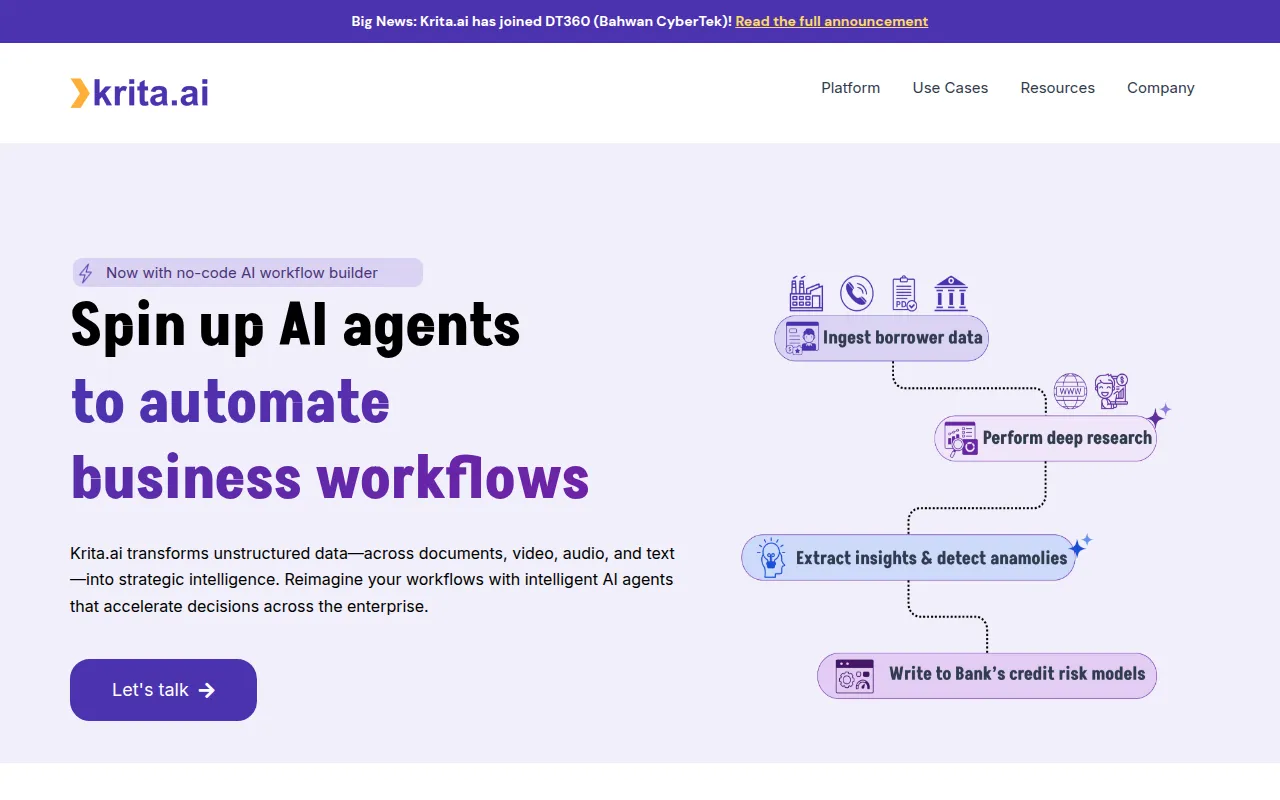
Krita is an AI workflow automation platform that focuses on extracting intelligence from unstructured data such as PDFs, emails, and audio transcripts. It provides a no-code environment where users can build AI agents to handle repetitive data processing tasks.
The software is designed for enterprise-level organizations, particularly those in sectors like financial services, energy, and the public sector. It supports both cloud and on-premise deployment to accommodate security and governance requirements.
Buyers can use the platform to automate research, flag anomalies in documents, and create internal knowledge bases. Since the tool is geared toward complex enterprise environments, buyers should confirm the technical resources required for setup.
Potential users should evaluate whether their specific data types, such as specialized regulatory filings or industry-specific logs, are compatible with Krita's analysis capabilities.
Key Features
No-code AI Workflow Builder
Supports the creation of automated AI agent workflows without writing code.
Unstructured Data Analysis
Processes information from PDFs, images, videos, and presentations to extract insights.
Semantic Knowledge Repositories
Organizes data into searchable repositories that support natural language queries.
Risk Scoring and Anomaly Detection
Identifies inconsistencies across documents and flags potential risks.
Document Summarization
Simplifies long documents and transcripts into shorter summaries.
Classification
Categorizes and routes open-ended feedback and unstructured data.
Use Cases
Credit Risk Analysis
Combining risk scores with insights from regulatory filings and news to detect anomalies.
Loan Processing Automation
Extracting details from loan forms and KYC documents to support the creation of credit appraisal memos.
Company and Borrower Research
Converting earnings calls, analyst reports, and filings into borrower profiles and risk assessments.
Enterprise Knowledge Copilots
Converting SOPs, maintenance logs, and transcripts into a searchable natural language interface for employees.
Tax Compliance and Public Finance
Reconciling multi-form filings to build taxpayer profiles and flag anomalies in declarations.
Best For
- Enterprise organizations
- Banking and financial services firms
- Government agencies
- Energy and utilities companies
Pricing
Pricing was not clearly available from the provided evidence. Buyers should confirm current pricing on the vendor website.
FAQ
What does Krita AI do?
- Krita uses AI agents to transform unstructured data—such as documents, videos, and audio—into structured insights to automate business workflows.
Who is Krita designed for?
- It is designed for enterprise-level organizations, specifically those in banking, financial services, energy, utilities, and the government sector.
Can Krita be deployed on-premise?
- Yes, Krita supports both cloud and on-premise deployment to meet enterprise security and governance standards.
Is Krita a no-code platform?
- Yes, it includes a no-code AI workflow builder that allows users to compose and test multi-agent workflows.
Source category: Operations
Source subcategory: Digital Art Software
More tools in Operations
Other published listings in the Operations category.


Categories
Software Type
How AI is used
Krita is an enterprise AI platform that automates workflows by converting unstructured data into structured insights. It is designed for large organizations in sectors like finance and government to support risk analysis and document processing.
Pros & Cons
Pros
- Supports both cloud and on-premise deployment for security control
- Handles various unstructured formats including video and audio
- Includes a no-code builder for creating AI agents
- Designed for enterprise data governance
Cons
- Technical requirements may be a barrier for teams without dedicated IT support
- Pricing information is not clearly available from the provided evidence
- Primarily targeted at enterprise-scale users


