AI TOOL PROFILE
Kinabase Review: Business Workflow Automation Software

- Productivity
- Workflow Automation
- Small businesses
- Mid-market companies
- Operations managers
- Non-profit organizations
- Professional services firms
Pricing
Kinabase offers Starter, Pro, and Enterprise tiers. A 7-day free trial with full access is available with no credit card required.
At a glance
- Best for
- Small businesses, Mid-market companies, Operations managers, Non-profit organizations, Professional services firms
- Key use cases
- Consolidating Spreadsheets, Administrative Automation, Donor and Beneficiary Tracking, Project Coordination, Compliance and Audit Readiness
- Integrations
- Microsoft 365, Outlook, SharePoint, SendGrid, Mailgun
- Official website
- Visit kinabase official website
How AI is used
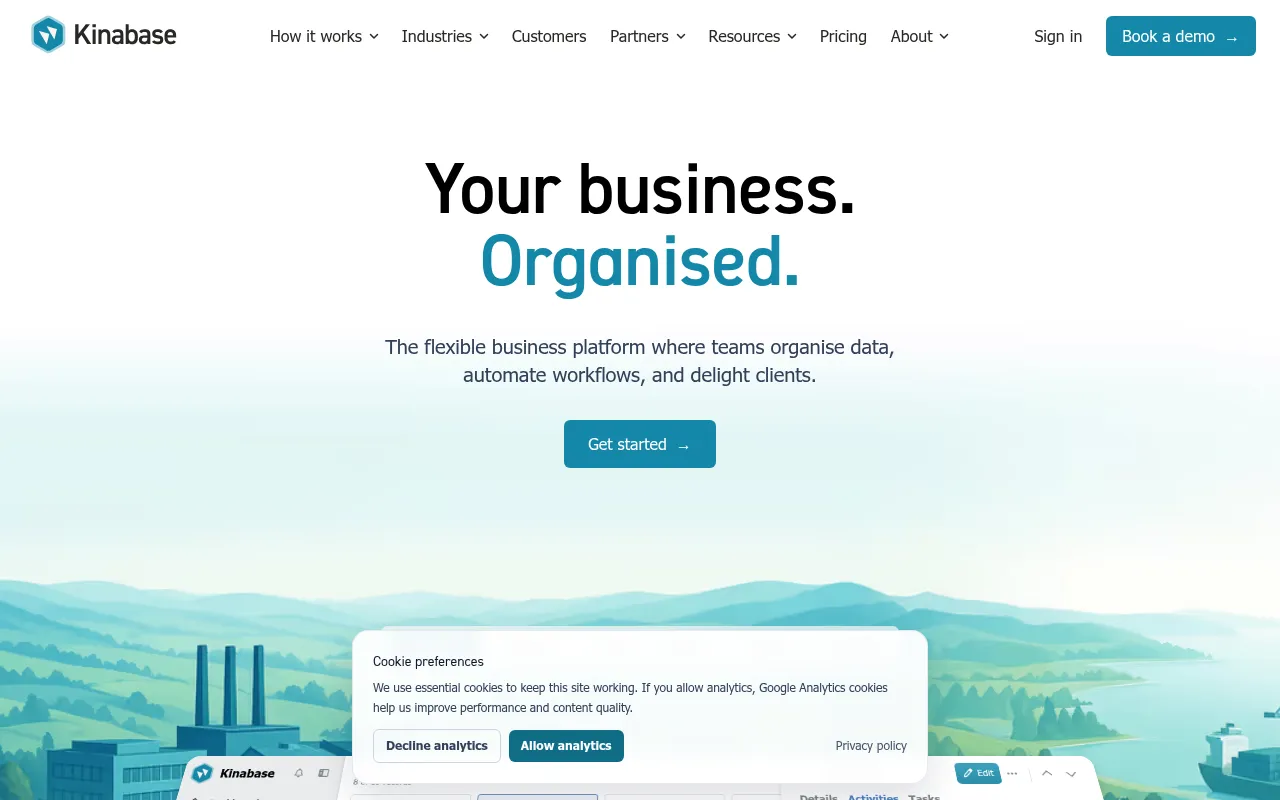
Kinabase is a flexible business platform designed to act as a central hub for organizational data and processes. It allows users to create custom "collections" to track clients, projects, assets, and equipment, providing a structured alternative to disconnected spreadsheets.
The tool supports businesses in sectors such as manufacturing, construction, professional services, and non-profits that require specific workflows. It combines data organization with task management and automation tools to help teams maintain a single source of truth.
Buyers should note that record limits apply to the Starter plan, and features such as custom branding and portals are available on the Enterprise tier. The platform is designed for those who want to build operational systems without a full custom software development project.
Key Features
Data Collections
Customizable tables used to organize business data, such as contacts, projects, or invoices.
Custom Workflows
Defined stages that track a record's progress, such as Draft to Approved.
Automations
Triggers that can send emails, create tasks, or update record fields based on changes or dates.
Scan & Fill AI
Extracts key information from uploaded documents or photos to populate records.
Client Portals
Branded external portals where clients can view data, submit information, and track progress.
AI Filters and Chart Suggestions
Supports natural language queries to filter data and suggests visualizations for reporting.
Document Management
Centralized storage for files with version history and the ability to generate PDFs from record data.
Use Cases
Consolidating Spreadsheets
Moving fragmented data from multiple spreadsheets into a single, connected platform.
Administrative Automation
Using triggers to handle repetitive checks, deadline alerts, and task assignments.
Donor and Beneficiary Tracking
Helping charities manage supporter engagement and measure impact through linked activities.
Project Coordination
Managing construction or manufacturing projects by linking tasks, documents, and communication.
Compliance and Audit Readiness
Organizing regulatory documentation with role-based access and audit logs.
Integrations
- Microsoft 365
- Outlook
- SharePoint
- SendGrid
- Mailgun
- Azure Communication Services
FAQ
What is the difference between Kinabase Starter and Pro plans?
- The Starter plan is for small businesses and is limited to 500 records, while the Pro plan offers unlimited records, advanced custom reporting, and automation workflows.
Does Kinabase use customer data to train its AI models?
- No, Kinabase states that customer data is not used to train their AI models.
How long does it typically take to set up Kinabase?
- The provider states most customers are up and running within 2-4 weeks, depending on data migration complexity.
Is there a free trial for Kinabase?
- Yes, Kinabase provides a 7-day free trial with full access, and no credit card is required to start.
Source category: Productivity
Source subcategory: Workflow Automation
More tools in Productivity
Other published listings in the Productivity category.


More tools in the Workflow Automation software type
Related listings that share the same software type for comparison and shortlisting.


