AI TOOL PROFILE
HyperWrite AI Writing Assistant

- Productivity
- AI Writing Assistant
- Copywriters
- Marketing agencies
- Startup founders
- Content marketing leads
- Students
Pricing
Premium plans start at $19.99 per month (or $16 billed annually) with 250 messages. The Ultra plan is $44.99 per month (or $29 billed annually) and includes unlimited messages.
At a glance
- Best for
- Copywriters, Marketing agencies, Startup founders, Content marketing leads, Students
- Key use cases
- Content Marketing, Professional Correspondence, Academic and Technical Research, Document Refinement, Speech Drafting
- Integrations
- Chrome extension
- Official website
- Visit HyperWrite official website
How AI is used
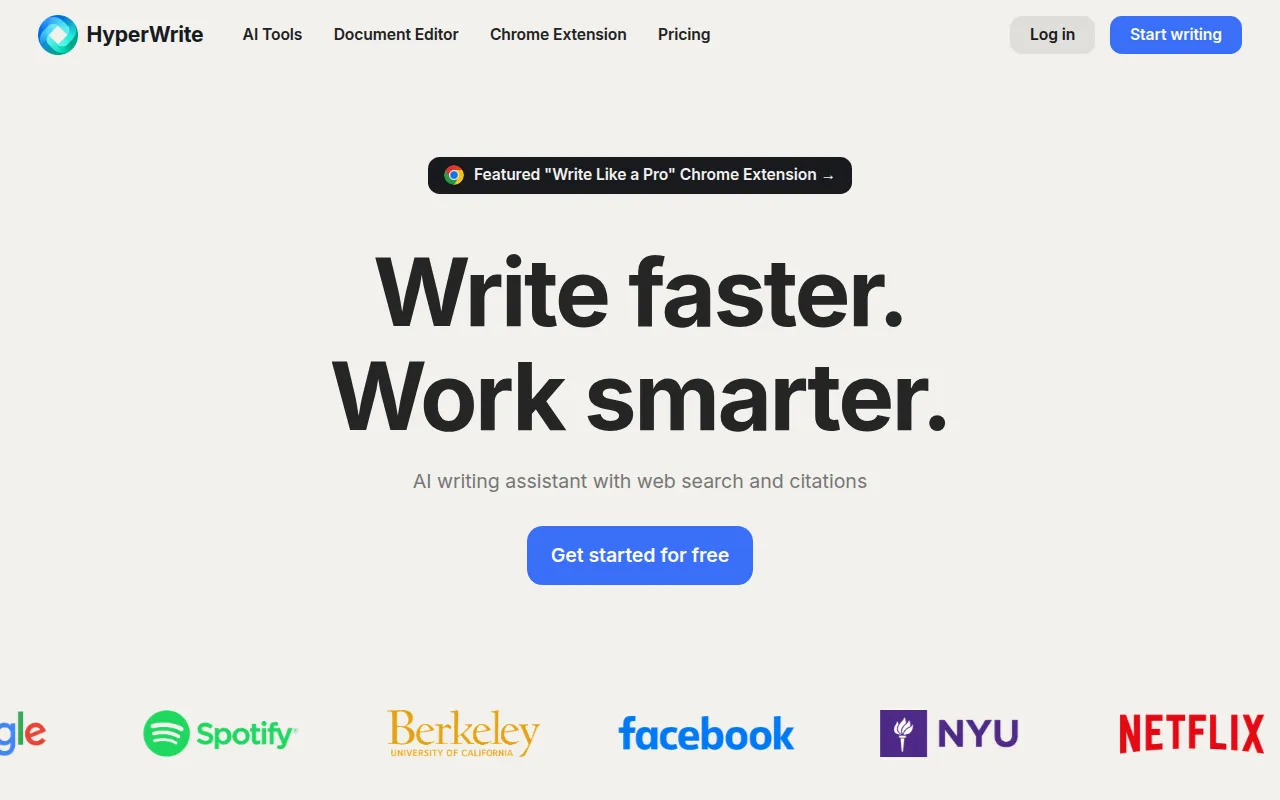
HyperWrite is a browser-based AI writing assistant and document editor designed to help users create, edit, and refine text. It includes a library of AI tools and a Chrome extension that allows the assistant to function on various websites.
The software is designed for professionals, including copywriters, marketers, and startup founders, as well as students. It combines content generation with research capabilities to support factual drafting.
Features include tools for summarizing documents, rewriting content for different tones, and drafting professional correspondence. It includes a specific research tool that searches scholarly articles to provide results with citations.
Buyers should confirm the monthly volume of AI messages required, as paid plans have different message limits and persona customization options.
Key Features
AI Document Editor
A web-based editor for drafting and refining content with integrated AI support.
Scholar AI
Searches scholarly articles to provide research insights with citations.
AutoWrite
An AI tool used to help write or create original content based on user prompts.
TypeAhead
Provides context-aware sentence completions and suggestions as the user types.
Custom Personas
Supports customizing the AI's writing style and behavior to match a specific voice.
Email Responder
Helps draft replies for email communication.
Summarizer
Condenses the main points and key information from articles or text.
Use Cases
Content Marketing
Drafting blog posts, social media captions, and marketing copy.
Professional Correspondence
Writing professional outreach, follow-up emails, and customer support replies.
Academic and Technical Research
Using citation-backed results from scholarly papers to support writing.
Document Refinement
Using the rewriter and summarizer tools to polish existing drafts.
Speech Drafting
Creating structured speech content based on provided ideas.
Integrations
- Chrome extension
FAQ
What is the difference between the Free and Premium plans?
- Free accounts have limited monthly credits on basic AI. Premium accounts provide access to more advanced AI and additional credits.
Can HyperWrite help with academic research?
- Yes, Scholar AI can search scholarly articles and provide results with citations.
Does HyperWrite offer a way to match a specific brand voice?
- Yes, the software allows users to create custom personas (up to 3 on Premium and 10 on Ultra) to match a specific writing style.
Source category: Productivity
Source subcategory: AI Writing Assistant
More tools in Productivity
Other published listings in the Productivity category.


More tools in the AI Writing Assistant software type
Related listings that share the same software type for comparison and shortlisting.


