AI TOOL PROFILE
GPT for Slides: AI Presentation Add-on for Google Slides

- Productivity
- AI Writing Assistant
- Small business owners
- Marketing teams
- Educators
- Department leads
- Students
Pricing
Pricing is based on a freemium model with paid monthly tiers: Essential at $8, Pro at $16, and Premium at $29.
At a glance
- Best for
- Small business owners, Marketing teams, Educators, Department leads, Students
- Key use cases
- Converting documents to decks, Repurposing video content, Drafting business reviews, Creating educational materials
- Integrations
- Google Slides
- Official website
- Visit GPT for Slides official website
How AI is used
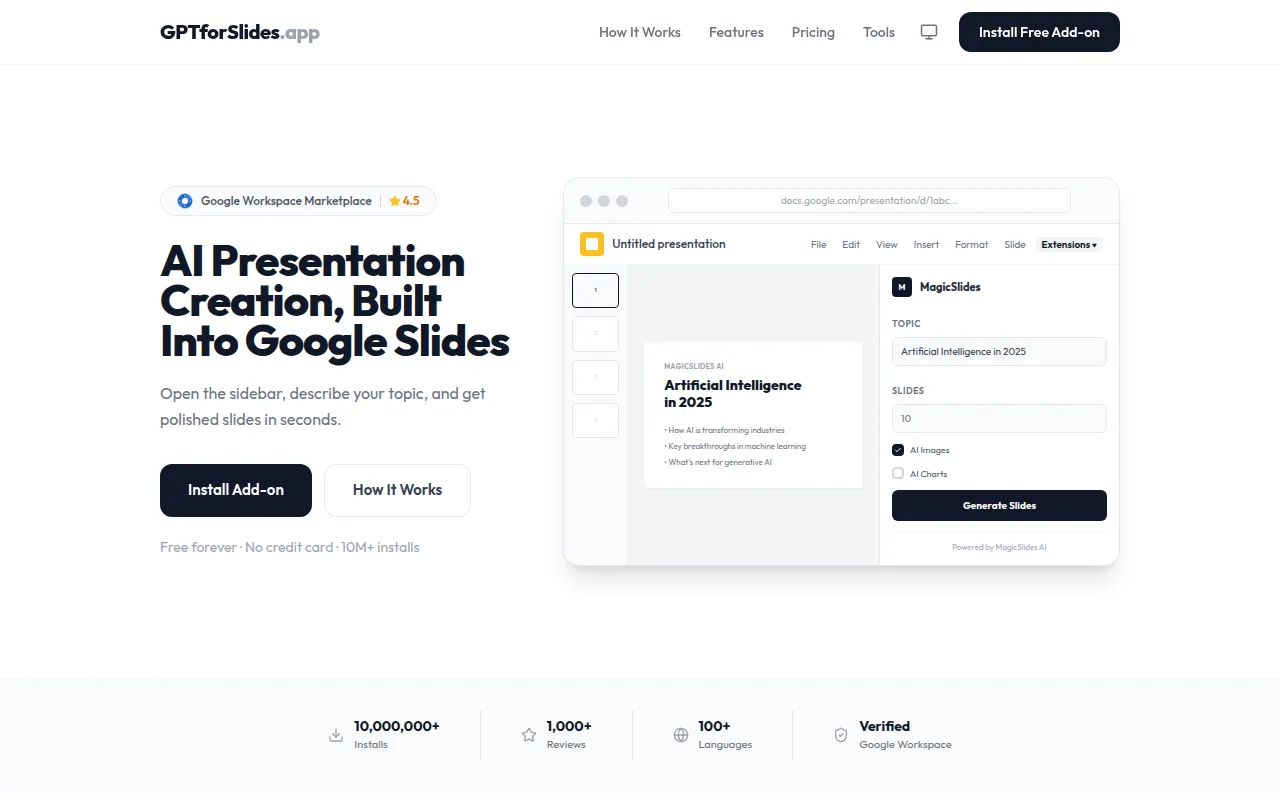
GPT for Slides is an AI-powered add-on that works within the Google Slides sidebar. It is designed to help users generate structured presentations by providing a topic or uploading source material, including PDFs, Word documents, YouTube URLs, or plain text.
The tool is intended for a variety of users, including small business teams, marketers, educators, and students. It supports the creation of slide content, AI-generated images, and data charts based on text descriptions, all within the Google Slides interface.
Buyers should confirm that the level of automation and the number of slides generated per presentation vary by pricing tier. Users may want to verify if the AI-generated images and layouts align with specific corporate branding requirements.
Key Features
Multi-source generation
Creates slides from keywords, YouTube URLs, website links, PDF reports, and Word documents.
AI Image Generation
Analyzes slide topics to create custom images that match the content.
MagicChart
Builds bar, pie, and line charts based on plain text data descriptions.
Deck Translation
Translates presentation text into over 100 languages while maintaining layout and formatting.
Quiz Generator
Turns topics into quiz presentations with multiple-choice questions.
PPT Enhancer
Redesigns text-heavy presentations to adjust visual hierarchy and layout.
Use Cases
Converting documents to decks
Turning research PDFs, whitepapers, or Word documents into summarized slide presentations.
Repurposing video content
Extracting key points from YouTube videos via URLs to create a supporting presentation.
Drafting business reviews
Supporting the creation of quarterly business reviews and client proposals from topic prompts.
Creating educational materials
Generating lesson presentations and review quizzes from curriculum content.
Integrations
- Google Slides
FAQ
How do you install GPT for Slides?
- It is installed via the Google Workspace Marketplace as an add-on and operates from the sidebar within Google Slides.
What files can be used to generate presentations?
- The tool supports PDF documents, Word (.docx) files, YouTube URLs, website links, and plain text inputs.
Which plan is right for users who need AI-generated images?
- AI-generated images are available on the Pro ($16/mo) and Premium ($29/mo) plans.
Source category: Productivity
Source subcategory: AI Writing Assistant
More tools in Productivity
Other published listings in the Productivity category.


More tools in the AI Writing Assistant software type
Related listings that share the same software type for comparison and shortlisting.


