AI TOOL PROFILE
GPT Driver: AI Test Automation for Mobile App QA

- Software Development
- Test Automation
- Mobile App Developers
- Software Companies
- Development Teams
- QA Analysts
- Engineering Managers
Pricing
Pricing was not clearly available from the provided evidence. Buyers should confirm current pricing on the vendor website.
At a glance
- Best for
- Mobile App Developers, Software Companies, Development Teams, QA Analysts, Engineering Managers
- Key use cases
- Automated Regression Testing, Hardware Feature Validation, Performance Regression Detection, Edge Case Simulation
- Integrations
- XCUITest, Espresso, Appium
- Official website
- Visit GPT Driver official website
How AI is used
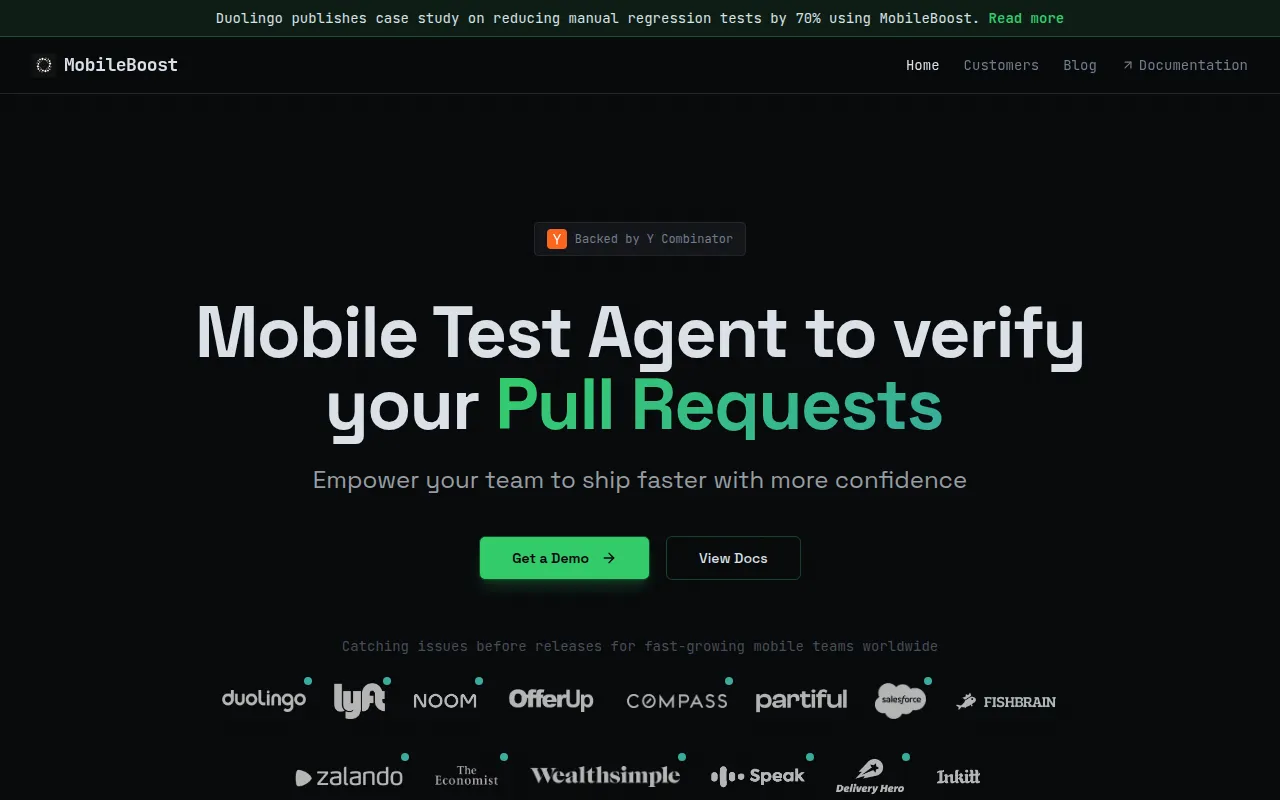
GPT Driver is an AI-driven mobile test automation platform designed to support mobile app QA. It uses a Test Agent to detect pull request changes, generate test cases, and run tests across simulators or real devices in parallel, posting the results to CI status checks.
The tool is designed for mobile engineering teams, QA analysts, and engineering managers. It works inside XCUITest, Espresso, and Appium to handle UI elements that native automation or standard AI-generated code may not reach.
Capabilities include a no-code visual editor for reviewing AI-generated tests and a natural language interface for test creation. The platform also provides infrastructure for testing hardware-dependent features, such as camera injection and audio I/O transcription.
Buyers should confirm compatibility with their specific CI/CD pipeline and codebase when considering the platform's REST API and agentic workflow.
Key Features
AI-Powered Test Generation
Extracts or generates test cases automatically based on changes detected in pull requests.
Parallel Device Execution
Supports running tests on over 100 concurrent physical or virtual device setups.
No-Code Visual Editor
Allows users to review, reorder, and adjust assertions in AI-generated tests without writing code.
Natural Language Test Creation
Supports describing test scenarios in plain English for the system to interpret and validate.
Hardware Simulation Tools
Provides camera injection for QR/AR testing and audio I/O transcription for voice-powered flows.
Offline iOS Simulator Testing
Supports testing network-unavailable states on iOS simulator grids.
Accessibility Testing
Designed to flag WCAG issues during normal test execution.
Use Cases
Automated Regression Testing
Using the Test Agent to verify pull requests and nightly builds to reduce manual regression work.
Hardware Feature Validation
Testing AR flows, document capture, or QR scanning using camera injection.
Performance Regression Detection
Identifying startup delays and latency spikes on pull requests.
Edge Case Simulation
Using network mocking and API simulation to test payments or failure states without hitting production systems.
Integrations
- XCUITest
- Espresso
- Appium
FAQ
What is GPT Driver used for?
- It is used for mobile app QA to automatically generate and run end-to-end tests based on pull request changes.
Does it support real devices or just simulators?
- It supports both real devices for hardware-specific validation and simulators for speed.
Can non-technical users create tests with this tool?
- Yes, it includes a no-code visual editor and a natural language interface for describing tests in plain English.
Source category: Software Development
Source subcategory: Test Automation
More tools in Software Development
Other published listings in the Software Development category.


More tools in the Test Automation software type
Related listings that share the same software type for comparison and shortlisting.


