AI TOOL PROFILE
GitKraken: Git Client and Developer Experience Platform

- Software Development
- Code Repository
- Software companies
- Distributed development teams
- Engineering managers
- Developers using VS Code
Pricing
GitKraken uses a freemium model with a free Community plan for public/local repos. Paid tiers include Pro, Advanced, and Business, featuring 14-day or 30-day trials and a current 50% discount on the first year.
At a glance
- Best for
- Software companies, Distributed development teams, Engineering managers, Developers using VS Code
- Key use cases
- Visualizing Complex Git History, PR and Issue Management, Managing Multi-Repo Environments, Resolving Code Collisions
- Integrations
- GitHub, GitLab, Bitbucket, Azure DevOps, Jira
- Official website
- Visit GitKraken official website
How AI is used
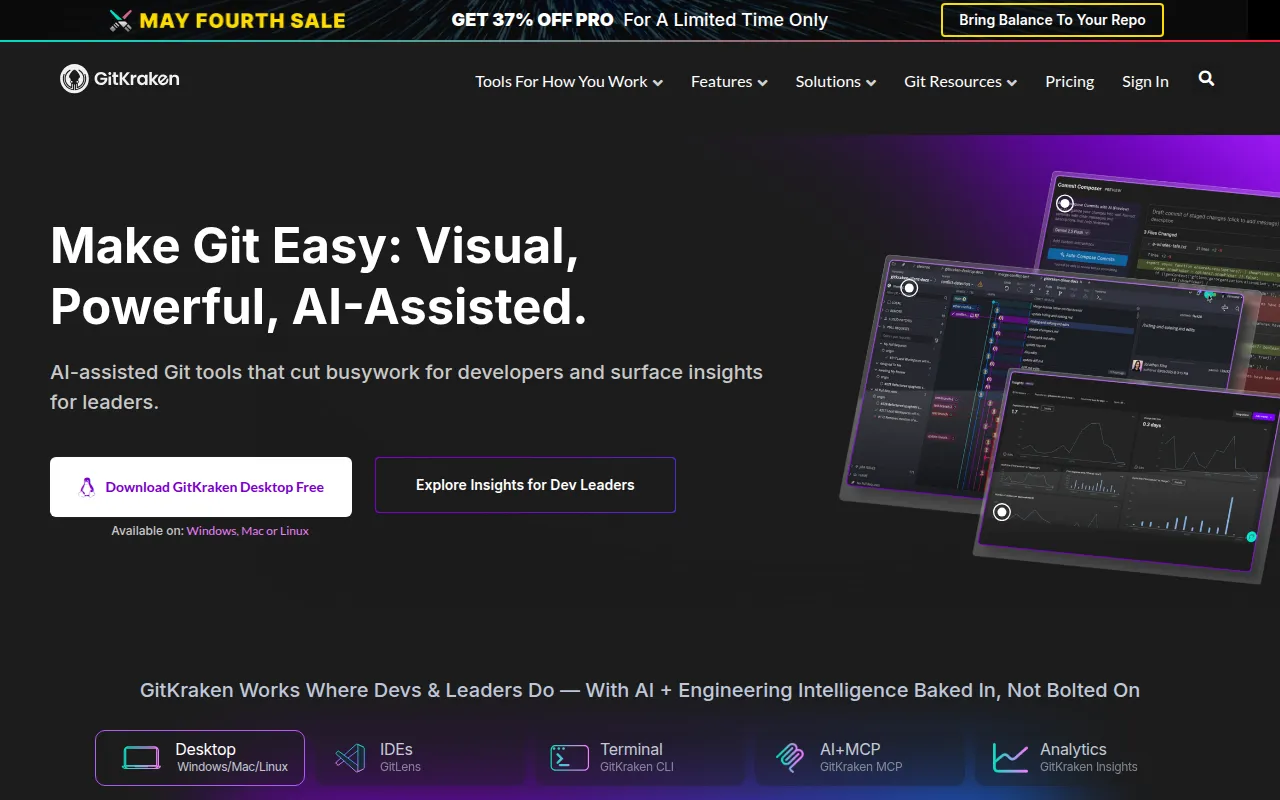
GitKraken is a developer experience platform that provides a visual interface for Git. It includes a desktop client for Windows, Mac, and Linux, a CLI tool, and the GitLens extension for VS Code.
The platform is designed for software developers and engineering leads, from solo developers to large organizations. It supports the management of local and remote repositories, with private repository access available in paid tiers.
It helps teams visualize commit history, track pull requests and issues through a unified hub, and resolve merge conflicts with a visual tool. The platform also includes AI features to help with writing commit messages and explaining code changes.
Buyers should confirm plan requirements based on repository types; the Community plan is limited to public and local repositories. Features such as SAML SSO and self-hosted Git integrations are available in the Advanced and Business tiers.
Key Features
Commit Graph Visualization
A visual representation of Git history that helps teams track branches and commits.
AI-Assisted Tools
Capabilities for generating commit messages, PR titles, and natural language explanations of commits and branches.
Visual Merge Tool
A 3-panel interface designed to help users visualize and resolve merge conflicts.
Workspaces
Helps teams group and share multiple repositories to support multi-repo actions and onboarding.
Launchpad
A centralized hub for tracking pull requests, issues, and work-in-progress across repositories.
DORA Insights
Provides metrics on team velocity, cycle time, and delivery performance.
Use Cases
Visualizing Complex Git History
Using the commit graph to understand branching structures and history across distributed teams.
PR and Issue Management
Using the Launchpad and AI generation to manage and describe code changes before merging.
Managing Multi-Repo Environments
Utilizing Workspaces to perform actions across multiple repositories.
Resolving Code Collisions
Using the visual merge tool to identify and fix conflicts between different code branches.
Integrations
- GitHub
- GitLab
- Bitbucket
- Azure DevOps
- Jira
- Trello
FAQ
Does GitKraken support self-hosted Git servers?
- Yes, it integrates with self-hosted platforms including GitHub Enterprise Server, GitLab Self-Managed, and Bitbucket Data Center.
Is there a free version of GitKraken?
- Yes, the Community plan is free, though it is limited to local repositories and public remotes.
Does GitKraken include AI features?
- Yes, it offers AI-assisted commit messages, PR description generation, and AI-powered merge conflict resolution.
Source category: Software Development
Source subcategory: Code Repository
More tools in Software Development
Other published listings in the Software Development category.


More tools in the Code Repository software type
Related listings that share the same software type for comparison and shortlisting.