AI TOOL PROFILE
Ginger Software: AI Writing Assistant

- Productivity
- AI Writing Assistant
- Small business owners
- Non-native English speakers
- Professional writers and editors
- Users with dyslexia
- Corporate communications teams
Pricing
Ginger uses a freemium model with a free basic version. Premium plans range from $3.99 to $9.90 per month, depending on the billing cycle.
At a glance
- Best for
- Small business owners, Non-native English speakers, Professional writers and editors, Users with dyslexia, Corporate communications teams
- Key use cases
- Professional Email Communication, Marketing Content Creation, Multilingual Team Collaboration, Writing Skill Development, Bulk Text Correction
- Integrations
- Microsoft Word, Google Docs, Chrome, Microsoft Edge
- Official website
- Visit ginger software official website
How AI is used
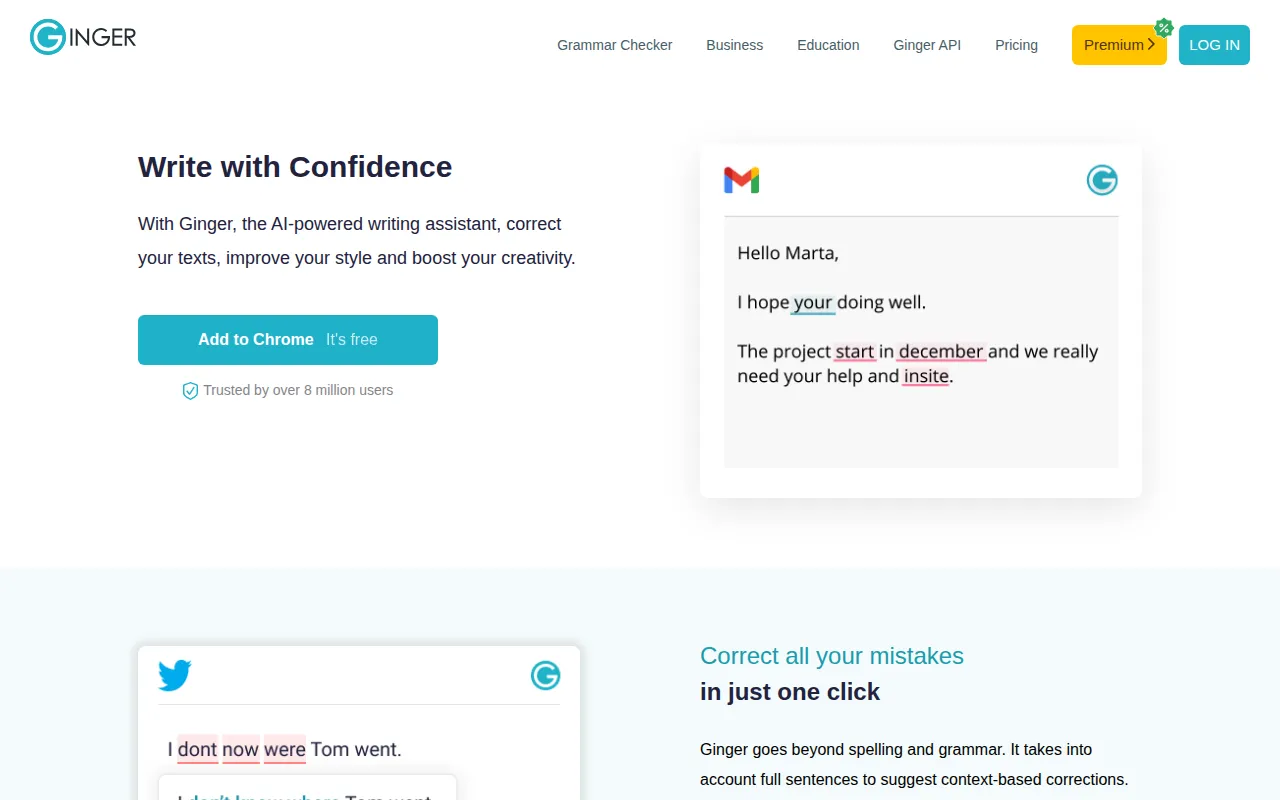
Ginger is an AI-driven writing tool designed to assist users with English grammar, spelling, and punctuation. It suggests context-based corrections across various platforms, including web browsers, desktop applications, and mobile devices.
The tool is designed to support native English speakers, non-native speakers, and individuals with writing struggles such as dyslexia.
For businesses, Ginger provides tools to help teams keep their external communications consistent and clear. Beyond spell-checking, it includes a sentence rephraser to help users find different ways to express an idea and a translation tool supporting over 40 languages.
Buyers should consider whether they need a browser extension or a more integrated solution, as Ginger offers a Microsoft Word add-in and a dedicated API for those wanting to embed grammar checking into their own software or internal systems.
Key Features
Grammar and Spell Checker
Uses AI to provide context-based corrections for grammar, spelling, and punctuation.
Sentence Rephraser
Suggests alternative ways to word sentences to improve clarity and style.
Translation Tool
Supports translation of text into more than 40 different languages.
English Personal Trainer
Analyzes a user's frequent writing mistakes to provide personalized practice sessions and lessons.
Cross-Platform Access
Available via browser extensions (Chrome, Edge), desktop apps (Windows, Mac), and mobile apps (iOS, Android).
Microsoft Word Add-in
Integrates into Word to provide grammar and spelling corrections.
Grammar API
Allows developers to integrate grammar and spell-checking capabilities into their own applications.
Use Cases
Professional Email Communication
Supporting sales and support teams in drafting professional emails to clients.
Marketing Content Creation
Helping marketing teams refine the tone and style of social media posts and web copy.
Multilingual Team Collaboration
Using the translation feature to communicate with international clients or team members in 40+ languages.
Writing Skill Development
Using the Personal Trainer to identify and correct repetitive grammar mistakes.
Bulk Text Correction
Using the API to clean user-generated data or large volumes of text for publishing.
Integrations
- Microsoft Word
- Google Docs
- Chrome
- Microsoft Edge
FAQ
Does Ginger Software have a free version?
- Yes, Ginger offers a free version that includes essential grammar and spell-checking functionality.
What is the difference between Ginger Premium and Ginger Business?
- Ginger Premium is for individuals, while Ginger Business is for teams, offering centralized billing and scalability for up to 100,000 members.
Can Ginger be integrated into other software?
- Yes, Ginger provides a Grammar API that allows businesses to integrate proofreading technology into other apps or internal systems.
Which platforms support Ginger?
- Ginger is available as a browser extension for Chrome and Edge, a desktop app for Windows and Mac, a Microsoft Word add-in, and mobile apps for iOS and Android.
Source category: Productivity
Source subcategory: AI Writing Assistant
More tools in Productivity
Other published listings in the Productivity category.


More tools in the AI Writing Assistant software type
Related listings that share the same software type for comparison and shortlisting.


