AI TOOL PROFILE
Gavel Exec | AI Contract Review & Drafting in Word

- Legal
- Legal Practice Management
- Transactional attorneys
- In-house counsel
- Commercial contract departments
- Legal teams using Microsoft Word
Pricing
Gavel Exec costs $160 per month per user or $1,740 billed annually per user. A free trial is available with 25 free queries per user; no credit card is required to start.
At a glance
- Best for
- Transactional attorneys, In-house counsel, Commercial contract departments, Legal teams using Microsoft Word
- Key use cases
- Contract Redlining, Clause Drafting, Risk Summarization, Market Analysis
- Integrations
- Microsoft Word
- Official website
- Visit Gavel Exec official website
How AI is used
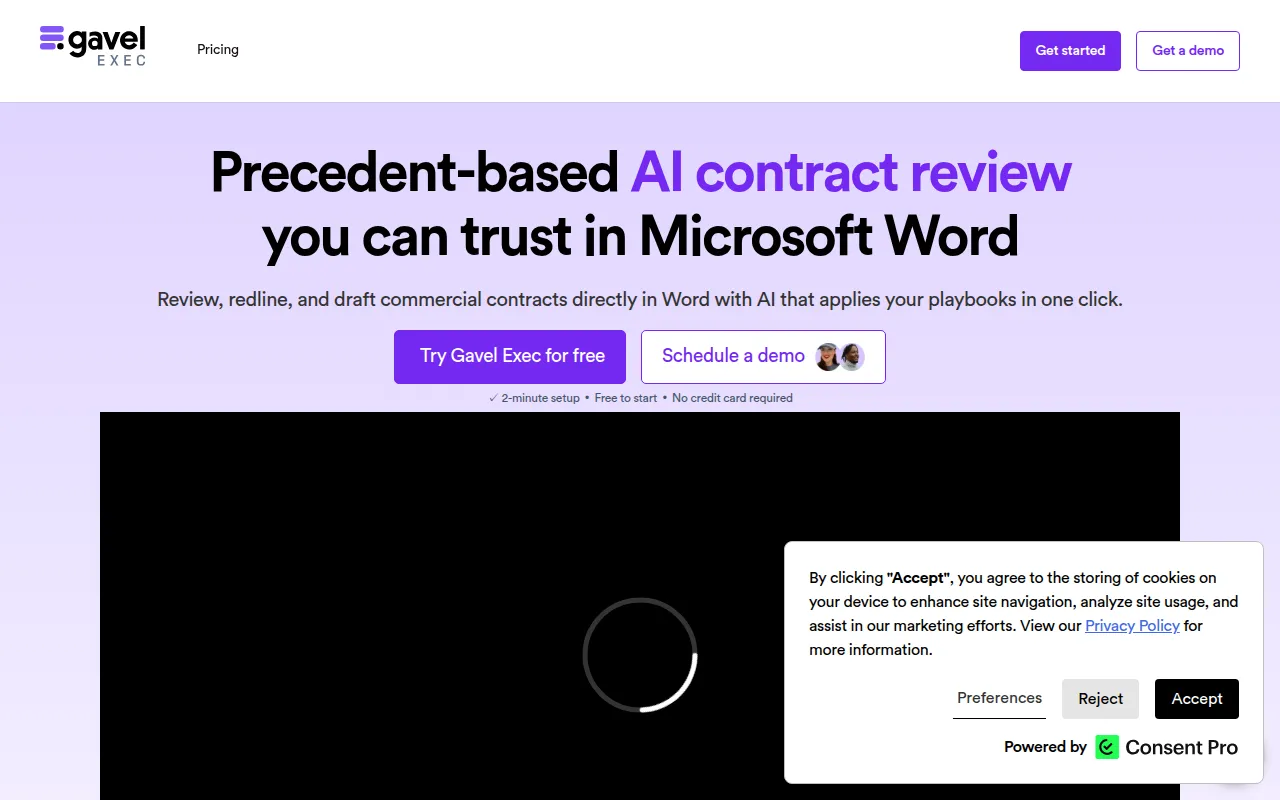
Gavel Exec is an AI tool for contract review and drafting that operates within Microsoft Word. It uses precedent-based AI to suggest redlines, identify missing terms, and generate clauses based on a firm's specific standards.
The software is designed for transactional attorneys, in-house legal departments, and commercial contract teams. By applying predefined playbooks, the tool may help ensure that reviews remain consistent across different matters and team members.
Beyond redlining, it supports benchmarking clause language against market data and provides traceable explanations for its suggestions, which may help legal professionals validate AI outputs before finalizing documents.
Buyers should confirm if their internal review standards can be converted into playbooks and verify if the per-user pricing model aligns with their team size, particularly for organizations with 10 or more seats.
Key Features
Microsoft Word Integration
Allows users to review, redline, and draft contracts directly within the Word interface.
Precedent-based AI Review
Uses deal history and playbooks to generate suggested redlines and markups.
Automated Playbooks
Supports the application of custom or built-in playbooks to help maintain consistent review standards.
Clause Benchmarking
Compares clause language against market data to identify off-market positions.
Traceable Explanations
Provides the reasoning behind AI suggestions to help users validate the output.
Shared Workspaces
Supports team collaboration through shared projects and playbooks with access controls.
Use Cases
Contract Redlining
Generating suggested redlines and comments across agreements based on preferred negotiation positions.
Clause Drafting
Creating new clauses or filling gaps in existing contracts using AI prompts and precedents.
Risk Summarization
Generating summaries of key risks and negotiation postures to help align teams or brief clients.
Market Analysis
Benchmarking specific contract terms against market data to identify negotiation points.
Integrations
- Microsoft Word
FAQ
Does Gavel Exec work inside Microsoft Word?
- Yes, Gavel Exec is designed to run directly within Microsoft Word so users can review and redline contracts without switching tools.
Can Gavel Exec redline entire agreements?
- Yes, the tool can generate suggested redlines across a full agreement and provide negotiation-ready comments.
How does the pricing work for teams?
- Pricing is per user, with team pricing available for organizations with 10 or more seats.
Is it free to try?
- Yes, new users can start with 25 free queries per user and use a shared Workspace during the trial without a credit card.
Source category: Legal
Source subcategory: Legal Practice Management
More tools in Legal
Other published listings in the Legal category.



More tools in the Legal Practice Management software type
Related listings that share the same software type for comparison and shortlisting.