AI TOOL PROFILE
Fotor Photo Editor: Online Photo Editing and Design

- Productivity
- Content Creation
- Small business owners
- Content creators
- Non-technical users
- Social media managers
Pricing
Fotor uses a freemium model with a free plan. Paid Pro and Pro+ tiers provide additional AI tools, increased cloud storage, and expanded asset libraries.
At a glance
- Best for
- Small business owners, Content creators, Non-technical users, Social media managers
- Key use cases
- Social Media Content Creation, Professional Profile Photos, E-commerce Product Imagery, Marketing Material Design
- Official website
- Visit fotor photo editor official website
How AI is used
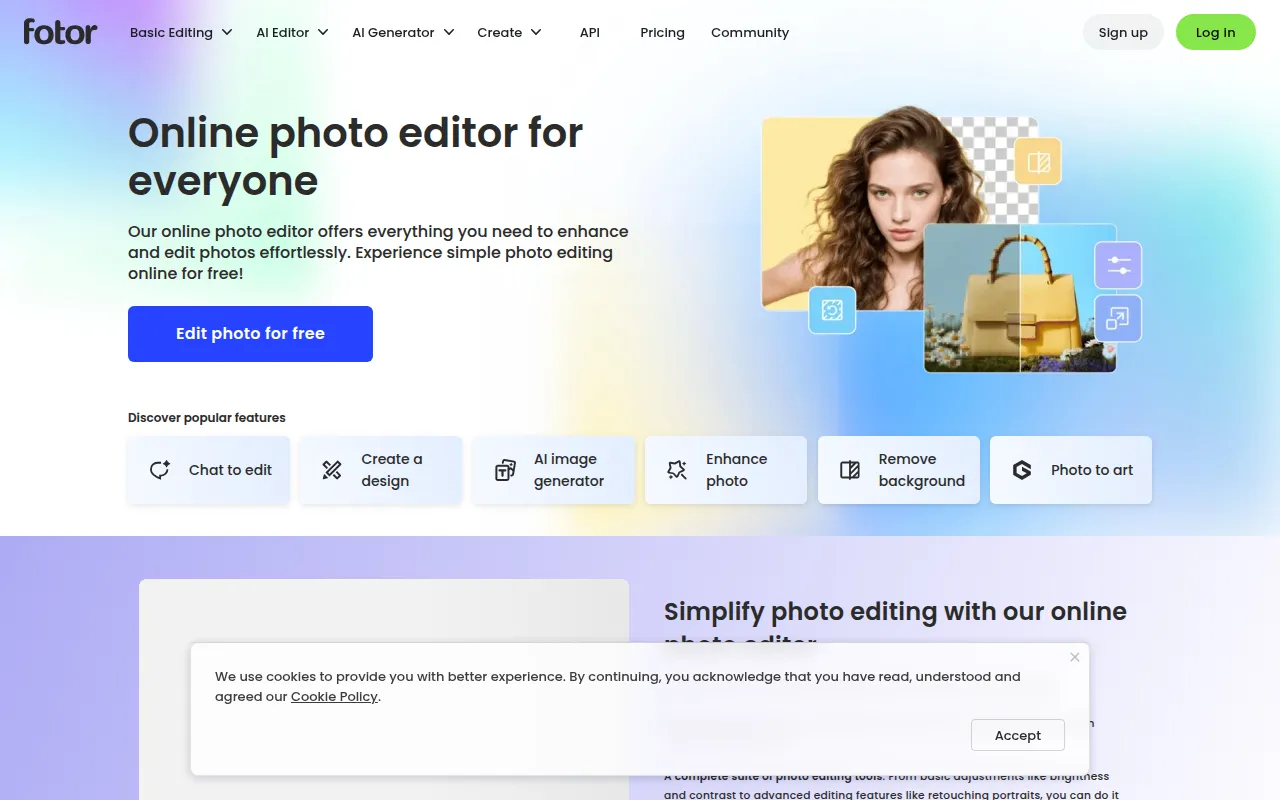
Fotor is a web-based image editing and design platform that supports basic and advanced editing. It includes tools for cropping, resizing, and lighting adjustments, alongside AI features for removing backgrounds and enhancing image quality.
The software is designed for small business owners, content creators, and non-designers who need to produce visuals. It supports various outputs, including social media posts, professional headshots, and marketing materials.
Buyers should note that while a free plan exists, certain advanced AI tools and high-resolution assets are reserved for Pro and Pro+ subscription tiers. The service is accessible via browser and through apps for Windows, Mac, iOS, and Android.
Key Features
AI Background Remover
Removes backgrounds from images to create transparent PNGs.
AI Photo Enhancer
Adjusts lighting, unblurs images, and enhances details to support image clarity.
Batch Photo Editing
Supports editing multiple photos at once to maintain consistency across image sets.
AI Image Generator
Generates images, logos, and illustrations based on text descriptions.
Photo Collage Maker
Combines multiple images using templates, layouts, and grids.
Text and Overlay Tools
Supports adding and customizing text on images with a font library and transparency controls.
Use Cases
Social Media Content Creation
Creating posts for Instagram, TikTok, and Facebook using templates and AI effects.
Professional Profile Photos
Generating AI headshots for LinkedIn and CVs from uploaded selfies.
E-commerce Product Imagery
Removing backgrounds and adding shadow frames for product marketplace listings.
Marketing Material Design
Using the poster and flyer makers to create promotional assets.
FAQ
Is Fotor photo editor free to use?
- Yes, there is a free plan that supports editing and watermark-free exports, though some advanced features require a Pro subscription.
Can I use Fotor on different devices?
- The software is available as a web-based editor and as an app for Windows, Mac, iOS, and Android.
What is the difference between the Pro and Pro+ plans?
- Pro+ supports higher limits on concurrent AI generations, more chats with the AI agent, and features like AI batch background removal.
Source category: Productivity
Source subcategory: Content Creation
More tools in Productivity
Other published listings in the Productivity category.


More tools in the Content Creation software type
Related listings that share the same software type for comparison and shortlisting.


