AI TOOL PROFILE
FLUX Kontext: AI Image Editing

- Productivity
- Content Creation
- Marketing Agencies
- Ecommerce Stores
- Small Businesses
- Developers
- Enterprise Companies
Pricing
FLUX Kontext is currently available for free.
At a glance
- Best for
- Marketing Agencies, Ecommerce Stores, Small Businesses, Developers, Enterprise Companies
- Key use cases
- Visual Content Styling, Image Text Updates, Scene and Activity Modification, Developer Prototyping
- Official website
- Visit FLUX Kontext official website
How AI is used
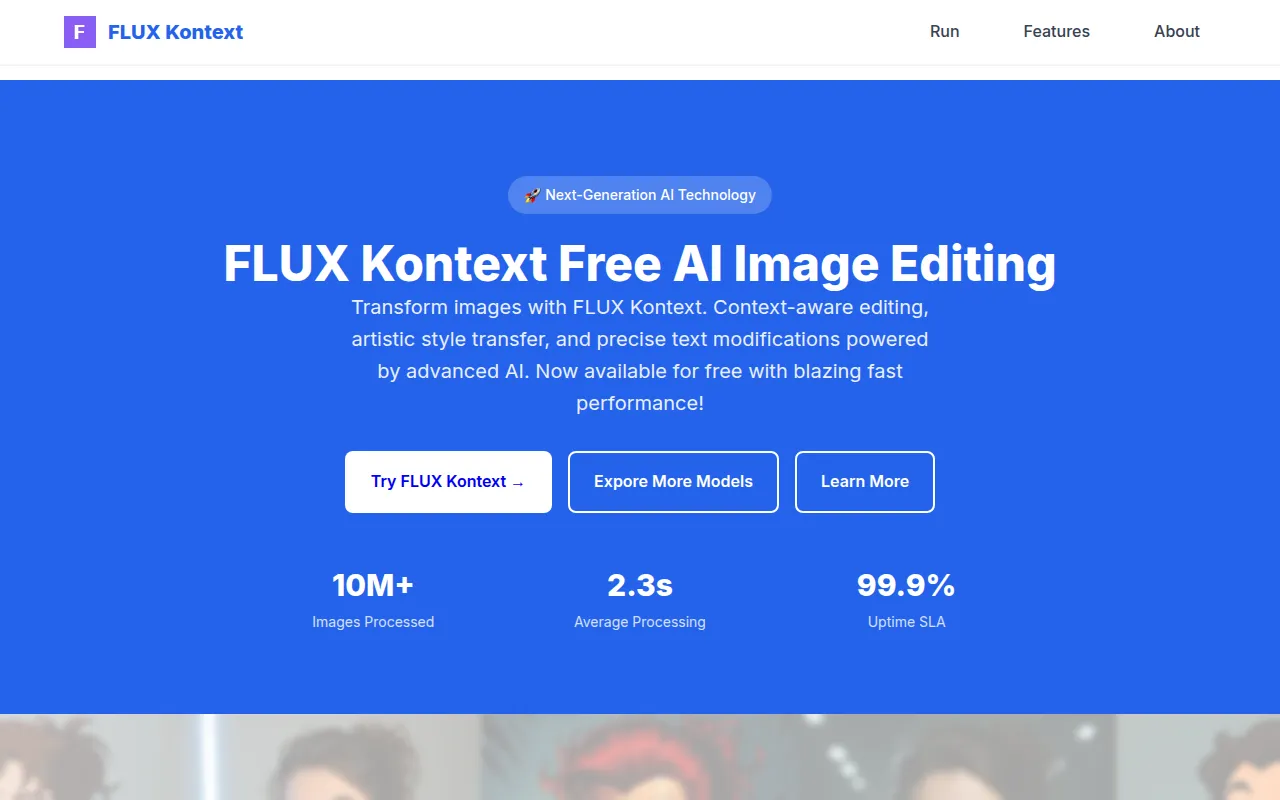
FLUX Kontext is an AI image editing tool developed by Black Forest Labs. It allows users to modify existing images through text prompts, focusing on maintaining the original context of the scene while applying changes.
The platform is designed for a range of users, including small business owners, marketing teams, developers, and enterprise companies. It offers three model variants—dev, pro, and max—to support different needs for customization, output quality, and typography precision.
Key capabilities include changing the artistic style of a photo, replacing specific text within an image, or modifying the activity taking place in a scene. The tool is designed for speed and granular control, providing various parameters to fine-tune the output.
Buyers should confirm whether they require the open-weight flexibility of the dev model or the prompt adherence found in the max version depending on their production needs.
Key Features
Context-Aware Editing
Designed to understand image semantics for modifications that aim to preserve natural aesthetics.
Artistic Style Transfer
Supports transforming images into different aesthetics, such as oil paintings or pencil sketches.
Text Modifications
Designed to replace or modify specific text within an image via text prompts.
Granular Parameter Control
Includes over 100 adjustable parameters for fine-tuning image transformations.
Multiple Model Variants
Offers dev for customization, pro for high-quality editing, and max for typography and prompt adherence.
Developer API
Provides an API and SDKs for integrating image editing capabilities into workflows.
Use Cases
Visual Content Styling
Applying an artistic style, such as claymation or sketching, to brand images.
Image Text Updates
Changing specific words or phrases within an existing image via prompts.
Scene and Activity Modification
Using text prompts to change the action or environment within a source photograph.
Developer Prototyping
Using the open-weight dev model to build and customize image editing solutions.
FAQ
What does FLUX Kontext do?
- It is an AI image editing platform that allows users to change styles, modify text, and alter scenes within images using text prompts.
How much does FLUX Kontext cost?
- Based on the provided evidence, the platform is currently available for free.
Which model version should I use?
- The 'dev' model is for customization, 'pro' is for consistent results, and 'max' is for typography generation and prompt adherence.
Is FLUX Kontext suitable for enterprise use?
- Yes, it is designed for enterprise users and includes a 99.9% SLA guarantee for its production infrastructure.
Source category: Productivity
Source subcategory: Content Creation
More tools in Productivity
Other published listings in the Productivity category.


More tools in the Content Creation software type
Related listings that share the same software type for comparison and shortlisting.


