AI TOOL PROFILE
Facetune: AI Photo and Video Editing App

- Productivity
- Content Creation
- Content Creators
- Ecommerce Store Owners
- Influencers
- Social Media Managers
Pricing
Facetune offers a 7-day free trial. Subscription options include $25/month, $40/quarter, and $77.99/year. A lifetime purchase option is also available.
At a glance
- Best for
- Content Creators, Ecommerce Store Owners, Influencers, Social Media Managers
- Key use cases
- Social Media Content Creation, Professional Profile Pictures, Real Estate Listing Enhancement, Ecommerce Product Presentation, Passport Photo Preparation
- Official website
- Visit Facetune official website
How AI is used
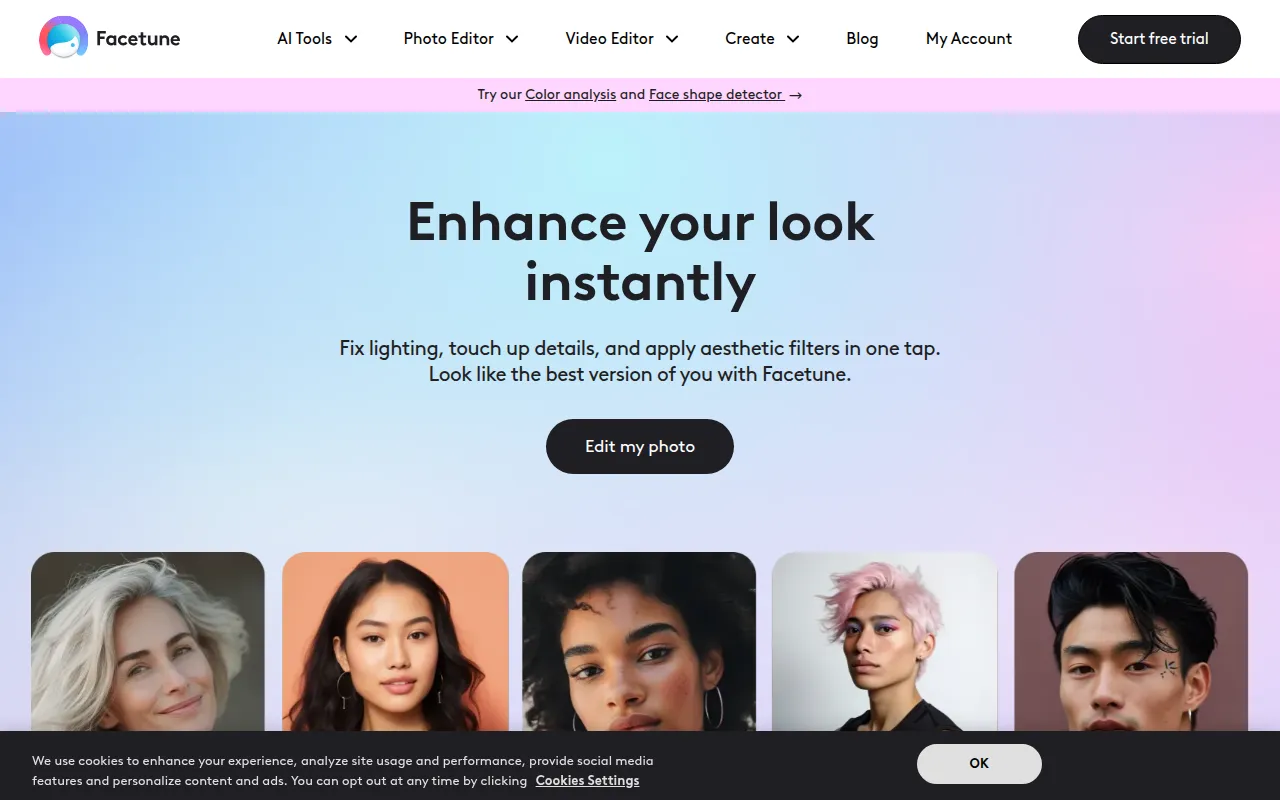
Facetune is a mobile editing application for users who want to enhance their digital presence. It provides AI-powered tools for both photos and videos, with a focus on retouching, facial feature adjustment, and lighting improvements.
The app is designed for influencers, content creators, and users who maintain a specific aesthetic on platforms like Instagram. It supports tasks ranging from basic photo cropping to the generation of AI headshots and avatars.
Buyers should note that the software is primarily for mobile use. Users should confirm that a mobile-centric workflow aligns with their content production needs.
Project files are saved locally on the device rather than on central servers, which is a key detail for asset management and backups.
Key Features
AI Photo and Video Enhancer
Tools designed to brighten, smooth, and sharpen facial clarity in still images and video clips.
AI Headshot Generator
Designed to create professional-looking headshots from phone photos.
Background Remover
Allows users to remove backgrounds from images to create studio-style portraits or custom backdrops.
Color Analysis and Face Shape Detector
Analyzes skin tone and facial features to provide suggestions for hairstyles and makeup.
AI Video Retouching
Supports the removal of background noise and the application of facial edits across video frames.
Use Cases
Social Media Content Creation
Enhancing photos and videos for Instagram feeds and stories to maintain a consistent visual style.
Professional Profile Pictures
Generating headshots for LinkedIn or professional portfolios using AI tools.
Real Estate Listing Enhancement
Brightening property images and removing distractions to create polished real estate photos.
Ecommerce Product Presentation
Using background removal and image brightening to improve the appearance of product photos.
Passport Photo Preparation
Cropping and polishing images to create passport-style photos.
FAQ
Is Facetune free to use?
- Facetune is free to download and provides some free tools with a weekly save limit. Access to premium VIP tools and watermark-free saving requires a subscription.
What are the subscription costs for Facetune?
- Subscription options include $25 per month, $40 every three months, or $77.99 per year. A lifetime access option is also available.
Does Facetune store my photos on their servers?
- No, projects are saved locally on your device and are not stored on Facetune's servers or in the cloud.
Can I use Facetune for professional business headshots?
- Yes, Facetune includes an AI Headshot Generator designed to create professional-looking photos from mobile pictures.
Source category: Productivity
Source subcategory: Content Creation
More tools in Productivity
Other published listings in the Productivity category.


More tools in the Content Creation software type
Related listings that share the same software type for comparison and shortlisting.


