AI TOOL PROFILE
Excel Formula Bot: AI Data Analytics Software

- Data and Analytics
- Code Generation
- Small business owners
- Founders
- Accountants
- Data analysts
- Marketing managers
Pricing
Formula Bot offers a free tier. Paid plans start at $25/month for the Pro plan, with Max at $49/user/month and Enterprise at $149/user/month.
At a glance
- Best for
- Small business owners, Founders, Accountants, Data analysts, Marketing managers
- Key use cases
- Business Report Preparation, Customer Feedback Analysis, Spreadsheet Management, Automated Reporting
- Integrations
- Excel, Google Sheets, BigQuery, Snowflake, MySQL
- Official website
- Visit Excel Formula Bot official website
How AI is used
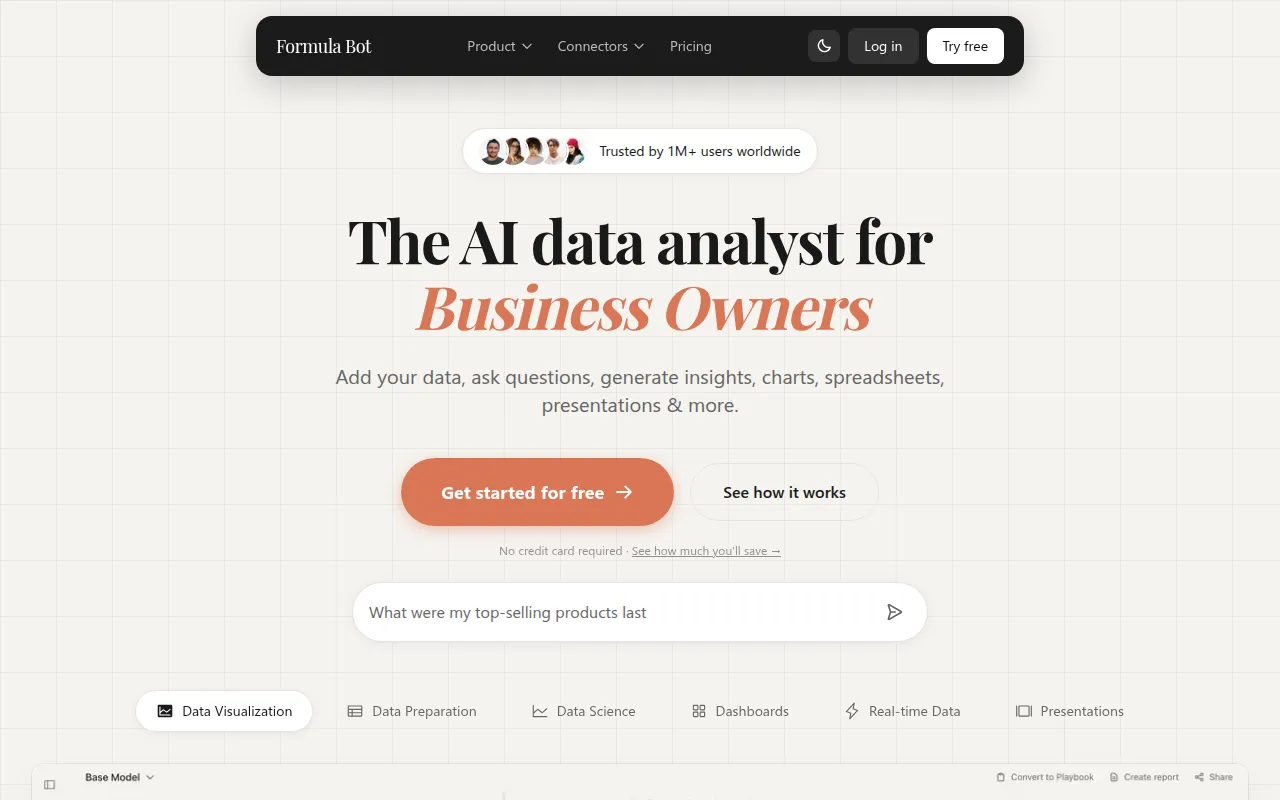
Formula Bot is an AI-powered data analytics tool designed to help users interact with their data using natural language. Users can describe their needs in plain English to generate formulas for Excel and Google Sheets or create visual charts.
The tool supports a variety of workflows, including data cleaning, sentiment analysis of customer feedback, and the generation of interactive dashboards. It is designed for a range of users, including founders, small business owners, data teams, and accountants.
Beyond spreadsheet formulas, the platform can connect to various databases and supports the generation of Python, SQL, and R code, which allows users to verify the logic behind the AI's output.
Buyers should confirm their specific data volume and security requirements, as file upload limits and computing power vary across pricing tiers. The vendor notes that AI-generated outputs for highly specialized industry calculations may require verification.
Key Features
AI Formula Generation
Generates formulas for Excel and Google Sheets based on plain English descriptions.
Automated Dashboards
Supports the creation of interactive dashboards from data with templates and scheduled refreshes.
Sentiment Analysis
Classifies text data as positive, negative, or neutral to help analyze customer feedback.
Data Transformation
Supports cleaning, standardizing, and merging raw data from multiple sources.
Code Generation
Produces Python, SQL, and R code for data requests, which can be verified and exported.
Database Connectors
Connects to data sources including BigQuery, Snowflake, MySQL, PostgreSQL, and MSSQL.
Use Cases
Business Report Preparation
Using the AI to generate formulas and charts to support the preparation of business reports.
Customer Feedback Analysis
Uploading customer reviews or survey responses to identify general sentiment patterns.
Spreadsheet Management
Cleaning datasets and reorganizing columns through a chat interface.
Automated Reporting
Setting up scheduled playbooks to run recurring analysis on fresh data.
Integrations
- Excel
- Google Sheets
- BigQuery
- Snowflake
- MySQL
- PostgreSQL
- MSSQL
- PDF import
FAQ
What does Formula Bot do?
- It allows users to generate Excel and Google Sheets formulas, create charts, and analyze data by asking questions in plain English.
Is there a free version of Formula Bot?
- Yes, Formula Bot offers a free tier that allows users to try the AI features, including formula generation and visualizations.
How is the data secured in Formula Bot?
- Data is encrypted in transit with TLS and at rest using RDS AES-256 encryption via AWS, and the tool uses isolated sandbox environments for chats.
Can it connect to external databases?
- Yes, it includes connectors for BigQuery, Snowflake, MySQL, PostgreSQL, and MSSQL.
Source category: Data & Analytics
Source subcategory: Code Generation
More tools in Data & Analytics
Other published listings in the Data & Analytics category.


More tools in the Code Generation software type
Related listings that share the same software type for comparison and shortlisting.