AI TOOL PROFILE
Chronicle AI Presentation Software

- Productivity
- Content Creation
- Sales teams
- Marketing teams
- Product managers
- Agencies
- Consultants
- Startups
Pricing
Pricing includes a Free plan ($0/month) with 200 tokens, a Pro plan ($12/user/month) with 750 tokens, and a Plus plan ($25/user/month) with 1500 tokens. Annual billing may offer a discount.
At a glance
- Best for
- Sales teams, Marketing teams, Product managers, Agencies, Consultants
- Key use cases
- Sales and Pitch Decks, Internal Strategy and Roadmaps, Executive and Board Reporting, Agency Client Deliverables
- Integrations
- ChatGPT, Notion, Loom, Google Sheets, Airtable
- Official website
- Visit Chronicle official website
How AI is used
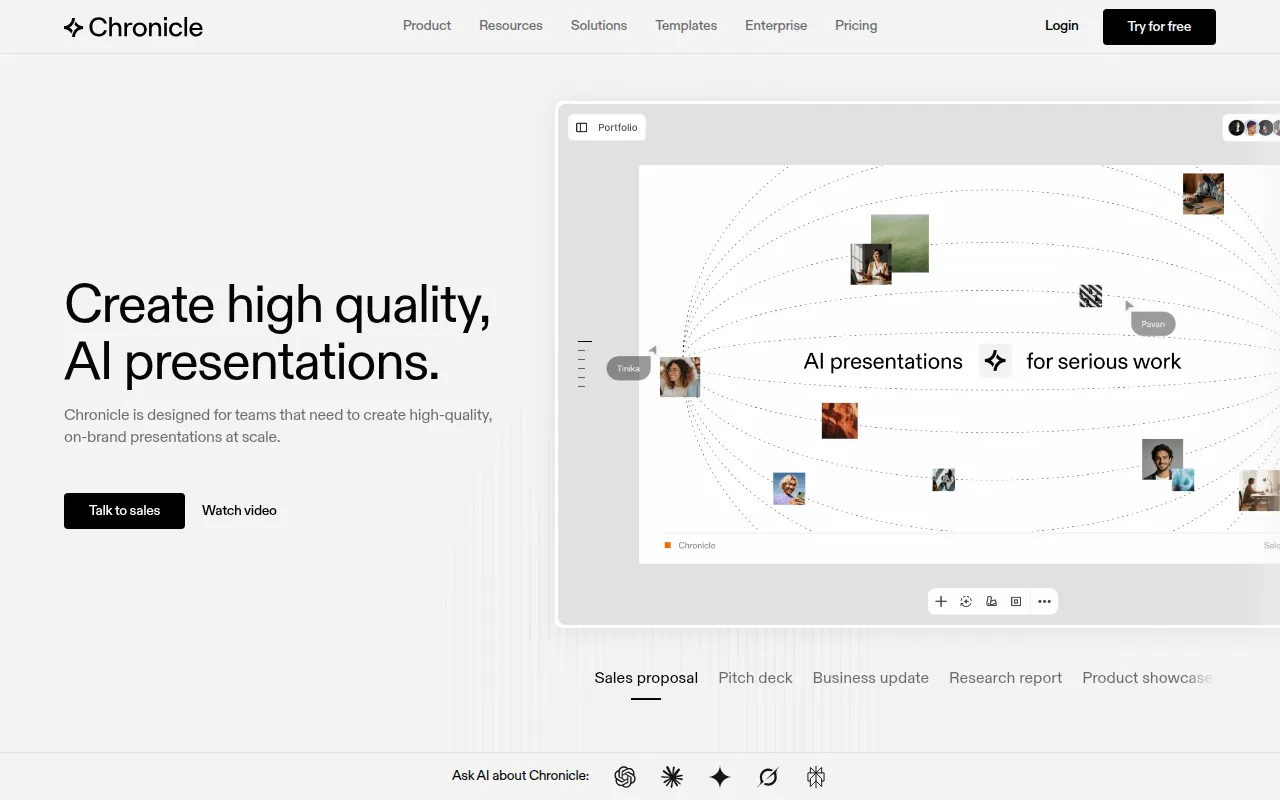
Chronicle is an AI-driven presentation tool designed to help users move from raw ideas to slides. Users can input notes, meeting documents, or outlines, which the AI then organizes into structured presentations with professional layouts.
The software is designed for professional teams, including those in sales, marketing, and product management, as well as agencies and consultants. It features a freeform canvas for editing, which allows for customizability of AI-generated content.
The tool supports brand governance by allowing teams to upload logos, colors, and fonts. Presentations can be shared as interactive web links or exported to PDF and PPT formats.
Buyers should note that AI functionality is managed through a token system, where the volume of AI-generated content is limited based on the selected monthly plan.
Key Features
AI Slide Generation
Generates presentations and diagrams based on raw notes, outlines, or existing documents.
Freeform Canvas
Provides a customizable editing area for refining AI-generated content.
Brand Guideline Support
Supports uploading logos, colors, and fonts to maintain consistency across team presentations.
Designer Templates
Includes a library of professional templates for various business contexts.
Multi-Format Export
Supports publishing presentations as websites or exporting as PDF and PPT files.
Collaboration Tools
Supports real time co-editing of decks and template sharing within a shared workspace.
Use Cases
Sales and Pitch Decks
Supports the creation of client proposals and pitch decks to showcase services.
Internal Strategy and Roadmaps
Developing product roadmaps, stakeholder updates, and internal strategy narratives.
Executive and Board Reporting
Building board decks, investor updates, and financial narratives.
Agency Client Deliverables
Creating branded case studies and project plans for client delivery.
Integrations
- ChatGPT
- Notion
- Loom
- Google Sheets
- Airtable
- Calendly
- Cal.com
- Google Calendar
- Claude
- Perplexity
- YouTube
- TikTok
- Typeform
- Tally
- Google Forms
- Slack
FAQ
What are tokens in Chronicle?
- Tokens measure the usage of AI features; for example, generating a presentation typically uses about 10 tokens plus 1 token per chapter.
Can I use my own brand colors and fonts?
- Yes, Chronicle supports uploading brand assets and fonts to enforce styles across templates and AI-generated content.
What export formats does Chronicle support?
- Presentations can be published as a website or exported as a PDF or PPT file.
Source category: Productivity
Source subcategory: Content Creation
More tools in Productivity
Other published listings in the Productivity category.


More tools in the Content Creation software type
Related listings that share the same software type for comparison and shortlisting.


