AI TOOL PROFILE
CaseFox | Legal Practice & Case Management Software

- Legal
- Legal Practice Management
- Solo practitioners
- Small law firms
- Mid-sized legal practices
- Enterprise legal teams
Pricing
CaseFox offers a free Solo plan for up to 2 users and 4 cases. Paid tiers include a Professional plan at $45 per user/month and an Enterprise plan at $99 per user/month.
At a glance
- Best for
- Solo practitioners, Small law firms, Mid-sized legal practices, Enterprise legal teams
- Key use cases
- Case Setup and Vetting, Billable Hour Management, Trust Fund Record Keeping, Digital Document Management
- Integrations
- QuickBooks, Xero, LawPay, PayPal, Google Drive
- Official website
- Visit casefox official website
How AI is used
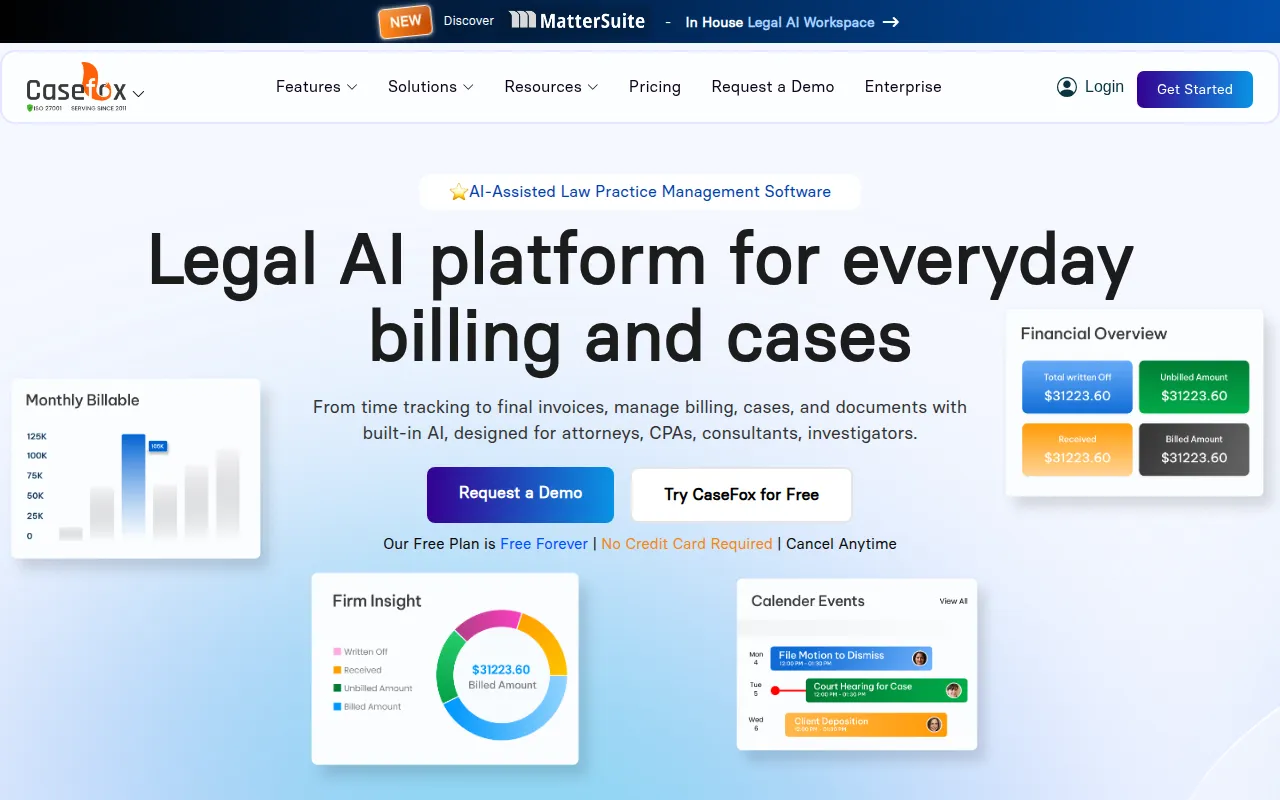
CaseFox is a legal practice management platform designed to organize cases, track time, and handle invoicing. It is designed for solo practitioners, small to mid-sized firms, and enterprise legal teams across practice areas such as family, criminal, and real estate law.
The software provides tools for automated billing, IOLTA-compliant trust accounting, and client intake to support administrative workflows. It also includes AI-powered features designed for document drafting and analysis.
Buyers should consider whether the limitations of the free Solo plan—specifically the cap on the number of cases and users—meet their current needs or if a paid tier is required.
CaseFox is cloud-based and offers a mobile app that supports offline work, allowing users to log time and access documents without a constant internet connection.
Key Features
Case Management
Organizes case-related documents and time entries while supporting tracking for deadlines and hearings.
Legal Billing & Invoicing
Supports hourly, flat-fee, and contingency billing with batch invoicing and LEDES compliance.
Time & Expense Tracking
Includes timers and manual entry tools to capture billable and non-billable hours.
Legal Accounting
Provides IOLTA-compliant tools for managing trust and operating accounts.
AI Document Tools
Supports the drafting, summarization, and analysis of legal documents and clauses.
Client Intake & Conflict Checks
Offers customizable intake forms and tools to scan for internal conflicts during the onboarding process.
Client Portal
A secure area where clients may access billing information, case updates, and make payments.
Use Cases
Case Setup and Vetting
Using intake forms and conflict check tools to vet potential clients and initialize new matters.
Billable Hour Management
Tracking attorney time and expenses via timers to support accurate invoicing.
Trust Fund Record Keeping
Maintaining IOLTA-compliant records for client funds and operating accounts.
Digital Document Management
Storing and analyzing case files using cloud storage and AI-assisted drafting tools.
Integrations
- QuickBooks
- Xero
- LawPay
- PayPal
- Google Drive
- Dropbox
- Box
- OneDrive
- Google Docs
- Microsoft Word
- Google Calendar
- iCal
- Gmail
- Outlook
- Microsoft Office 365
- Microsoft Teams
- Keap
- Facel
- Excel export
FAQ
Is there a free version of CaseFox?
- Yes, CaseFox offers a Solo plan that is free forever. It supports up to 2 users and 4 cases with access to core features.
Does CaseFox handle trust accounting?
- Yes, CaseFox provides IOLTA-compliant tools for managing trust and operating accounts.
Does CaseFox support offline access?
- Yes, the mobile app allows users to work offline and sync data once a connection is restored.
Can CaseFox help with moving data from other legal tools?
- CaseFox provides free data migration for solo and small-to-mid-sized firms; enterprise-level migrations may involve a cost.
Source category: Legal
Source subcategory: Legal Practice Management
More tools in Legal
Other published listings in the Legal category.



More tools in the Legal Practice Management software type
Related listings that share the same software type for comparison and shortlisting.