AI TOOL PROFILE
CardioLog Analytics: Microsoft 365 & SharePoint Analytics

- Data and Analytics
- Business Intelligence
- Small Businesses
- Mid-Market Companies
- Enterprise Companies
- Microsoft 365 Administrators
- Digital Workspace Managers
Pricing
Pricing was not clearly available from the provided evidence. Buyers should confirm current pricing on the vendor website.
At a glance
- Best for
- Small Businesses, Mid-Market Companies, Enterprise Companies, Microsoft 365 Administrators, Digital Workspace Managers
- Key use cases
- SharePoint Adoption Tracking, Teams Performance Analysis, OneDrive Usage Insights, Email Strategy Optimization, Social Engagement Monitoring
- Integrations
- SharePoint, Microsoft Teams, OneDrive, Viva Engage, Microsoft Exchange
- Official website
- Visit cardiolog analytics official website
How AI is used
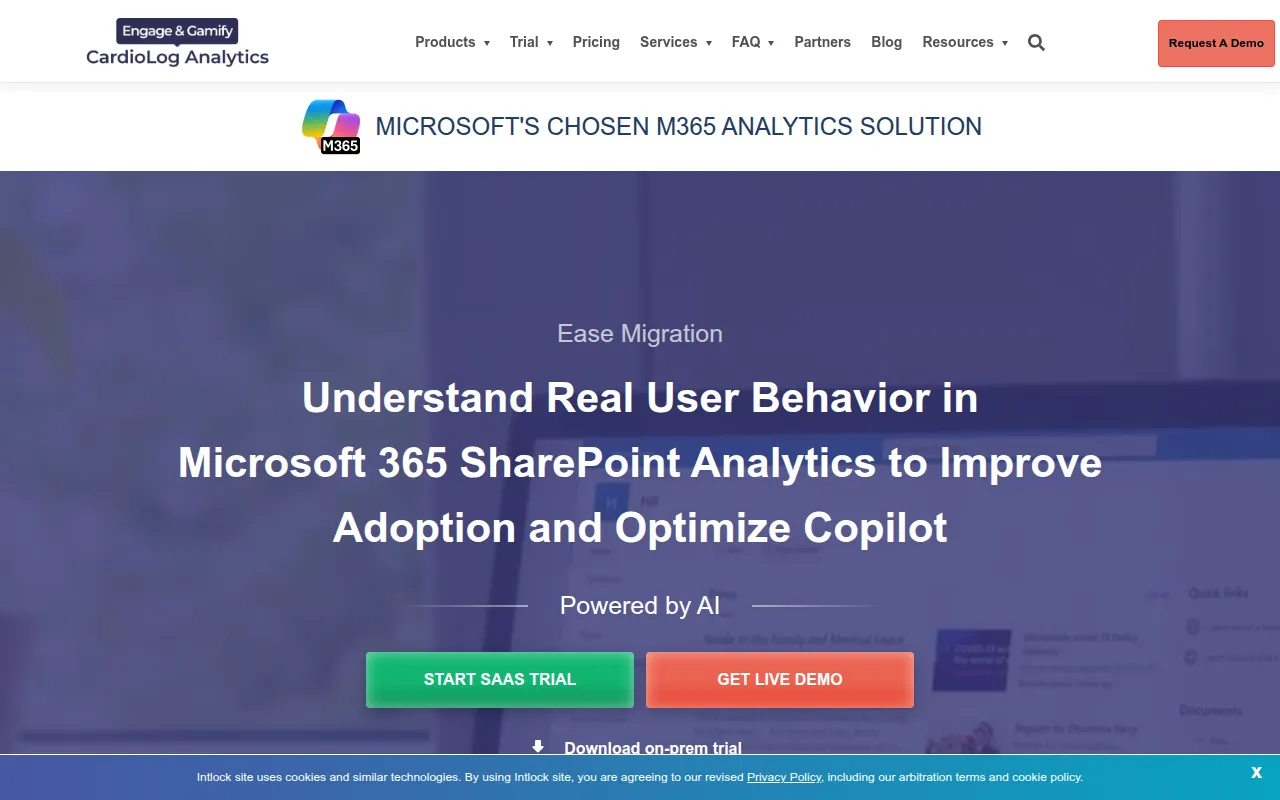
CardioLog Analytics is a data and business intelligence platform for the Microsoft 365 ecosystem. It tracks user interactions across SharePoint, Teams, OneDrive, Viva Engage, and Exchange to provide insights into how employees engage with digital workspaces.
The tool is designed for small, mid-market, and enterprise organizations that require more detailed reporting than native Microsoft tools. By using visual tools like heat maps and click maps, it helps administrators identify which content is used and where adoption may be lagging.
Beyond reporting, the platform includes gamification tools and engagement features intended to encourage user activity within the portal. Buyers can choose between SaaS and on-premises deployment options based on their infrastructure requirements.
Buyers should confirm whether they require basic analytics or the augmented visualization and gamification modules, as these are listed as separate components of the product offering.
Key Features
Visualized Behavioral Analytics
Uses heat maps, click maps, and scroll maps to show how users interact with portal pages.
Microsoft 365 App Coverage
Provides reporting for SharePoint, Teams, OneDrive, Viva Engage, and Microsoft Exchange.
Adoption Monitoring
Tracks active versus inactive users and monitors consumption patterns to help identify adoption trends.
Gamification Tools
Supports the use of badges and points to encourage employee interaction with specific content.
Flexible Deployment
Offers both SaaS and on-premises installation options.
AI-Driven Visualized Analytics
Uses AI to provide visualized data and mapping for business decisions.
Use Cases
SharePoint Adoption Tracking
Monitoring user behavior and gathering data to identify areas where intranet usability may be improved.
Teams Performance Analysis
Analyzing activity and usage patterns in Microsoft Teams to support collaboration.
OneDrive Usage Insights
Analyzing account trends and file interaction to understand which content is meaningful to users.
Email Strategy Optimization
Analyzing Microsoft Exchange traffic by department and monitoring storage usage to support communication practices.
Social Engagement Monitoring
Identifying influential users and community activity within Viva Engage (Yammer).
Integrations
- SharePoint
- Microsoft Teams
- OneDrive
- Viva Engage
- Microsoft Exchange
- Power BI
FAQ
Which Microsoft 365 applications does CardioLog Analytics support?
- It provides analytics for SharePoint, Teams, OneDrive, Viva Engage (Yammer), and Microsoft Exchange.
Can CardioLog Analytics be installed on a company's own servers?
- Yes, the software is available for both SaaS and On-Premises deployments.
How does the tool help with user adoption?
- It tracks user behavior and provides insights through heat maps and reports, which may help administrators improve portal usability.
Source category: Data & Analytics
Source subcategory: Business Intelligence
More tools in Data & Analytics
Other published listings in the Data & Analytics category.


More tools in the Business Intelligence software type
Related listings that share the same software type for comparison and shortlisting.