AI TOOL PROFILE
Beautiful.ai AI Presentation Software

- Productivity
- Content Creation
- Individual consultants
- Marketing and sales teams
- Small business owners
- Agencies
- Enterprise organizations
Pricing
Plans start at $12 per month (billed annually) for individuals. Team plans are $40 per user per month (billed annually), and Enterprise pricing is custom. A 14-day free trial is available and requires a credit card.
At a glance
- Best for
- Individual consultants, Marketing and sales teams, Small business owners, Agencies, Enterprise organizations
- Key use cases
- Sales Decks, Marketing Presentations, Startup Pitches, Reporting and Analytics, Training and Development
- Integrations
- PowerPoint import, PowerPoint export, Slack, ChatGPT, Salesforce
- Official website
- Visit beautiful ai beautiful ai official website
How AI is used
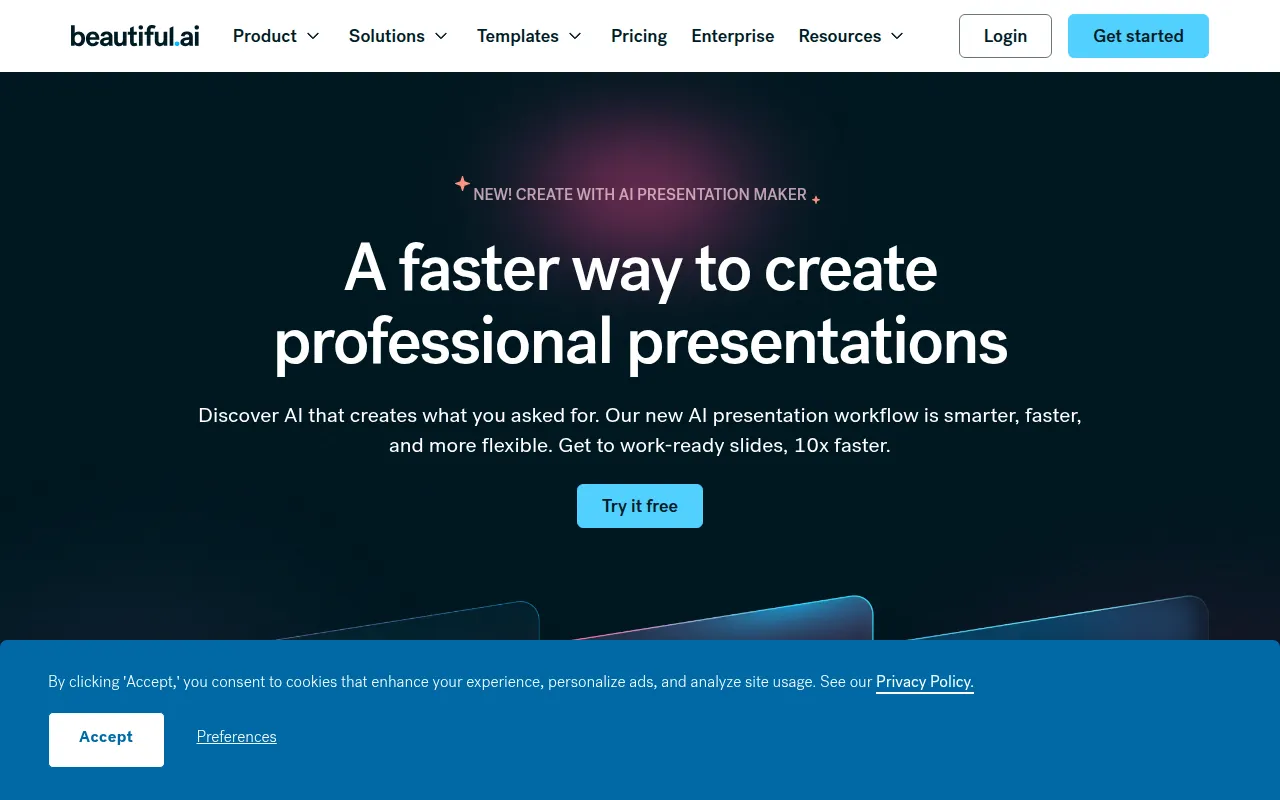
Beautiful.ai is a presentation platform designed to reduce manual slide formatting. It uses Smart Slides that automatically adjust layout, spacing, and alignment as content is added or removed, which may help users focus more on the narrative than on manual design adjustments.
The tool is available for solo consultants, agency owners, and enterprise teams. It provides a guided AI workflow that allows users to move from a prompt or document to a text outline, and then to slides, rather than relying on a single-generation output.
For teams, the platform includes brand guardrails and shared libraries to help ensure decks remain on-brand. It also includes data visualization tools for creating animated charts and graphs.
Buyers should confirm whether they require the security and permission controls found in the Enterprise tier, as these are not available in the individual Pro plan.
Key Features
Smart Slides
Templates that automatically handle spacing, alignment, and visual hierarchy as content changes.
Create with AI Workflow
A guided process to turn prompts, outlines, or documents into presentations via a text-first outline.
Brand Control
Custom theme builders and locked templates to help maintain consistent colors, fonts, and logos.
Data Visualization
Tools to create animated charts and graphs with the ability to link to spreadsheets.
Team Collaboration
A shared workspace with real-time collaborative editing, version control, and a centralized asset library.
Viewer Analytics
Tracking to see who has viewed a deck and which slides received engagement.
Use Cases
Sales Decks
Creating professional sales presentations and tracking viewer engagement.
Marketing Presentations
Building brand-consistent marketing materials and campaign decks.
Startup Pitches
Developing polished pitch decks for investors.
Reporting and Analytics
Turning data into visual charts and reports for quarterly business reviews.
Training and Development
Designing educational content and training slides for employees.
Integrations
- PowerPoint import
- PowerPoint export
- Slack
- ChatGPT
- Salesforce
- Monday.com
- Webex
- Dropbox import
FAQ
How does Beautiful.ai differ from a standard AI generator?
- Beautiful.ai uses a guided workflow that moves from prompt to outline to design, using Smart Slides to handle alignment and spacing automatically.
Can I use my own brand colors and fonts?
- Yes, the platform includes brand control features and custom theme builders to set specific colors, fonts, and logos.
Does Beautiful.ai offer a free trial?
- A 14-day free trial is available for Pro and Team plans; a credit card is required to begin.
Can presentations be used without an internet connection?
- Yes, the desktop player supports presenting downloaded presentations offline.
Source category: Productivity
Source subcategory: Content Creation
More tools in Productivity
Other published listings in the Productivity category.


More tools in the Content Creation software type
Related listings that share the same software type for comparison and shortlisting.


