AI TOOL PROFILE
Viral Post Generator - AI LinkedIn Content Tool

- Marketing
- Content Creation
- Marketing Agencies
- Sales Professionals
- Small Businesses
- LinkedIn Content Creators
Pricing
The tool offers a freemium model. A free version is available for basic post generation, while a paid plan unlocks advanced scheduling, analytics, and content inspiration feeds.
At a glance
- Best for
- Marketing Agencies, Sales Professionals, Small Businesses, LinkedIn Content Creators
- Key use cases
- Personal Branding, Agency Account Management, Employee Advocacy, Content Planning
- Official website
- Visit Viral Post Generator official website
How AI is used
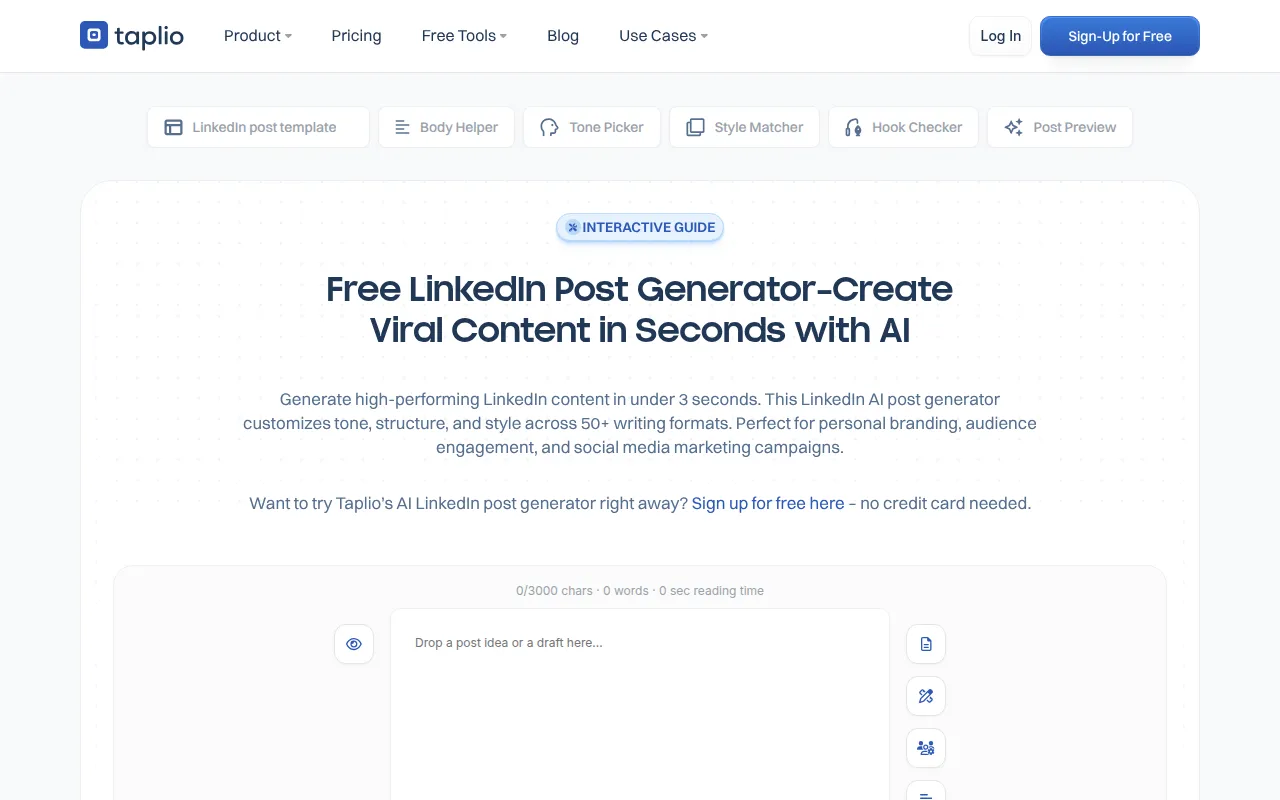
Viral Post Generator is an AI-powered writing assistant designed for LinkedIn. It helps users create formatted post drafts by offering over 50 writing formats and tone settings, such as professional, casual, or bold.
The tool is designed for individual professionals building a personal brand and agencies managing multiple accounts. It supports text-based posts and provides a separate tool for visual carousels.
Beyond generation, the platform includes a content calendar and batch generation capabilities, which may reduce manual work when planning a content strategy. Users can also access a feed of viral posts and industry trends to find topic ideas.
Buyers should note that manual editing is often needed to ensure content sounds natural and fits a specific brand voice. Certain management features are reserved for paid plans.
Key Features
AI Content Generation
Creates LinkedIn post drafts based on user topics using GPT-based models.
Tone and Style Customization
Provides over 50 writing formats and adjustable tone settings to match a professional voice.
Batch Generation
Supports creating multiple post drafts at once based on current themes.
Content Scheduling
Includes a built-in calendar to schedule posts.
Carousel Visual Tool
A tool for creating visual carousel posts for LinkedIn.
Content Inspiration Feed
A library of viral posts and industry trends to help find content ideas.
Analytics
Tracks post performance and engagement statistics.
Use Cases
Personal Branding
Helping professionals create consistent posts to grow their presence on LinkedIn.
Agency Account Management
Supporting agencies that manage multiple LinkedIn accounts from one place.
Employee Advocacy
Allowing businesses to share content across team member accounts to increase reach.
Content Planning
Using batch generation and a content calendar to plan social activity.
FAQ
Is the Viral Post Generator free?
- Yes, there is a free version that allows users to create AI-powered posts without a credit card. Advanced features like analytics and scheduling are available on a paid plan.
Can it create LinkedIn carousels?
- The AI generator focuses on text, but Taplio provides a separate carousel tool for creating visual posts.
Does the tool support languages other than English?
- Yes, the AI can handle posts in French, Spanish, and other languages, though manual review is recommended for tone accuracy.
Can I schedule posts directly through the tool?
- Yes, it includes a built-in content calendar and batch scheduling for those on the appropriate plan.
Source category: Marketing
Source subcategory: Content Creation
More tools in Marketing
Other published listings in the Marketing category.


More tools in the Content Creation software type
Related listings that share the same software type for comparison and shortlisting.


