AI TOOL PROFILE
Urlbox.io: Website Screenshot API

- Software Development
- API Development
- Software Developers
- Digital Agencies
- Compliance Teams
- UX/UI Designers
- Web Researchers
Pricing
Paid plans range from $19/month (Lo-Fi) for 2,000 renders to $498/month (Business) and Enterprise options from $3,000/month. A 7-day free trial is available.
At a glance
- Best for
- Software Developers, Digital Agencies, Compliance Teams, UX/UI Designers, Web Researchers
- Key use cases
- Compliance Monitoring, Design and Marketing Assets, Web Automation Workflows, Visual Competitive Intelligence
- Integrations
- S3, Zapier, Airtable, Wordpress
- Official website
- Visit Urlbox.io official website
How AI is used
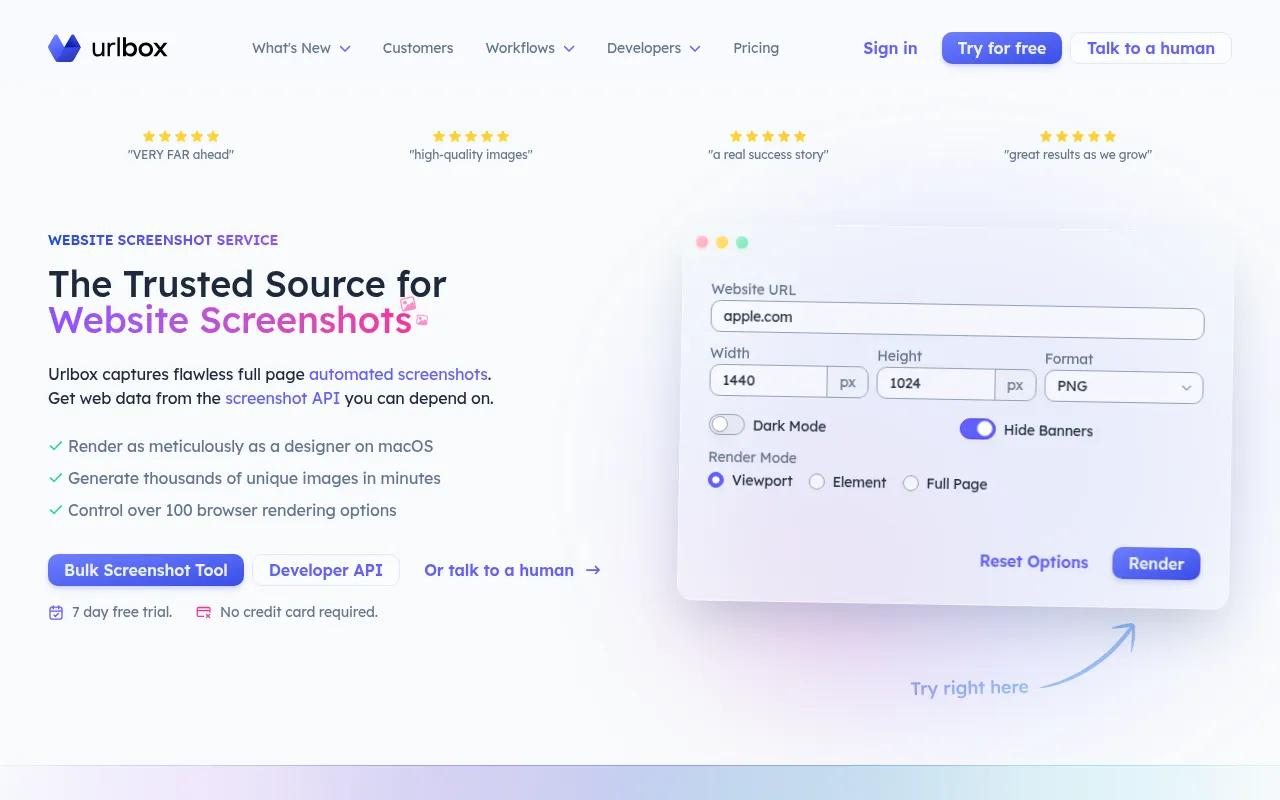
Urlbox.io is an API service designed to convert URLs and HTML code into visual assets. It supports various output formats, including images, videos, and PDFs, with over 100 rendering options to control the final capture.
The tool is built for software companies, digital agencies, and developers who generate screenshots at scale. It provides render modes for full pages, responsive viewports, or specific CSS elements.
The service includes AI-powered analysis that can extract structured data from screenshots using LLM integrations. This may help teams automate competitive intelligence or compliance auditing by analyzing visual page components.
Buyers should confirm pricing tiers to ensure they have the required privacy settings and rendering limits, as features such as stealth mode and S3 storage are restricted to higher plans.
Key Features
Multi-Format Rendering
Converts URLs and HTML into PNG, JPEG, SVG, AVIF, MP4, WEBM, PDF, MD, JSON, and HTML formats.
Flexible Render Modes
Supports full-page captures, responsive viewport screenshots, and element-specific captures using CSS selectors.
AI-Powered Analysis
Supports LLM integration to analyze screenshots via custom prompts and generate structured JSON outputs.
Blocking Tools
Includes options to block ads, hide cookie banners, and bypass pop-ups for cleaner captures.
Rendering Controls
Provides over 100 options, including custom CSS, JavaScript injection, GPU acceleration, and proxy support.
Use Cases
Compliance Monitoring
Generating automated screenshots to provide visual evidence for audits and regulatory compliance.
Design and Marketing Assets
Capturing visual assets from web designs to use as images or PDFs for marketing materials.
Web Automation Workflows
Using the API to programmatically capture page states or generate thumbnails for applications.
Visual Competitive Intelligence
Analyzing competitor layouts and visual components using AI-powered screenshot analysis.
Integrations
- S3
- Zapier
- Airtable
- Wordpress
FAQ
How does Urlbox handle failed screenshot requests?
- Urlbox does not charge for requests that fail for any reason, such as when a page is unavailable or options are invalid.
Is there a free trial available for Urlbox.io?
- Yes, the service offers a 7-day free trial that does not require a credit card to start.
Which plan should I choose if I need to capture third-party websites?
- The Lo-Fi plan only supports thumbnails for 3rd party websites; users needing more comprehensive captures should consider the Hi-Fi or Ultra plans.
Source category: Software Development
Source subcategory: API Development
More tools in Software Development
Other published listings in the Software Development category.


More tools in the API Development software type
Related listings that share the same software type for comparison and shortlisting.