AI TOOL PROFILE
Tented Review: AI Landing Page and Form Builder
- Marketing
- Website Builder
- Small Businesses
- Marketing Agencies
- Sales Teams
- SDRs and Account Executives
- Growth Marketers
Pricing
Tented offers a free tier with 5 daily credits. Paid options include a Pro plan at $25/month (100 published tents) and a Max plan at $100/month (unlimited published tents), with an optional API add-on for $50/month.
At a glance
- Best for
- Small Businesses, Marketing Agencies, Sales Teams, SDRs and Account Executives, Growth Marketers
- Key use cases
- Cold Outreach Microsites, Enterprise Deal Pages, Inbound Lead Follow-up, Rapid Form Creation
- Integrations
- Slack, Microsoft Teams, Email
- Official website
- Visit Tented tools official website
How AI is used
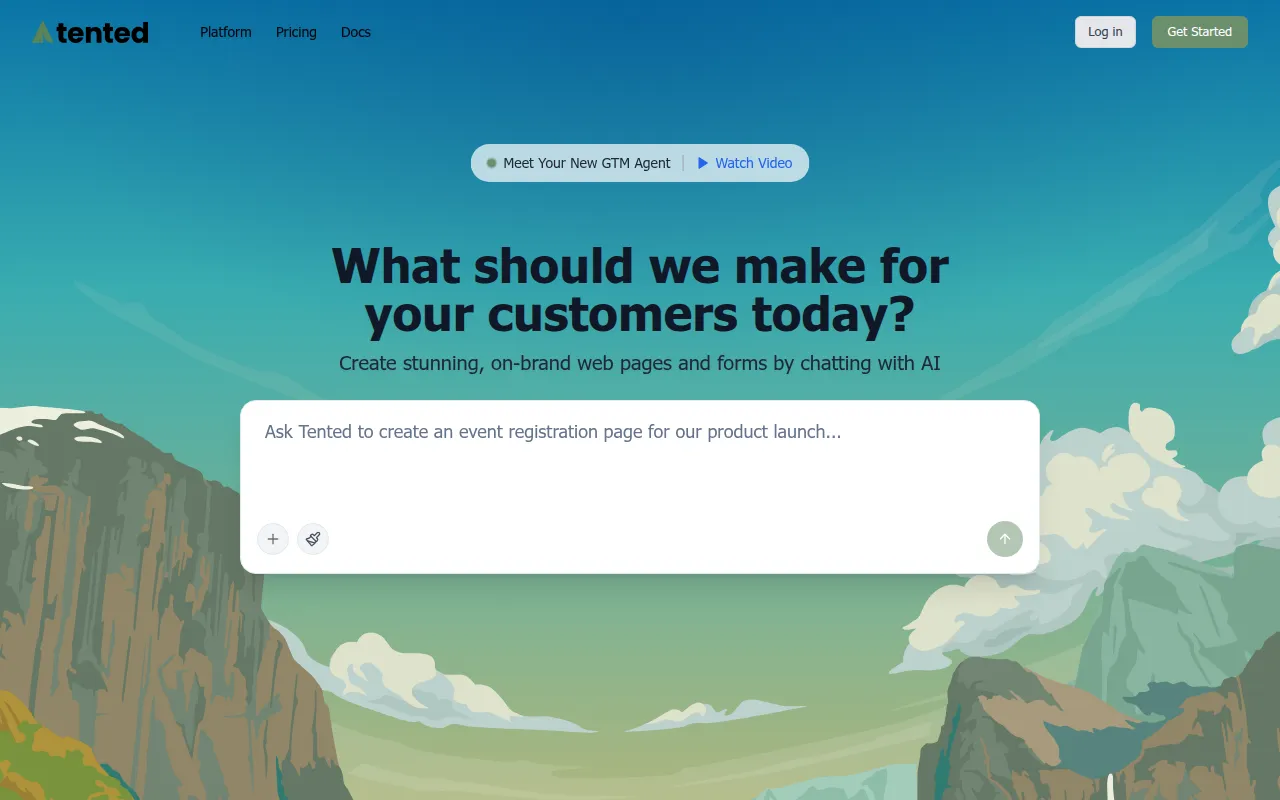
Tented is a builder designed for creating web pages and forms using a chat interface. Users provide prompts or campaign briefs, and the software generates a branded page that can be edited through further conversation with the AI.
It is designed for Go-To-Market (GTM) teams, including sales development representatives, account executives, and growth marketers. The tool supports the creation of personalized assets, such as microsites and follow-up pages, to assist in outreach and lead conversion.
Beyond the chat interface, the platform includes a built-in code editor for users who need technical control over their pages. It also offers an API for generating content through automated workflows.
Buyers should confirm if the credit system in the lower-priced tiers fits their expected volume of page generation and publishing.
Key Features
AI Chat Generation
Creates and iterates on web page copy, design, and layout through a natural language interface.
One-Click Publishing
Allows users to push generated pages live to share with their audience.
Built-in Form Capture
Includes forms that capture and save submissions automatically.
Vibe Coding API
Supports the generation of customer-facing content via third-party apps or custom workflows.
Brand Guidelines
Supports the inclusion of logos, icons, and colors to help AI-generated content match brand identity.
Built-in Code Editor
Provides a feature for technical users to make manual changes to the page code.
Use Cases
Cold Outreach Microsites
Creating unique microsites that can include AI-generated avatar videos to personalize outreach.
Enterprise Deal Pages
Building account-specific landing pages with tailored pitches and ROI information.
Inbound Lead Follow-up
Generating personalized follow-up pages for inbound leads to support conversion.
Rapid Form Creation
Building on-brand surveys or capture forms through AI prompts.
Integrations
- Slack
- Microsoft Teams
FAQ
Does Tented require coding knowledge?
- No, it is designed to work via an AI chat interface, though it does provide a built-in code editor for users who want to make technical changes.
What is the difference between the Pro and Max plans?
- The Pro plan at $25/month allows for 100 published tents, while the Max plan at $100/month allows for unlimited published tents and includes invite-only tents with authentication.
Can I use my own domain with Tented?
- Yes, branded CNAME domains are supported on the Pro and Max paid plans.
Source category: Marketing
Source subcategory: Website Builder
More tools in Marketing
Other published listings in the Marketing category.


More tools in the Website Builder software type
Related listings that share the same software type for comparison and shortlisting.


