AI TOOL PROFILE
Snappic: Photo Booth Software for Professionals

- Marketing
- Content Creation
- Professional photo booth operators
- Event planners
- Brand activation agencies
- Freelance photographers
Pricing
Plans start at $69 per month or $29 for a single event. Monthly tiers include Business ($189/mo), Premium ($279/mo), and Scale ($399/mo).
At a glance
- Best for
- Professional photo booth operators, Event planners, Brand activation agencies, Freelance photographers
- Key use cases
- Corporate Brand Activations, High-Volume Red Carpet Events, Private Parties and Weddings, 360 Video Experiences
- Integrations
- Canon DSLR, Nikon DSLR, Sony DSLR, GoPro, Dropbox
- Official website
- Visit snappic official website
How AI is used
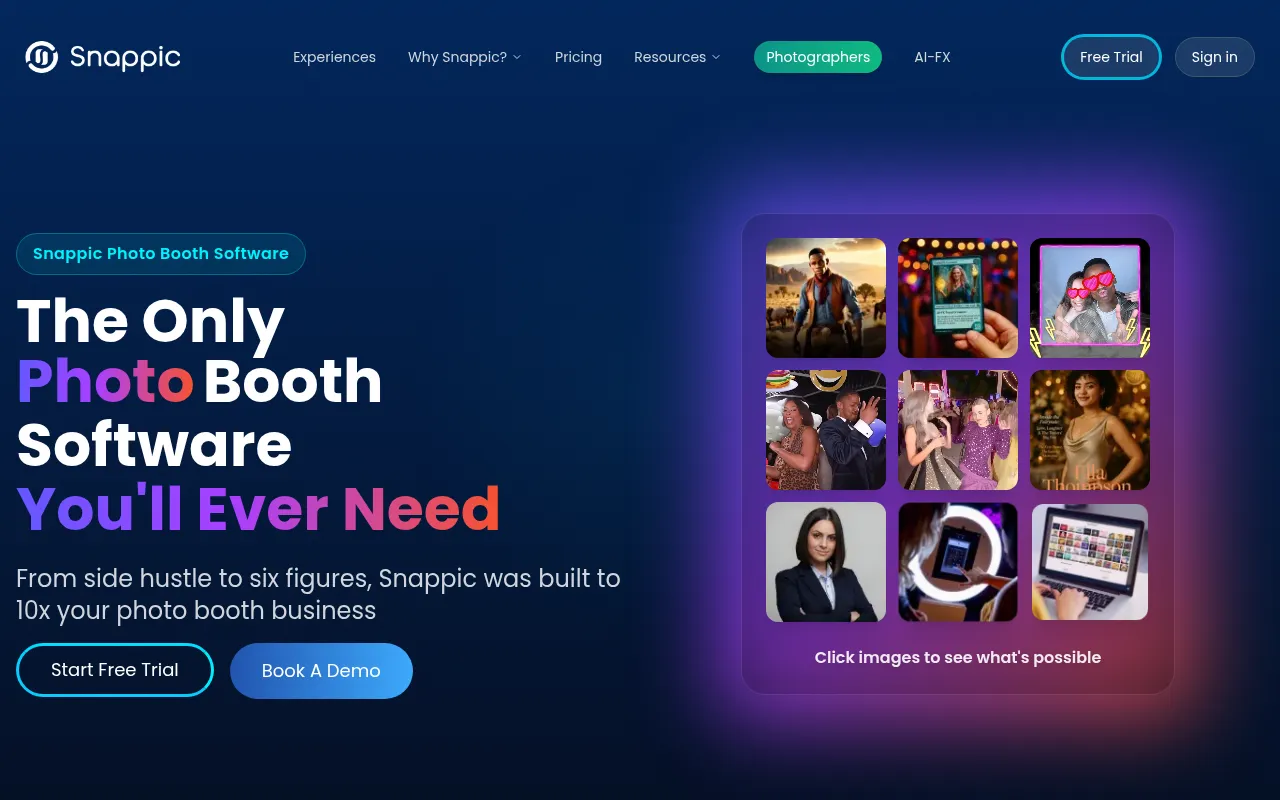
Snappic is a professional photo booth platform that supports various hardware setups, including iPad, 360, robot, mirror, and roaming booths. It manages the event experience from image capture to digital delivery and printing.
The software is designed for professional operators managing different activations, such as corporate headshots or red-carpet events. It includes tools like AI-FX effects and a template designer to help customize the guest experience.
Buyers can choose from monthly subscription tiers or a per-event option. Advanced features like white-labeling or remote control are available in higher-tier plans, as some capabilities are limited in the Starter version.
Buyers should confirm that their specific camera hardware is supported and note that AI-FX and remote control features require a stable internet connection.
Key Features
AI-FX Effects
AI-powered transformations that create stylized images, such as professional headshots or collectible figure styles.
Multi-Booth Support
Supports iPad, 360, robot arm, mirror, and roaming photo booth setups.
Instant Social Sharing
Supports sharing photos via email, SMS, and social media platforms.
DSLR and GoPro Integration
Supports connection to Canon, Nikon, and Sony cameras for professional-grade image quality.
Real Time Analytics
Tracks guest engagement and event performance with built-in reporting tools.
Custom Template Designer
Provides tools to create branded overlays, frames, and event templates.
Use Cases
Corporate Brand Activations
Using AI-FX for professional headshots or branded product launches.
High-Volume Red Carpet Events
Processing and sharing a large volume of photos and videos for VIP guests.
Private Parties and Weddings
Offering themed photo experiences with custom digital props and templates.
360 Video Experiences
Using VideoFX to capture and process 360-degree booth content.
Integrations
- Canon DSLR
- Nikon DSLR
- Sony DSLR
- GoPro
- Dropbox
FAQ
How much does Snappic cost?
- Pricing starts at $29 for a single event or $69 per month for the Starter plan, with higher tiers reaching up to $399 per month.
What hardware does Snappic support?
- It supports iPad-based booths, 360 booths, robot booths, mirror booths, and roaming setups, with integration for Canon, Nikon, and Sony DSLR cameras.
Does Snappic require an internet connection?
- Certain features, such as AI-FX effects and LiveConnect remote control, require a stable internet connection.
Is there a trial available for Snappic?
- Yes, Snappic offers a 14-day free trial.
Source category: Marketing
Source subcategory: Content Creation
More tools in Marketing
Other published listings in the Marketing category.


More tools in the Content Creation software type
Related listings that share the same software type for comparison and shortlisting.


