AI TOOL PROFILE
SmartVision - Video Surveillance Software

- Security
- Security Monitoring
- Small businesses
- Mid-market companies
- Enterprise companies
- Facility managers
- Security operations leads
Pricing
Pricing was not clearly available from the provided evidence. Buyers should confirm current pricing on the vendor website.
At a glance
- Best for
- Small businesses, Mid-market companies, Enterprise companies, Facility managers, Security operations leads
- Key use cases
- Premises Security Monitoring, Access Control and Attendance, Vehicle Tracking, Environmental Hazard Detection, Operational Process Analysis
- Integrations
- ONVIF, RTSP, HTTP, Telegram notifications, Cloud Video Surveillance (VSaaS)
- Official website
- Visit SmartVision official website
How AI is used
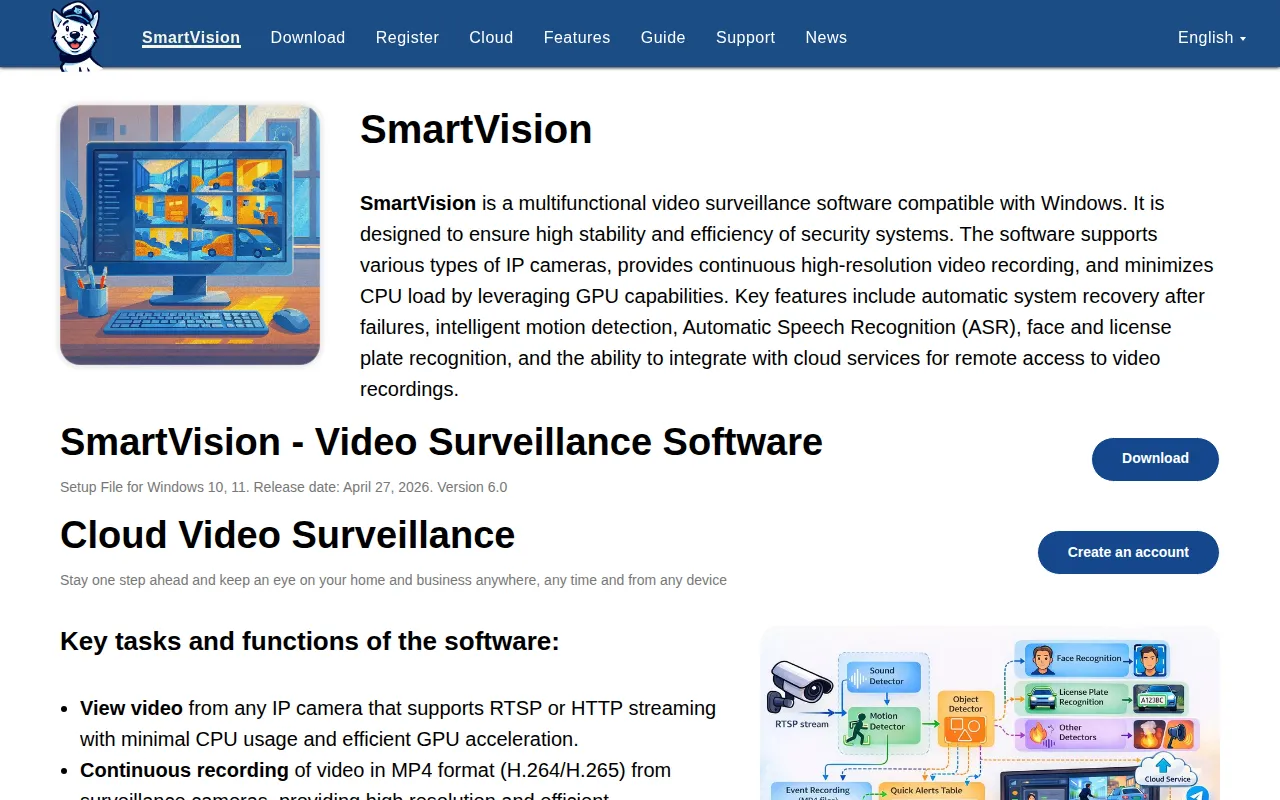
SmartVision is a video management system (VMS) for Windows 10 and 11 that centralizes video feeds from IP cameras using RTSP, HTTP, and ONVIF protocols. It is designed to convert raw video streams into structured data through local AI processing, utilizing GPU acceleration to help reduce the load on the CPU.
The software supports a range of users, from small business owners monitoring a few locations to enterprise-scale deployments utilizing a multi-server architecture for load balancing and fault tolerance. It provides tools for continuous recording, motion-triggered events, and remote access via cloud integration.
Beyond basic security, the system includes analytics such as license plate recognition and face identification to support access control and attendance tracking. It also includes a software-based smoke and fire detector.
Buyers should confirm that their hardware meets the requirements for GPU acceleration and 64-bit operating systems, as these are necessary for the AI analytics and fire detection features to function.
Key Features
AI Object Detection
Identifies and classifies people, animals, birds, and vehicles within the video stream.
Face Recognition and Identification
Supports training the system to recognize specific individuals and creates reports on presence and attendance.
Automatic License Plate Recognition (ANPR)
Identifies vehicle plates and generates reports on parking duration and arrival/departure times.
Smoke and Fire Detection
Uses machine vision algorithms to identify signs of smoke and flames in the camera field of view.
Multi-Server Architecture
Supports distributing processing, storage, and analytics across multiple servers for enterprise-scale deployments.
Audio Analytics
Detects over 500 sound types and includes automatic speech recognition in over 100 languages.
Timelapse Recording
Records video at a selectable number of frames per second to help reduce disk space usage.
Use Cases
Premises Security Monitoring
Using intelligent motion detection and continuous MP4 recording to monitor business locations.
Access Control and Attendance
Using face recognition to track when employees or visitors enter and leave a site.
Vehicle Tracking
Using license plate recognition to manage parking durations and identify arriving vehicles.
Environmental Hazard Detection
Applying software-based smoke and fire detection to identify potential threats in real time.
Operational Process Analysis
Using video data to track material movement and identify bottlenecks in business workflows.
Integrations
- ONVIF
- RTSP
- HTTP
- Telegram notifications
- Cloud Video Surveillance (VSaaS)
FAQ
What hardware is required for SmartVision's AI features?
- Video processing and features like smoke and fire detection require a 64-bit operating system and a computer with sufficient computing power, utilizing GPU acceleration to help minimize CPU load.
Which camera types are compatible with SmartVision?
- The software supports various IP cameras that use RTSP, HTTP, or ONVIF protocols, allowing it to work with cameras from different manufacturers.
How does the software handle large-scale deployments?
- SmartVision uses a multi-server architecture that allows workloads to be distributed across multiple nodes for load balancing and fault tolerance, making it suitable for enterprise-scale environments.
Source category: Security
Source subcategory: Security Monitoring
More tools in Security
Other published listings in the Security category.


More tools in the Security Monitoring software type
Related listings that share the same software type for comparison and shortlisting.