AI TOOL PROFILE
SentryBay Endpoint Protection

- Security
- Endpoint Security
- Enterprises with remote workforces
- Organizations using VDI or DaaS
- Companies with BYOD policies
- Businesses in regulated industries
Pricing
Pricing was not clearly available from the provided evidence. Buyers should confirm current pricing on the vendor website.
At a glance
- Best for
- Enterprises with remote workforces, Organizations using VDI or DaaS, Companies with BYOD policies, Businesses in regulated industries
- Key use cases
- Securing Remote and Hybrid Work, VDI and DaaS Endpoint Hardening, Regulatory Compliance Support, Call Center Data Protection
- Official website
- Visit sentrybay entryprotect official website
How AI is used
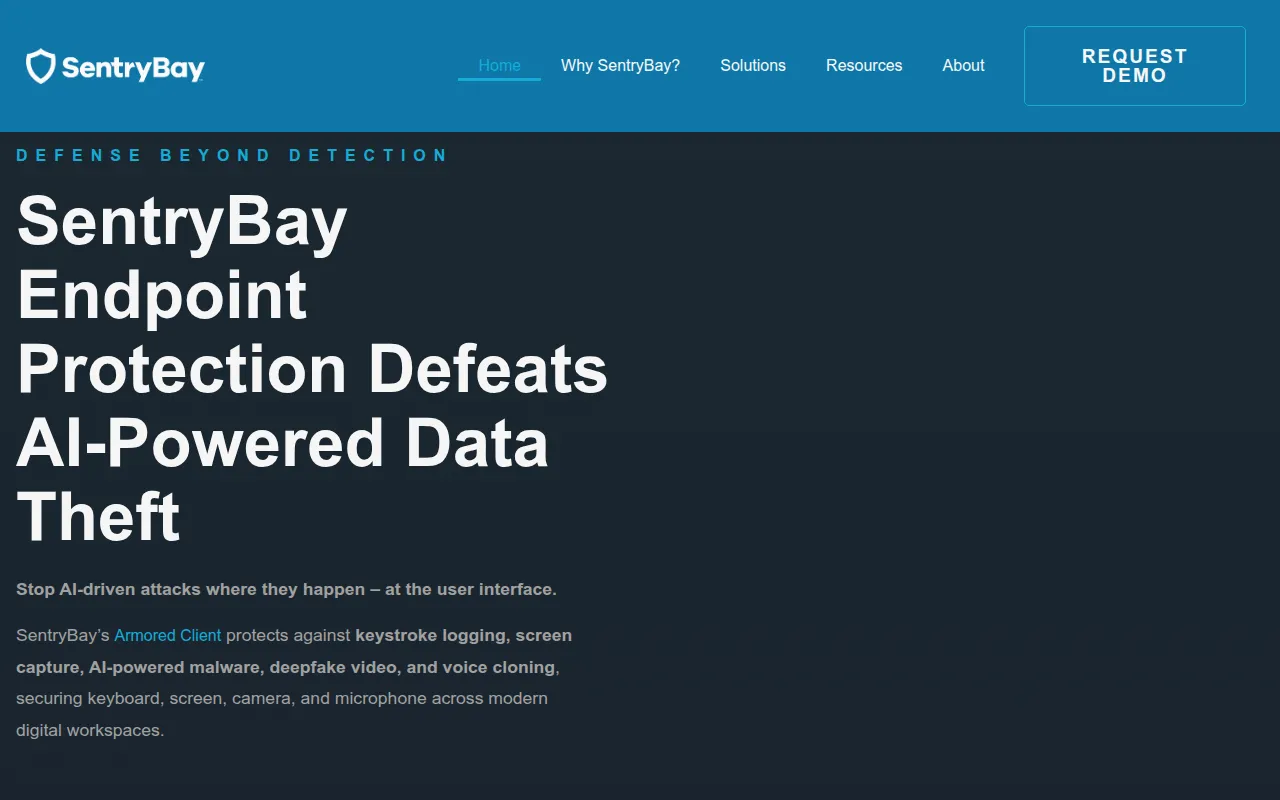
SentryBay is an endpoint security tool focused on preventing data theft at the user interface level. It uses patented controls to isolate applications and block the methods malware uses to harvest information directly from the device.
The software is designed for enterprises in regulated sectors, such as banking, healthcare, and government, where protecting sensitive data from keyloggers and screen capture is a priority. It supports Windows, macOS, and thin client endpoints.
It is designed to work alongside existing EDR, XDR, and EPP security solutions to address interface-level attacks. It targets risks associated with hybrid and remote work environments.
Buyers should confirm that the software aligns with their specific virtual desktop infrastructure (VDI) or SaaS environment and review how it fits into their existing security stack.
Key Features
Keyboard Input Protection
Uses kernel-level anti-keylogging to help prevent the capture of keystrokes.
Screen Capture Blocking
Designed to block unauthorized screenshots or screen recording of sensitive data.
Camera and Microphone Security
Helps prevent unauthorized access and hijacking of audio and video streams.
DLL Injection Defense
Protects against malicious code injection used to bypass security controls.
AI-Powered Malware Defense
Designed to defend against AI-driven threats, including deepfake video and voice cloning.
Zero-Trust Remote Protection
Supports secure authenticated sessions for users accessing corporate networks via BYOD or corporate devices.
Use Cases
Securing Remote and Hybrid Work
Protecting corporate applications accessed from unmanaged home devices or BYOD endpoints.
VDI and DaaS Endpoint Hardening
Adding a layer of protection to virtual desktop environments to help prevent data theft at the point of entry.
Regulatory Compliance Support
Supports requirements for PCI DSS, HIPAA, and GDPR by helping prevent unauthorized data capture.
Call Center Data Protection
Securing agent endpoints to help prevent keylogging and screen capture during customer transaction processing.
FAQ
What does SentryBay protect?
- It secures the user interface layer, specifically protecting against keylogging, screen capture, and the hijacking of cameras and microphones.
Does SentryBay replace existing antivirus or EDR?
- No, it is designed to work alongside EDR, XDR, and EPP solutions to fill security gaps at the endpoint interface layer.
Which operating systems are supported?
- SentryBay supports Windows, macOS, and thin client endpoints.
How do I get pricing for SentryBay?
- Pricing is not listed publicly; buyers should request a demo on the vendor website to receive a quote.
Source category: Security
Source subcategory: Endpoint Security
More tools in Security
Other published listings in the Security category.


More tools in the Endpoint Security software type
Related listings that share the same software type for comparison and shortlisting.