AI TOOL PROFILE
Paubox: HIPAA Compliant Email Security

- Security
- Email Security
- Medical Practices
- Dental Practices
- Healthcare Companies
- Insurance Providers
- Education Organizations
Pricing
Paubox offers Standard, Plus, and Premium tiers. A free tier is available for developers allowing 300 emails per month via the Email API.
At a glance
- Best for
- Medical Practices, Dental Practices, Healthcare Companies, Insurance Providers, Education Organizations
- Key use cases
- Secure Patient Communication, Phishing and Spoofing Defense, Compliant Data Collection, Automated Healthcare Notifications
- Integrations
- Google Workspace, Microsoft 365, Microsoft Exchange, Salesforce CRM, Zendesk
- Official website
- Visit paubox encrypted email official website
How AI is used
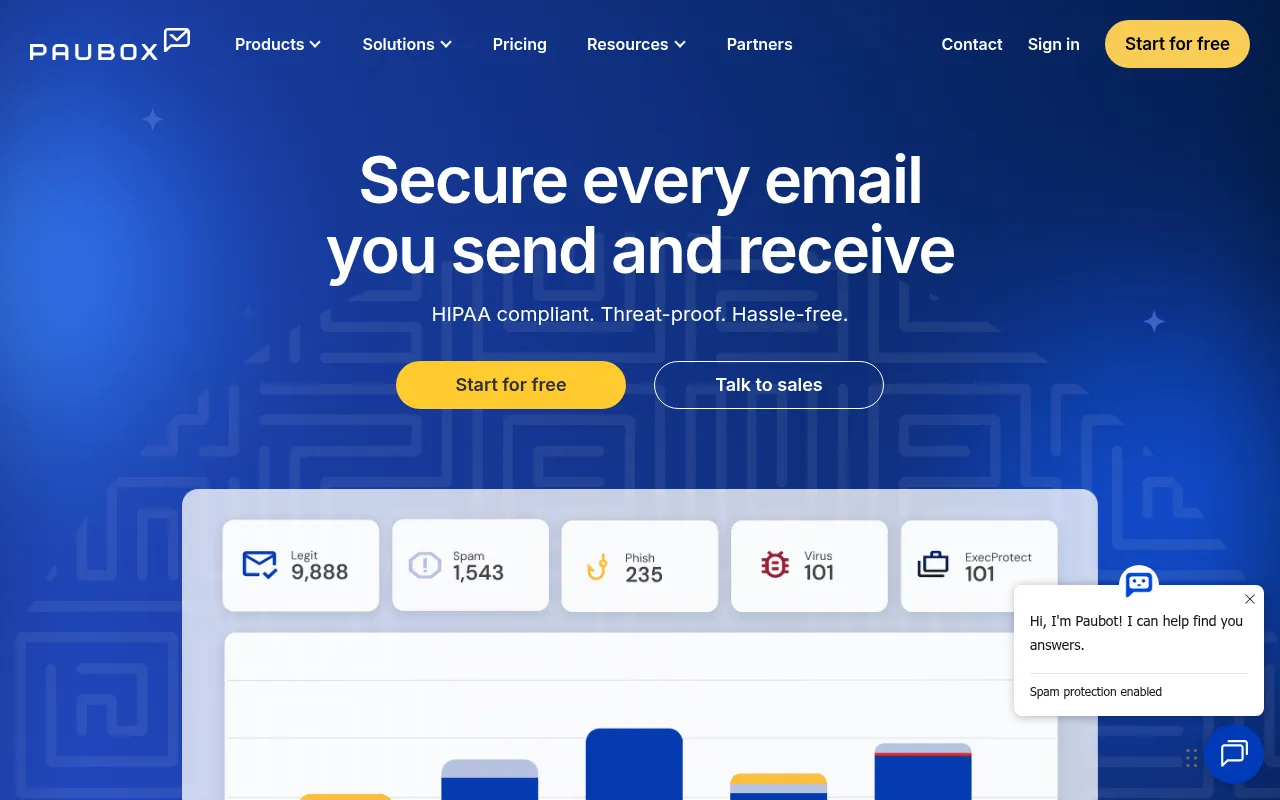
Paubox is an email security platform designed for the healthcare industry. It integrates with existing Google Workspace and Microsoft 365 accounts to encrypt outbound emails automatically, which helps organizations meet HIPAA requirements for protecting health information in transit.
Beyond encryption, the service includes inbound security features powered by generative AI. These tools are designed to analyze sender behavior and message intent to identify phishing, malware, and spoofing attempts that might bypass standard filters.
The platform is HITRUST certified and provides a Business Associate Agreement (BAA) for all accounts. It is designed for various healthcare entities, from small private practices to enterprise organizations.
Buyers should confirm which plan tier they need, as features such as data loss prevention (DLP) and email archiving are available in the Premium tier.
Key Features
Automated Email Encryption
Encrypts outbound emails by default for Google Workspace and Microsoft 365 without requiring portals or passwords for recipients.
AI-Powered Inbound Security
Uses generative AI to analyze tone and sender behavior to help detect phishing and social engineering threats.
Display Name Spoofing Protection
Includes ExecProtect+ to help prevent attackers from impersonating executives or trusted contacts.
Data Loss Prevention (DLP)
Scans inbound and outbound emails for sensitive content to help prevent accidental data exposure.
Compliance Tools
Provides HITRUST certification and a Business Associate Agreement (BAA) to support HIPAA requirements.
Email Archiving
Supports storage for archiving incoming and outgoing emails for compliance audits.
Use Cases
Secure Patient Communication
Sending protected health information (PHI) via email while maintaining HIPAA compliance.
Phishing and Spoofing Defense
Using AI analysis to identify impersonation attacks and malicious payloads before they reach the inbox.
Compliant Data Collection
Using HIPAA compliant forms to collect patient data, signatures, and attachments.
Automated Healthcare Notifications
Using the Email API to programmatically send appointment reminders and test results.
Integrations
- Google Workspace
- Microsoft 365
- Microsoft Exchange
- Salesforce CRM
- Zendesk
- Keragon
FAQ
Does Paubox work with my current email provider?
- Yes, it is designed to integrate with Google Workspace, Microsoft 365, and Microsoft Exchange.
Do recipients need a special portal to read encrypted emails?
- Generally no; emails are delivered directly to the inbox. If a recipient's server does not support TLS, Paubox provides a secure link to access the message.
Is a Business Associate Agreement (BAA) included?
- Yes, Paubox includes a BAA with all accounts at no additional charge.
What is the difference between the plan tiers?
- The Standard plan focuses on encryption, the Plus plan adds AI-powered inbound security, and the Premium plan includes archiving and data loss prevention (DLP).
Source category: Security
Source subcategory: Email Security
More tools in Security
Other published listings in the Security category.


More tools in the Email Security software type
Related listings that share the same software type for comparison and shortlisting.


