AI TOOL PROFILE
Obot MCP Gateway

- Software Development
- DevOps Platform
- Enterprise IT administrators
- DevOps engineers
- Software companies
- Enterprise AI development teams
Pricing
Obot is open-source and free to use. An Enterprise edition is available which provides additional features and support, such as Okta and Microsoft Entra integration.
At a glance
- Best for
- Enterprise IT administrators, DevOps engineers, Software companies, Enterprise AI development teams
- Key use cases
- Securing AI Agent Tool Access, Centralized MCP Discovery, Monitoring AI Infrastructure
- Integrations
- Google, GitHub, Okta, Microsoft Entra
- Official website
- Visit obot official website
How AI is used
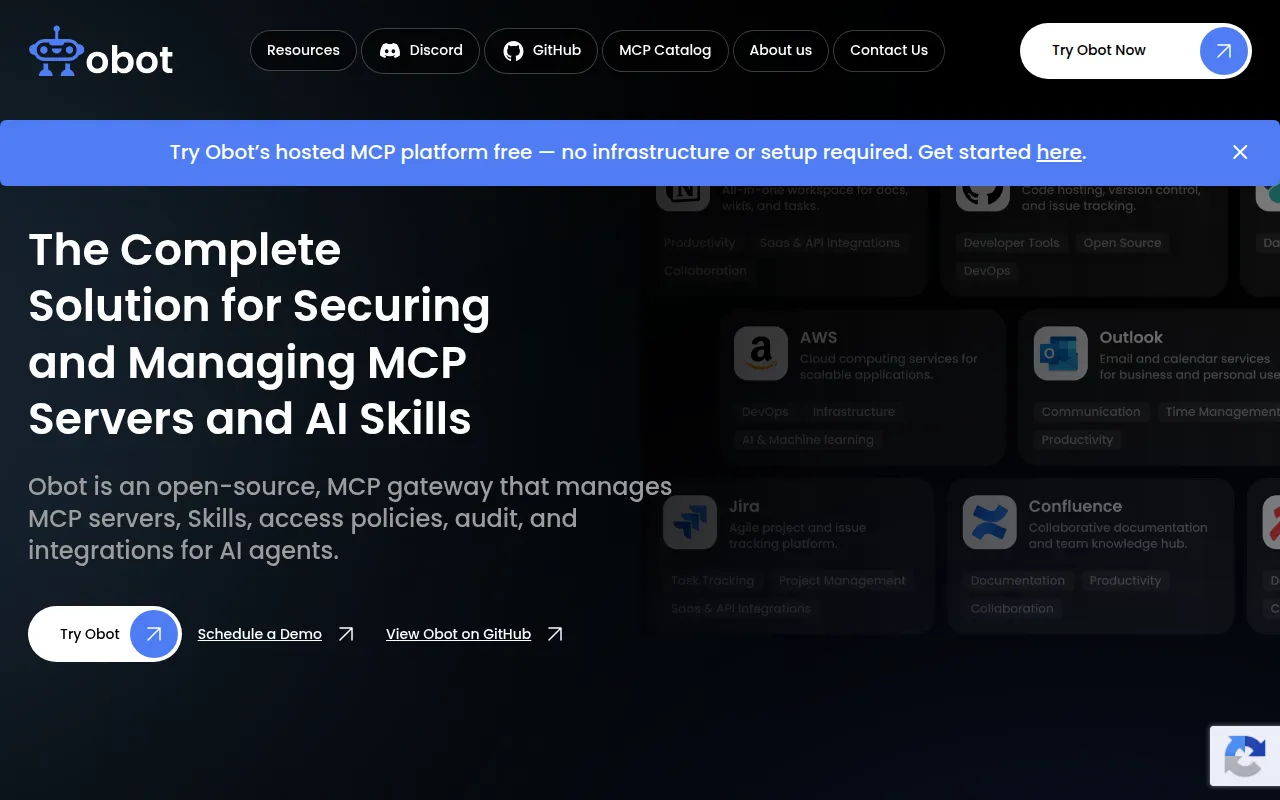
Obot is an open-source platform designed as a gateway for Model Context Protocol (MCP) servers. It provides a centralized way to host, proxy, and monitor the connections between AI agents and the external data sources or tools they use.
The software is designed for software companies and enterprise IT teams implementing governed infrastructure for AI agents. It supports the deployment of MCP servers on Kubernetes and offers a searchable catalog for users to discover approved tools.
Administrators can use the platform to enforce identity-based access policies and track usage through audit logs. This may help reduce the risk of shadow AI where unapproved servers are used within an organization.
Buyers should confirm the technical requirements for Kubernetes deployment and verify if their specific identity provider is supported in the open-source version or requires the Enterprise edition.
Key Features
MCP Server Management
Supports local, remote, and multi-tenant MCP servers with built-in hosting and routing.
Access Policy Enforcement
Allows admins to define who can access specific MCP servers and tools using fine-grained policies.
MCP Catalog
A searchable directory of available MCP servers including documentation and capabilities.
Audit Logging
Provides monitoring and logging to track usage and detect anomalies across AI agent interactions.
Identity Integration
Supports authentication via identity providers such as Google and GitHub.
Kubernetes Deployment
Designed for deployment on Kubernetes clusters for enterprise-scale infrastructure.
Use Cases
Securing AI Agent Tool Access
IT admins can use the gateway to help ensure AI agents only access internal systems they are permissioned for.
Centralized MCP Discovery
Developers can use the MCP Catalog to find and connect authorized servers to clients like Claude or VS Code.
Monitoring AI Infrastructure
Security teams can use audit logs to observe how AI agents are interacting with internal data and tools.
Integrations
- GitHub
- Okta
- Microsoft Entra
FAQ
Is Obot free to use?
- Yes, Obot is open-source and free to use. There is also an Enterprise edition that offers additional features and professional support.
What is an MCP Gateway?
- An MCP Gateway is a central control point that manages how an organization uses Model Context Protocol servers, handling authentication, routing, and security policies.
Which AI tools can connect to Obot?
- Obot supports hosts and clients that can connect to remote MCP servers, including Claude Desktop, Cursor, VS Code, and Cline.
Does Obot support enterprise identity providers?
- The platform supports Google and GitHub. Support for Okta and Microsoft Entra is available in the Enterprise edition.
Source category: Software Development
Source subcategory: DevOps Platform
More tools in Software Development
Other published listings in the Software Development category.


More tools in the DevOps Platform software type
Related listings that share the same software type for comparison and shortlisting.