AI TOOL PROFILE
Luw AI: AI Rendering Platform for Architecture and Design

- Other
- Image Generation
- Architects
- Interior Designers
- Design Students
- Homeowners
Pricing
Luw AI uses a freemium model. The free version is for non-commercial use and contains watermarks. Paid plans allow commercial use and support higher export scaling (4X for Basic, 8X for Pro).
At a glance
- Best for
- Architects, Interior Designers, Design Students, Homeowners
- Key use cases
- Virtual Staging, Concept Visualization, Exterior Makeovers, 3D Model Visualization
- Official website
- Visit Luw AI official website
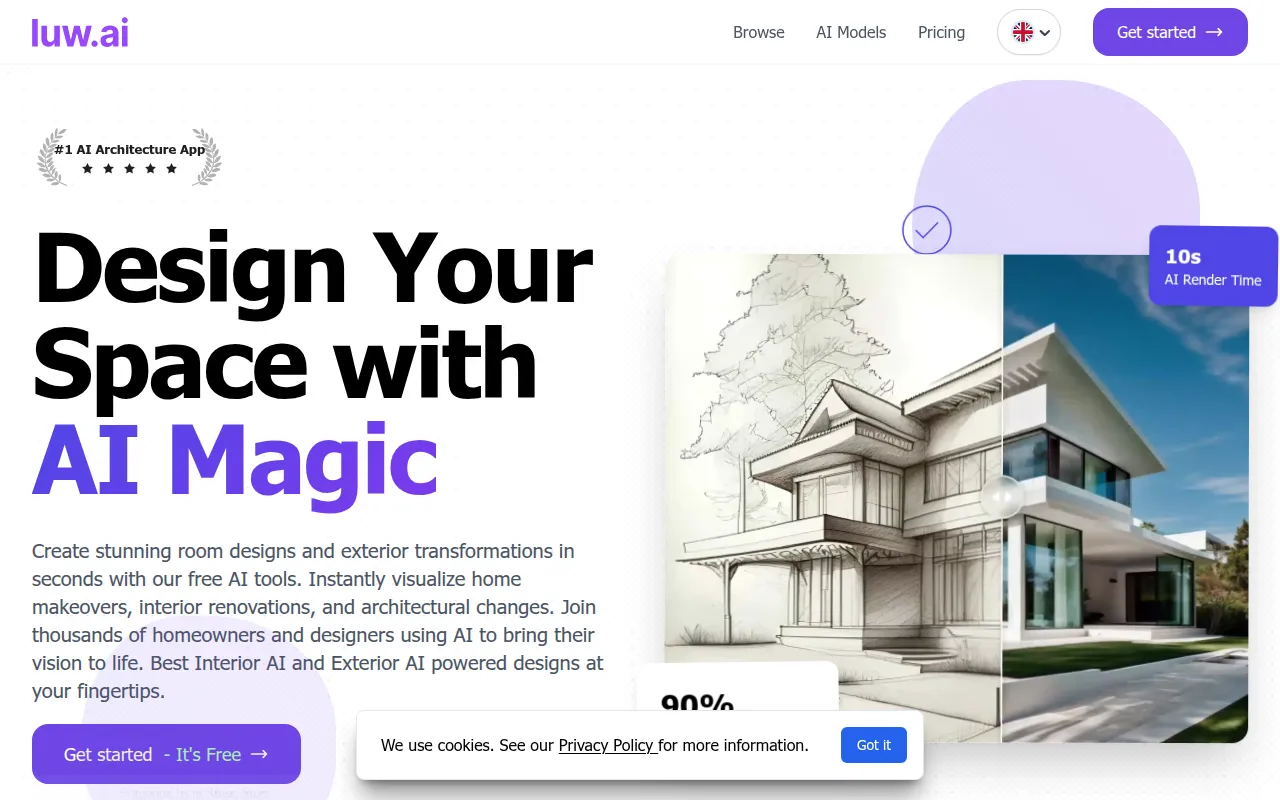
How AI is used
Luw AI is an AI-driven rendering tool used to create visual renders for interior and exterior spaces. It supports the upload of photos, hand-drawn sketches, or screenshots from 3D modeling software to generate design options.
The platform is designed for professional architects, interior designers, students, and individuals without prior design experience. It includes specialized tools for tasks such as furniture removal, landscaping, and generating 3D models from text.
Buyers should note that the free version outputs include watermarks and are limited to non-commercial use. Commercial use and higher export resolutions require a paid plan.
Key Features
Interior & Exterior AI V2
Generates redesigned versions of spaces based on uploaded photos or reference images.
Sketch AI
Supports the conversion of hand-drawn sketches into architectural renders.
ArchiGPT
An AI chat interface providing advice on lighting, materials, and feng shui.
3DGen
Generates 3D models from text prompts that can be exported as 3D files.
Magic Wand AI
Supports masking and modifying specific objects or areas within a design via prompts.
High-Resolution Export
Supports exporting rendered images in HD, 4K, and 8K resolutions.
Use Cases
Virtual Staging
Converting empty room photos into furnished spaces.
Concept Visualization
Turning hand sketches into renders to communicate ideas.
Exterior Makeovers
Visualizing changes to building facades, gardens, and landscaping.
3D Model Visualization
Converting screenshots from software like Revit or SketchUp into photorealistic images.
FAQ
Can I use Luw AI for commercial client projects?
- Yes, provided you have an active paid plan. The free version is limited to non-commercial use and includes watermarks.
What 3D software is compatible with Luw AI?
- Luw AI can generate renderings from screenshots of 3D modeling software, such as Revit, SketchUp, Blender, and Autodesk 3ds Max.
Can Luw AI convert hand-drawn sketches?
- Yes, the Sketch AI tool supports the upload of freehand sketches to transform them into rendered designs.
Source category: Other
Source subcategory: Image Generation
More tools in Other
Other published listings in the Other category.


More tools in the Image Generation software type
Related listings that share the same software type for comparison and shortlisting.


