AI TOOL PROFILE
HtmlDrag: Visual HTML Editor

- Software Development
- Website Builder
- Small business owners
- Marketing teams
- Indie developers
- UI/UX designers
Pricing
HtmlDrag uses a freemium model with a credit and membership system. Visual editing is free, while features like AI generation and URL import may consume credits or require a Pro plan. Pricing for credit packages and memberships should be confirmed on the vendor website.
At a glance
- Best for
- Small business owners, Marketing teams, Indie developers, UI/UX designers
- Key use cases
- Landing Page Refinement, Email Template Editing, Competitor Layout Analysis, Rapid Prototyping
- Official website
- Visit HtmlDrag official website
How AI is used
HtmlDrag is a visual editor designed for the final polish of HTML content. Rather than building full websites from scratch, it is used to modify existing code via a WYSIWYG interface, allowing users to drag elements, change text, and adjust styles visually.
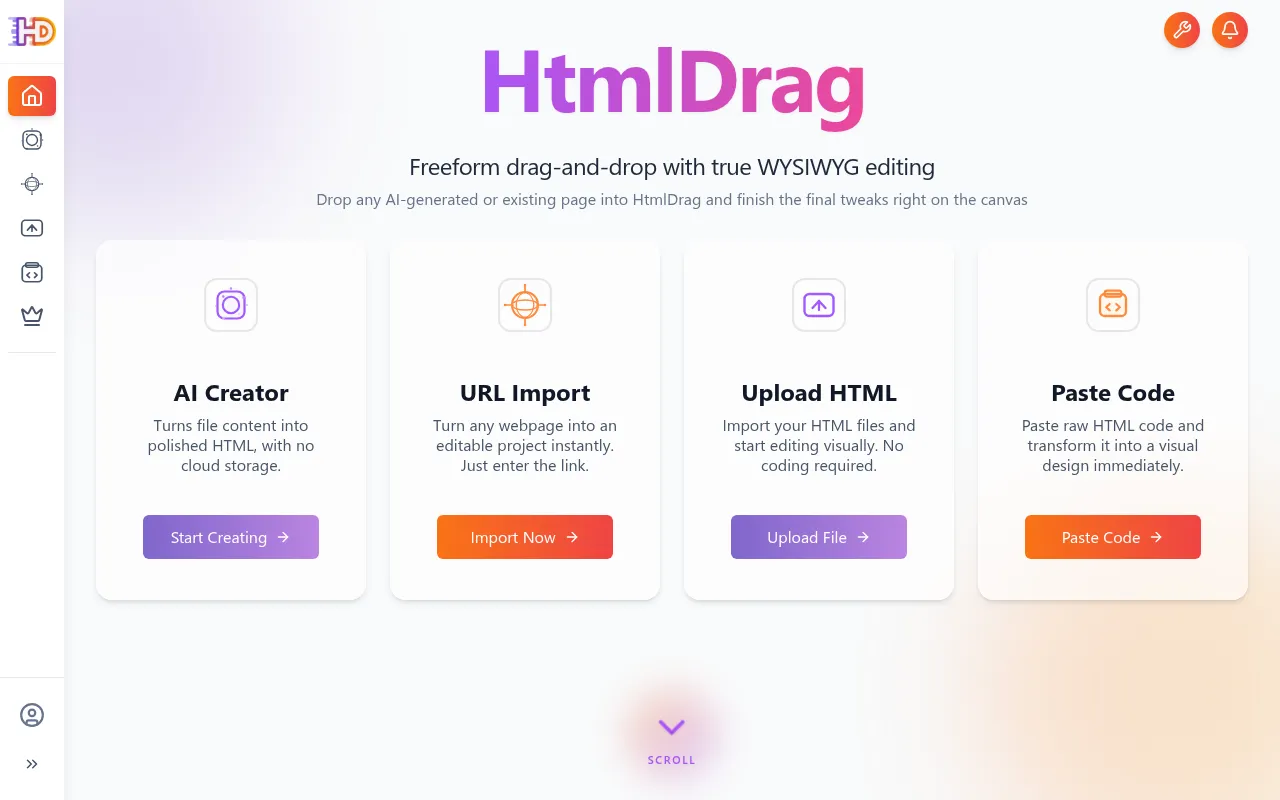
The tool is designed for indie developers, marketing teams, and designers who have access to HTML files or URLs but do not have front-end coding expertise. It supports several ways to bring content into the editor, including URL import, HTML file uploads, and pasting raw code.
The platform provides a freeform canvas, which allows users to reposition elements without grid constraints. It also includes an AI generator for creating initial page drafts. Once edits are complete, users can export standard HTML files that do not depend on the HtmlDrag platform for hosting.
Buyers should note that this is a visual editor and not a full website hosting service or CMS. It is intended for the final stages of a design workflow rather than managing a complete website infrastructure.
Key Features
Freeform Drag-and-Drop
Supports moving and resizing elements on the canvas without grid constraints.
Multiple Import Options
Supports importing content via URL snapshots, HTML file uploads, and pasting raw code.
AI Page Generation
Includes a built-in engine that generates editable HTML pages based on a text description.
Double-Click Text Editing
Allows users to change web text directly on the page.
Layer Management
Provides a DOM tree view to select and organize nested HTML elements.
HTML and Image Export
Produces standard HTML files and PNG images that can be deployed to any server.
Use Cases
Landing Page Refinement
Adjusting headlines, CTAs, and layouts on AI-generated or template-based landing pages.
Email Template Editing
Fine-tuning spacing and fonts in HTML email marketing templates.
Competitor Layout Analysis
Using URL import to capture a competitor's page and deconstruct its layout.
Rapid Prototyping
Creating visual drafts using AI generation and then manually refining the copy and design.
FAQ
Do I need to know how to code to use HtmlDrag?
- No, it is designed for non-frontend users to modify HTML visually using drag-and-drop and double-click text editing.
Does HtmlDrag host my website?
- No, HtmlDrag is a visual editor. You export the HTML code and host it on your own server, such as Vercel, Netlify, or a traditional provider.
Is there a free version of HtmlDrag?
- Yes, visual editing is free. However, certain actions like AI generation and URL imports may require credits or a Pro plan membership.
Source category: Software Development
Source subcategory: Website Builder
More tools in Software Development
Other published listings in the Software Development category.


More tools in the Website Builder software type
Related listings that share the same software type for comparison and shortlisting.


