AI TOOL PROFILE
GMAQ: Email and Landing Page Template Builder

- Marketing
- Content Creation
- Small Businesses
- Marketing Agencies
- Non-technical marketing managers
Pricing
A 14-day free trial is available. Pricing for paid plans was not clearly available from the provided evidence. Buyers should confirm current pricing on the vendor website.
At a glance
- Best for
- Small Businesses, Marketing Agencies, Non-technical marketing managers
- Key use cases
- Email Template Creation, Landing Page Development, AI-Assisted Copywriting, Cross-Platform Asset Syncing
- Integrations
- Marketo, HubSpot, Salesforce Marketing Cloud
- Official website
- Visit GMAQ official website
How AI is used
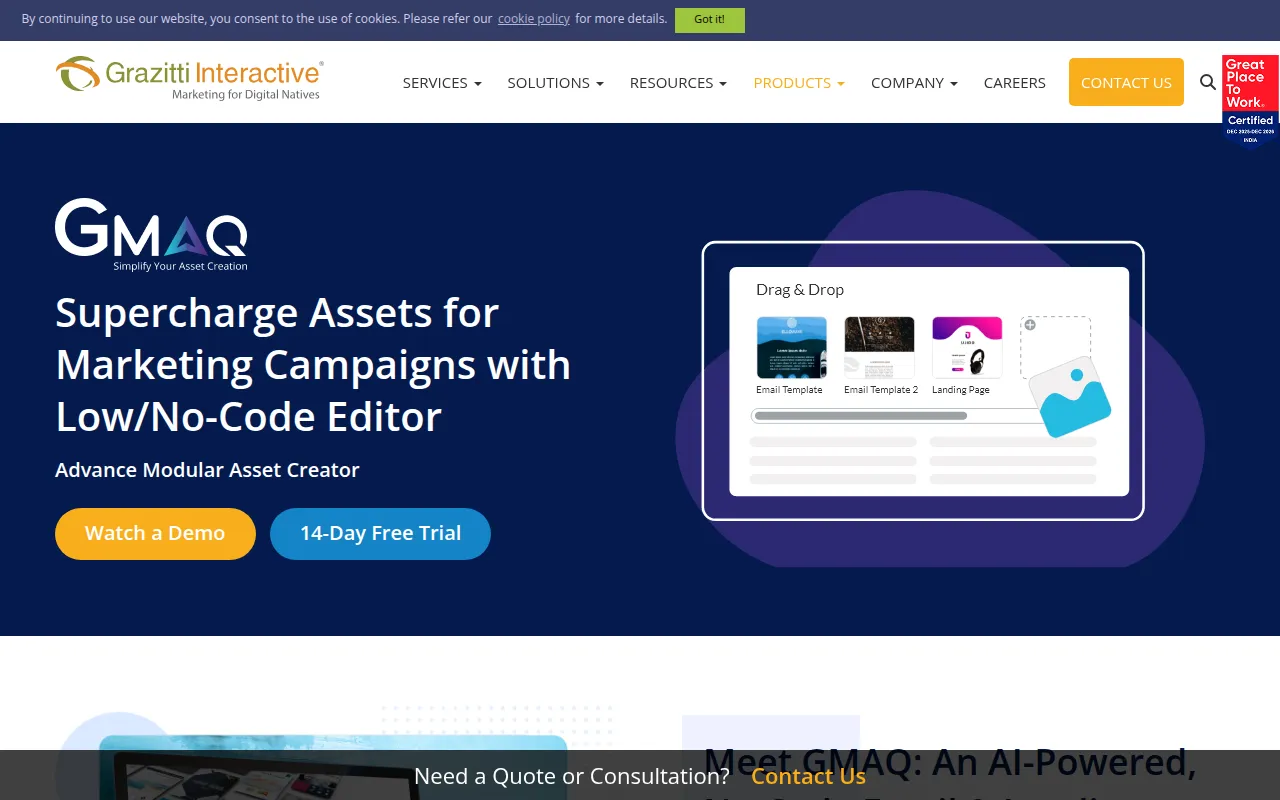
GMAQ is a cloud-based design tool for creating modular email and landing page templates. It provides a drag-and-drop interface that allows users to build assets without technical coding knowledge.
The software is designed for marketing teams that need to produce campaign assets. It includes AI-driven tools to assist with layout generation and the refinement of copy, such as adjusting the tone or length of text.
Buyers can use the tool to create responsive designs that adapt to different devices and email clients. The platform supports a modular approach, allowing templates to be synced to supported marketing automation tools while remaining flexible for updates.
Buyers should confirm that their specific marketing automation platform is supported and check if the AI content suggestions align with their brand voice.
Key Features
Drag-and-Drop Editor
A no-code interface for building and customizing email and landing page templates.
AI Content Modification
Tools to rewrite, shorten, expand, or change the tone of content within the editor.
AI Layout Generation
Supports the automated creation of email and landing page templates.
Marketing Platform Sync
A sync button to move modular templates into supported marketing automation platforms.
Email Client Optimization
Templates designed for Gmail, Outlook, and Apple Mail, with adaptation for light and dark modes.
Custom CSS Support
Option to add custom CSS for adjustments to padding, font size, and colors.
Template Cloning
Ability to replicate existing templates to help maintain brand consistency.
Use Cases
Email Template Creation
Building professional emails using a drag-and-drop builder to reduce manual coding.
Landing Page Development
Creating no-code landing page templates for marketing campaigns.
AI-Assisted Copywriting
Using AI to adjust the tone or length of marketing copy.
Cross-Platform Asset Syncing
Deploying modular designs across supported automation tools like HubSpot or Marketo.
Integrations
- Marketo
- HubSpot
- Salesforce Marketing Cloud
FAQ
Do I need to know how to code to use GMAQ?
- No, GMAQ is designed as a no-code tool with a drag-and-drop interface for users without coding experience.
What AI features does GMAQ include?
- GMAQ provides AI-powered layout generation and content tools that can rewrite, shorten, expand, or adjust the tone of copy.
Which marketing platforms does GMAQ integrate with?
- The tool supports integration with Marketo, HubSpot, and Salesforce Marketing Cloud via a sync button.
Is there a free trial available?
- Yes, GMAQ offers a 14-day free trial for new users.
Source category: Marketing
Source subcategory: Content Creation
More tools in Marketing
Other published listings in the Marketing category.


More tools in the Content Creation software type
Related listings that share the same software type for comparison and shortlisting.


