AI TOOL PROFILE
GenExpert: AI Interface for ChatGPT

- Productivity
- AI Development Platform
- Small business owners
- Mid-market companies
- Users with an OpenAI API key
Pricing
GenExpert uses a freemium model. A free plan is available, but chat history is not saved; full features require a Pro upgrade via a license key.
At a glance
- Best for
- Small business owners, Mid-market companies, Users with an OpenAI API key
- Key use cases
- Organizing AI Workflows, Customizing AI Personas, Document-Based Interaction, Local Data Management
- Official website
- Visit GenExpert official website
How AI is used
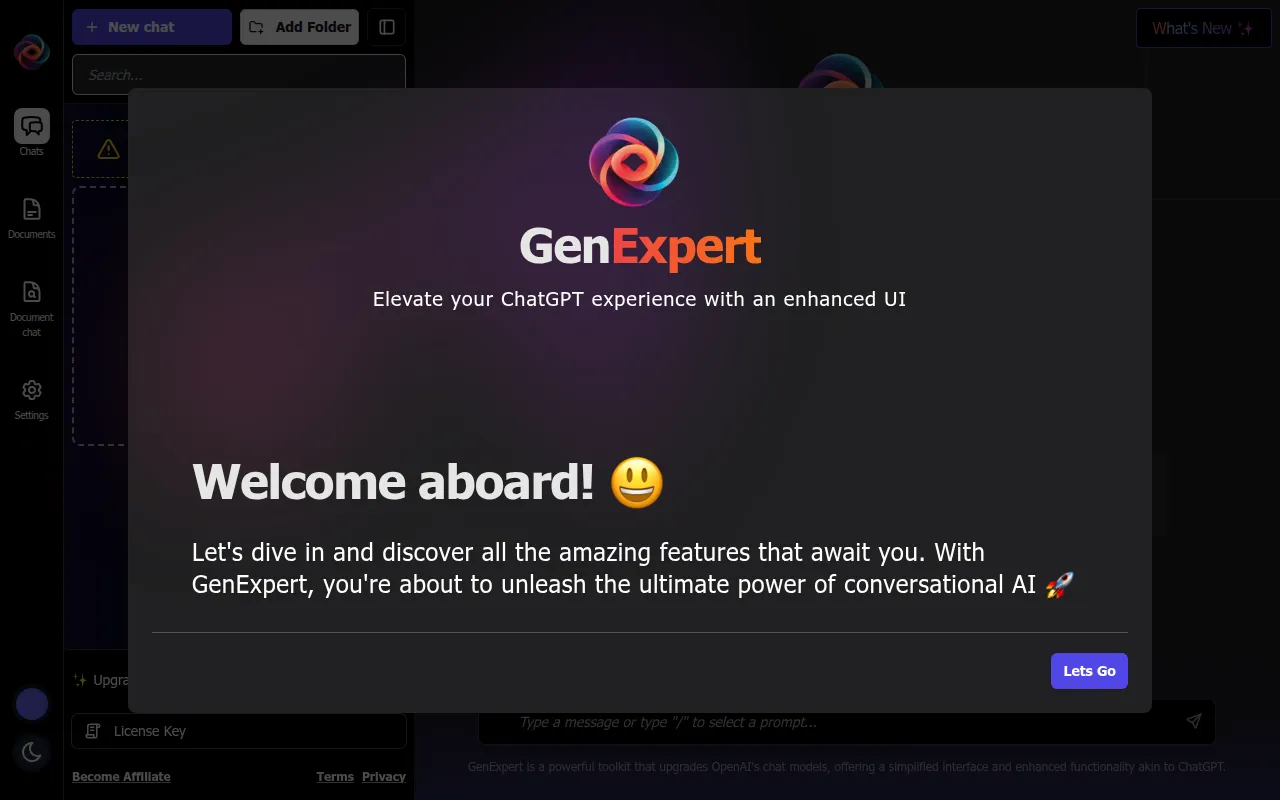
GenExpert is a toolkit designed to modify the ChatGPT experience by providing an alternative user interface. Instead of using the default web portal, users interact with OpenAI models through this interface, which focuses on session management and document handling.
The tool is designed for small and medium-sized business users who want more control over how they interact with generative AI. Because it runs in the browser and stores data without a backend, it supports a workflow centered on local data control.
Buyers should be aware that GenExpert is not a standalone AI; it requires the user to provide their own OpenAI API key to function. Additionally, buyers should confirm if the browser-based storage meets their specific data backup requirements.
A free version is available for basic use, while a Pro upgrade is available via a license key for those seeking full functionality and saved chat history.
Key Features
Enhanced User Interface
Provides a modified layout for interacting with chat models.
Chat Management
Supports the organization of AI conversations through folders and session management.
Document Handling
Includes features for managing and chatting with documents.
Prompt Customization
Allows users to select characters and use customized prompts to guide AI responses.
Local Browser Storage
Stores data within the browser rather than on a central backend server.
Data Export and Import
Supports moving data in and out of the platform to maintain records of interactions.
Use Cases
Organizing AI Workflows
Using folders and chat management to categorize different business projects or client interactions.
Customizing AI Personas
Applying character selection and system prompts to help the AI maintain a specific tone or role.
Document-Based Interaction
Utilizing document chat features to query specific files.
Local Data Management
Managing AI interactions via a browser-based tool that stores data locally.
FAQ
Do I need a separate AI subscription to use GenExpert?
- Yes, GenExpert requires you to set up your own OpenAI API key to interact with the AI models.
What is the difference between the Free and Pro plans?
- The free plan does not save chat history, while the Pro upgrade, acquired via a license key, provides full functionality.
Where is my data stored in GenExpert?
- The application is designed to store all data locally in your browser without using a backend.
Source category: Productivity
Source subcategory: AI Development Platform
More tools in Productivity
Other published listings in the Productivity category.


More tools in the AI Development Platform software type
Related listings that share the same software type for comparison and shortlisting.