AI TOOL PROFILE
Free AI Photo Editor Online

- Marketing
- Content Creation
- E-commerce sellers
- Social media creators
- Small marketing teams
- Non-technical business owners
Pricing
The tool is free to use with 20 credits provided daily. Credit costs vary by AI model.
At a glance
- Best for
- E-commerce sellers, Social media creators, Small marketing teams, Non-technical business owners
- Key use cases
- E-commerce Product Cleanup, Social Media Content Creation, Marketing Asset Generation, Photo Restoration
- Official website
- Visit Free AI Photo Editor Online official website
How AI is used
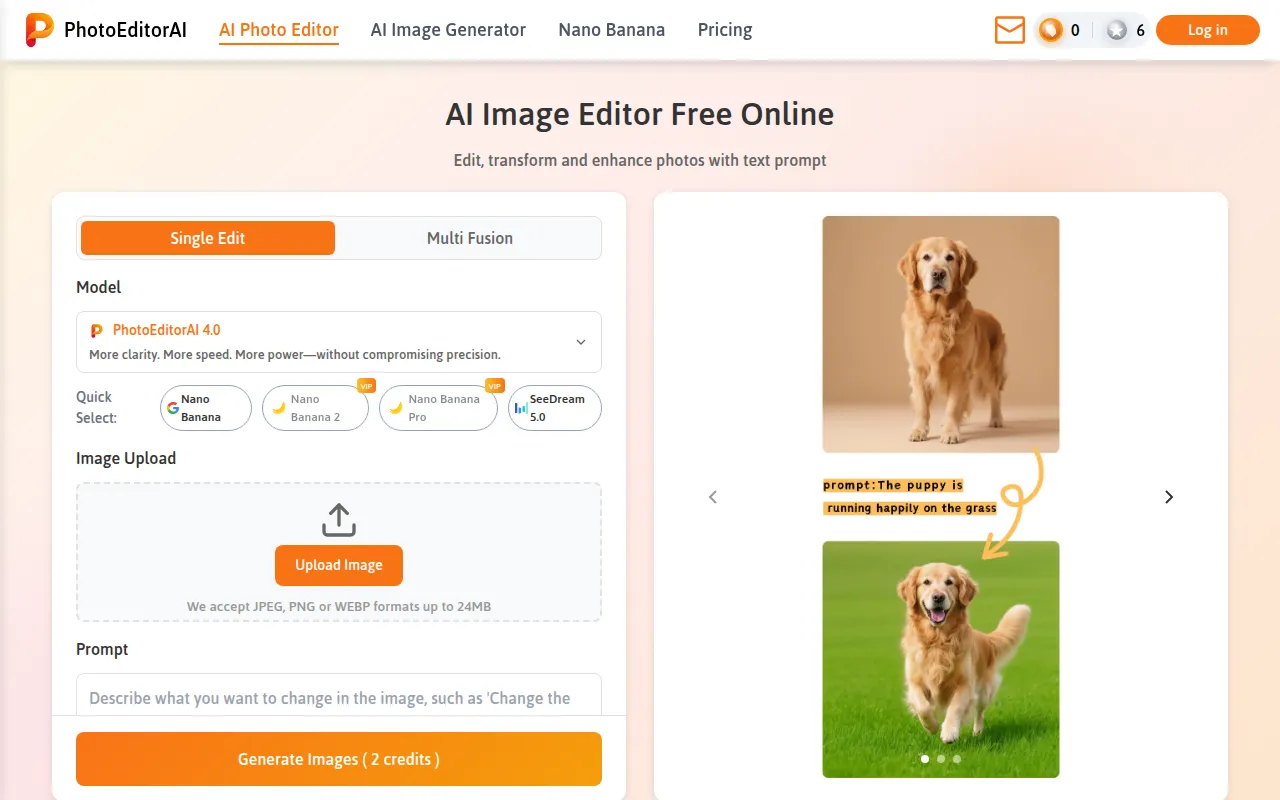
Free AI Photo Editor Online is a browser-based tool that supports editing and enhancing images using AI-driven text prompts. It offers multiple AI models, including PhotoEditorAI and SeeDream, to handle different visual tasks from a single interface.
The tool is designed for e-commerce sellers, social media creators, and marketing teams who need a way to modify photos. It supports tasks such as removing backgrounds or upscaling images without requiring software installation or account registration.
Because it operates on a credit system, buyers should confirm how many images they need to process daily. While it supports output resolution up to 2K, the available credits per day may affect high-volume production workflows.
Key Features
Text Prompt Editing
Supports describing changes, such as altering hair color or adding a background, using natural language.
Background Removal
Designed to identify and remove image backgrounds for product or portrait visuals.
Object Erasing
Helps remove unwanted elements from a photo based on user prompts.
Image Upscaling
Supports increasing the resolution of low-quality photos.
Style Transfer
Recreates a photo using the colors and textures of a reference image while preserving details.
Face Retouching
Helps clean up portraits by adjusting lighting and removing blemishes.
Use Cases
E-commerce Product Cleanup
Removing backgrounds from product shots to create consistent listings for storefronts.
Social Media Content Creation
Applying style transfers and background edits to photos for brand consistency on social platforms.
Marketing Asset Generation
Creating ad banners and campaign visuals by modifying existing images via text prompts.
Photo Restoration
Upscaling images to improve clarity for blogs or personal archives.
FAQ
Do I need to create an account to use the AI photo editor?
- No, the tool is designed to be used directly in the browser without registration or sign-up.
Can I use the images I edit for my business ads?
- Yes, images edited with this tool can be used for commercial purposes, including branding and e-commerce listings.
What files and resolutions are supported?
- It supports JPEG, PNG, and WEBP formats up to 24MB, with output resolution options up to 2K.
Is there a cost to use the software?
- The tool is free and provides users with 20 credits daily to perform editing operations.
Source category: Marketing
Source subcategory: Content Creation
More tools in Marketing
Other published listings in the Marketing category.


More tools in the Content Creation software type
Related listings that share the same software type for comparison and shortlisting.


