AI TOOL PROFILE
FlexTrap: Payment Accuracy Software

- Finance and Accounting
- Workflow Automation
- Enterprise AP teams
- Mid-market companies
- Organizations with high invoice volumes
- Businesses using recovery audit services
Pricing
Pricing was not clearly available from the provided evidence. Buyers should confirm current pricing on the vendor website.
At a glance
- Best for
- Enterprise AP teams, Mid-market companies, Organizations with high invoice volumes, Businesses using recovery audit services
- Key use cases
- Preventing Duplicate Payments, Automating Supplier Statements, AP Inbox Management, Reducing Manual Invoice Review
- Official website
- Visit FlexTrap official website
How AI is used
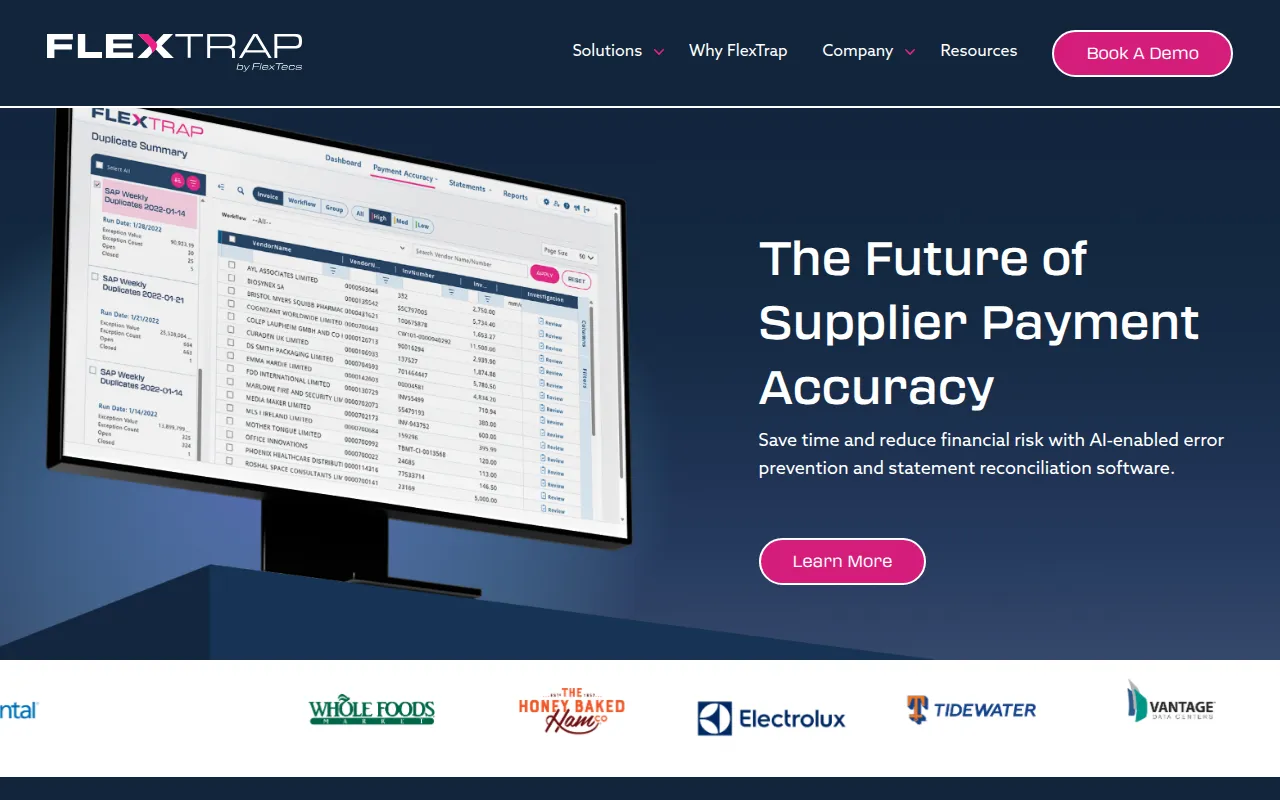
FlexTrap is a platform designed to support accounts payable automation by focusing on payment accuracy. It monitors incoming invoices for entry errors in real time and identifies duplicates before payments are processed.
The tool is designed for AP teams managing heavy workloads, manual statement reconciliation, or operational complexity across multiple systems. It provides a workflow for managing supplier statements and AP inbox communications.
Developed by FlexTecs, a firm specializing in recovery audit services, the platform is intended for organizations seeking to reduce payment mistakes. Buyers should confirm if their current volume of duplicate payments or statement errors justifies the addition of a specialized accuracy layer to their existing financial processes.
Key Features
Payment Error Prevention
Monitors incoming invoices for entry errors in real time and detects duplicates before payment is issued.
Statement Reconciliation
Automation that captures supplier statement data electronically and matches items to AP history.
AP Inbox Assist
Automation designed to help teams organize and triage messages within the AP inbox.
Wrong Vendor Prevention
Designed to detect and prevent payments from being sent to the incorrect vendor.
Root Cause Insights
Provides data to help teams address the underlying reasons for payment errors.
Use Cases
Preventing Duplicate Payments
Identifying duplicate invoices before they are paid to reduce overpayment.
Automating Supplier Statements
Matching supplier statements with internal AP records to identify open invoices or credits.
AP Inbox Management
Using automation to triage high volumes of communications in the accounts payable inbox.
Reducing Manual Invoice Review
Replacing manual error detection methods with real-time monitoring of incoming invoices.
FAQ
What does FlexTrap do?
- FlexTrap monitors incoming invoices in real time to prevent payment errors, detects duplicate invoices, and supports the automation of supplier statement reconciliation.
Who is this software designed for?
- It is designed for AP teams in mid-market and enterprise companies that manage large transaction volumes and want to reduce financial risk from payment mistakes.
How long does it take to implement FlexTrap?
- The vendor states that the platform can be set up in 30 days or less with minimal involvement from the IT department.
Source category: Finance & Accounting
Source subcategory: Workflow Automation
More tools in Finance & Accounting
Other published listings in the Finance & Accounting category.


More tools in the Workflow Automation software type
Related listings that share the same software type for comparison and shortlisting.


