AI TOOL PROFILE
ExtendImage: AI Image Extension Tool

- Productivity
- Image Generation
- Marketing Agencies
- Creative Agencies
- Small Business Owners
- Social Media Managers
Pricing
ExtendImage is offered as a free service, allowing up to 4 images to be generated per request.
At a glance
- Best for
- Marketing Agencies, Creative Agencies, Small Business Owners, Social Media Managers
- Key use cases
- Social Media Formatting, Marketing Visuals, Infographic and Poster Design, Correcting Framing
- Official website
- Visit ExtendImage official website
How AI is used
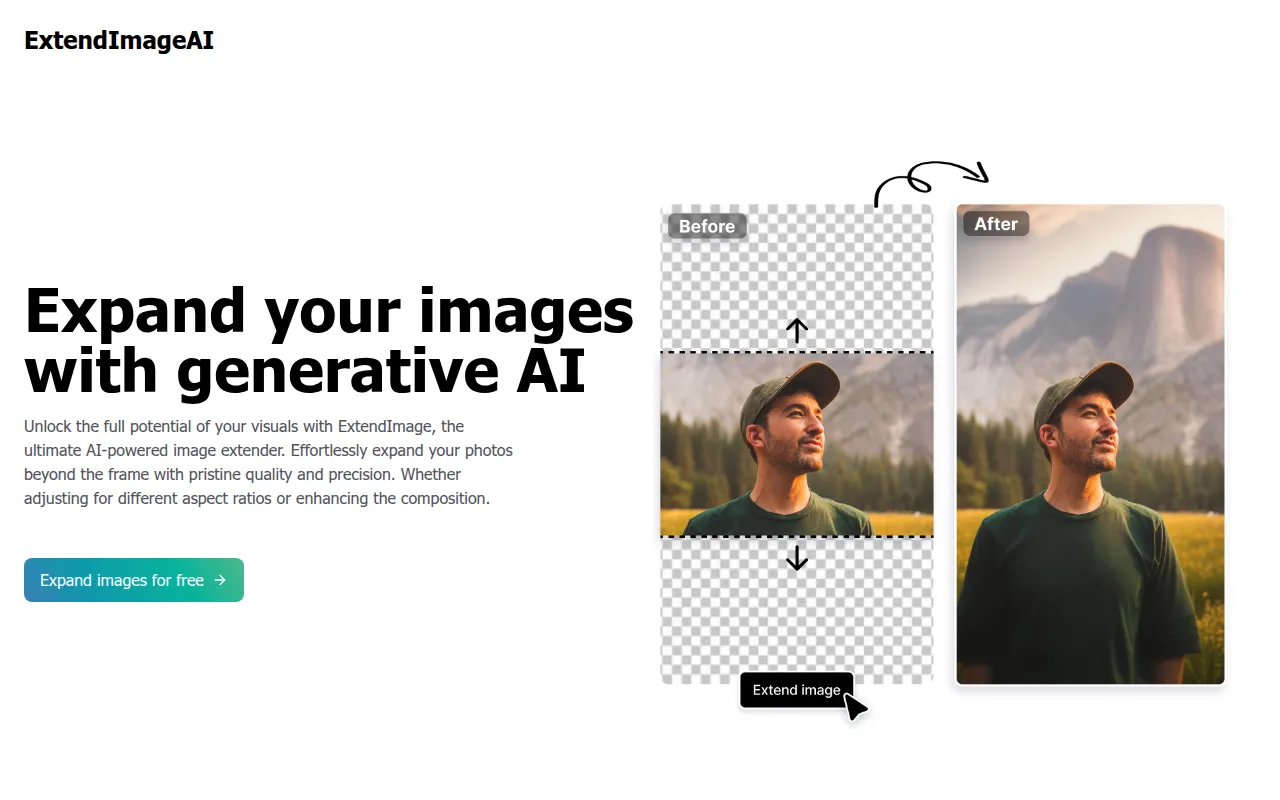
ExtendImage is a web-based generative AI tool designed to expand images beyond their original frames. It allows users to upload photos and use AI to fill in missing areas while matching the original color, style, and detail of the source image.
The tool is aimed at creative professionals, marketing agencies, and small businesses that need to adapt visuals for various digital platforms. It supports common image formats and provides options to define how the image should be enlarged.
Users can choose specific aspect ratios or use a freeform selection tool to target particular areas for expansion. The system generates up to 4 options per request, allowing the user to select the version that fits their design vision.
Buyers should note that the tool is offered as a free service, and they should verify if the current upload limits and output options meet their specific project requirements.
Key Features
AI Image Extension
Expands photos beyond their original borders by generating new pixels that match the existing style.
Aspect Ratio Selection
Allows users to choose preferred sizes and ratios to fit specific platform requirements.
Freeform Area Targeting
Supports a freeform selection tool for targeted expansion of specific sections of a photo.
Multi-Image Generation
Generates up to 4 image options per request to provide a variety of visual results.
File Support
Supports PNG, JPG, and JPEG uploads up to 4 MB in size.
Privacy Controls
Provides options to set generated images as either Public or Private.
Use Cases
Social Media Formatting
Adjusting vertical photos into landscape formats or other ratios for Instagram carousels and posts.
Marketing Visuals
Expanding image borders to create room for text or design elements in advertisements.
Infographic and Poster Design
Supporting the creation of posters and infographics by enlarging backgrounds.
Correcting Framing
Helping to fix awkward framing or salvaging images that were zoomed in too far.
FAQ
What does ExtendImage do?
- It uses generative AI to expand the borders of an image, filling in missing areas while matching the original color and style.
Is ExtendImage free to use?
- Yes, the provided evidence indicates it is a free service that allows users to generate up to 4 images per request.
What are the image upload limits?
- Users can upload images in PNG, JPG, or JPEG formats with a maximum file size of 4 MB.
Source category: Productivity
Source subcategory: Image Generation
More tools in Productivity
Other published listings in the Productivity category.


More tools in the Image Generation software type
Related listings that share the same software type for comparison and shortlisting.


